


Create your first Android project
To create a new Android project in Visual Studio, follow these steps:
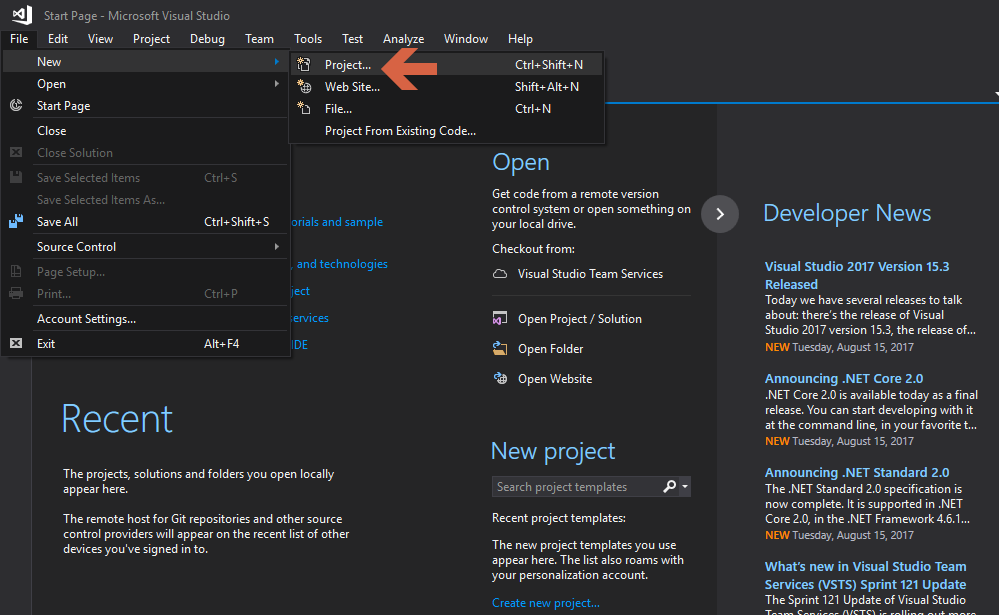
- Click on
File|New|Project:
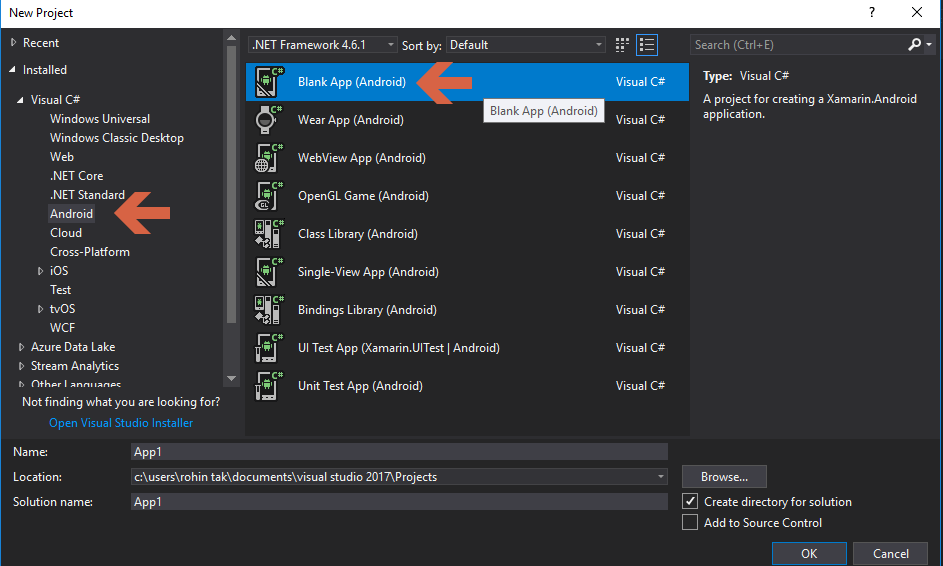
- From the left pane, click on
Androidand then selectBlank App (Android):
- In the
Namesection, give a name to the project, select a preferred location for your project, and click on theOKbutton. You'll get the screen shown in the following screenshot:
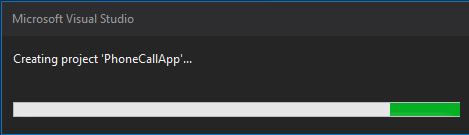
Congratulations, you've created your first Android project in Visual Studio.