


Configuring SSH keys
To configure and set up SSH keys for your GitHub account, follow these steps:
- Check whether you already have an
sshkey pair. - Open Git Bash and enter
ls -al ~/.sshto see whether existing SSH keys are present:
$ ls -al ~/.ssh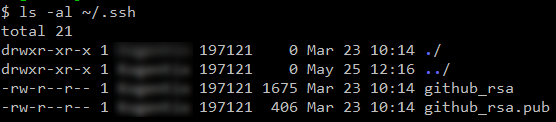
- The public key consists of the
.pubextension. Create a new key pair (skip this step if you already have a key pair). - Open Git Bash and paste in the following text, substituting your GitHub email address for the one shown:
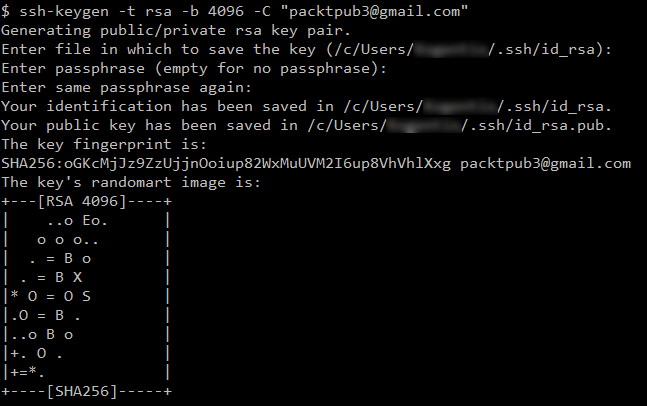
$ ssh-keygen -t rsa -b 4096 -C [email protected]
- When you're prompted to
Enter a file in which to save the key, press the Enter button to accept the default file location mentioned:

- When prompted, type a secure passphrase (recommended), or press Enter to continue without a passphrase:

- The entire setup will look as shown in the following screenshot:
- Add the newly created SSH keys into
ssh-agent; for that, ensuressh-agentis running:
$ eval $(ssh-agent -s)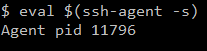
- Add the newly created private key to
ssh-agent. - If you created your key with a different...