

Building a project for PC
By default, our platform is set to PC, Mac & Linux Standalone. Just to verify that everything is working correctly, let's go ahead and get the game working on our own platform before moving to mobile:
- To get started, we will select the
Buildoption. In my instance, I'll be exporting our project to Windows, but the process is similar for Mac and Linux. - Once this is done, a window will pop up asking for a name and a location to put the game in. I'm going to name it
Endlessand put it in a newExportfolder located in the same folder that containsAssetsandLibrary, so it won't show up in theProjectwindow, but it will be in the same folder as my project:
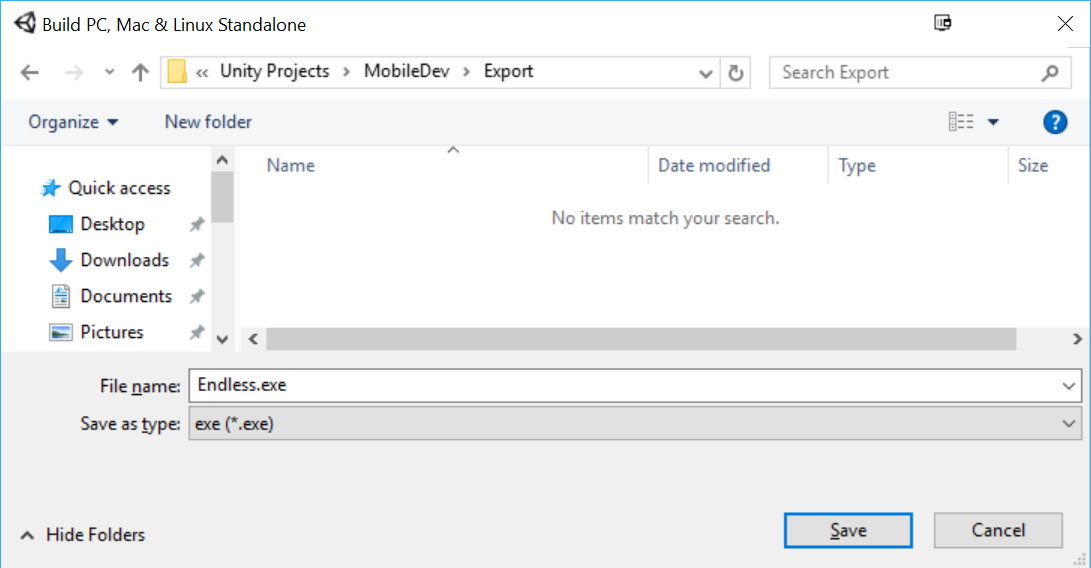
- Click on
Saveand wait for it to finish. Once it's done, you should have a window appear, as follows:
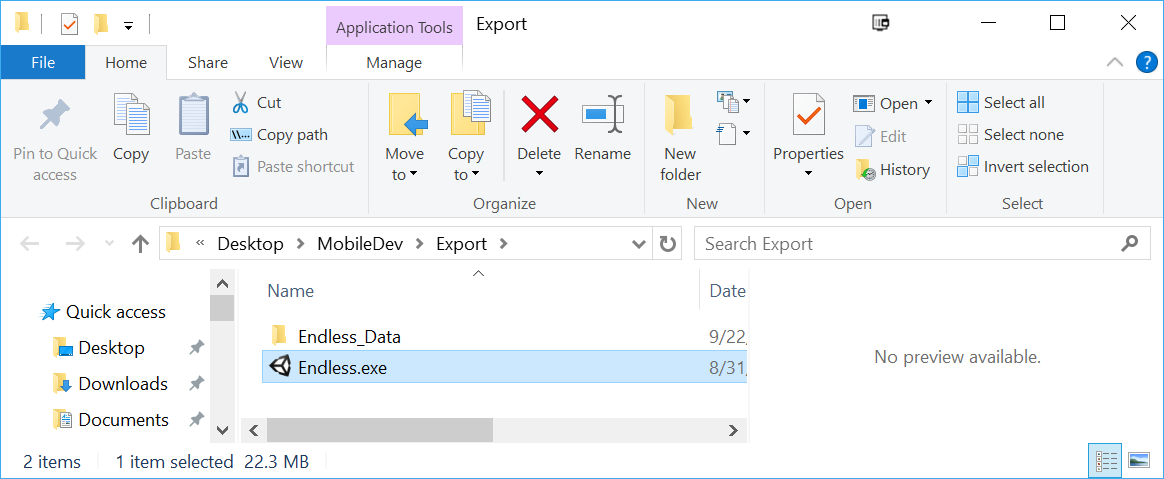
We have the executable, but we also have a data folder that contains all the assets for our application (right now, called Endless_Data). You must include the data folder with your game, or it will not run.
If you...