

Hello Android – Creating a Xamarin Android app
In this recipe, we will be looking at support for Android-based applications in Visual Studio for Mac. We will be looking at an Android project, setting up a solution for it, and checking for all the bits and pieces required.
Getting ready
Make sure you have installed Visual Studio for Mac for your macOS system. If not, follow the Installing Visual Studio for Mac and preparation recipe, which shows you how to install it.
How to do it...
- Open
Finder. - Click
Applicationsin the left-hand pane.
- Now, double-click on the Visual Studio icon:
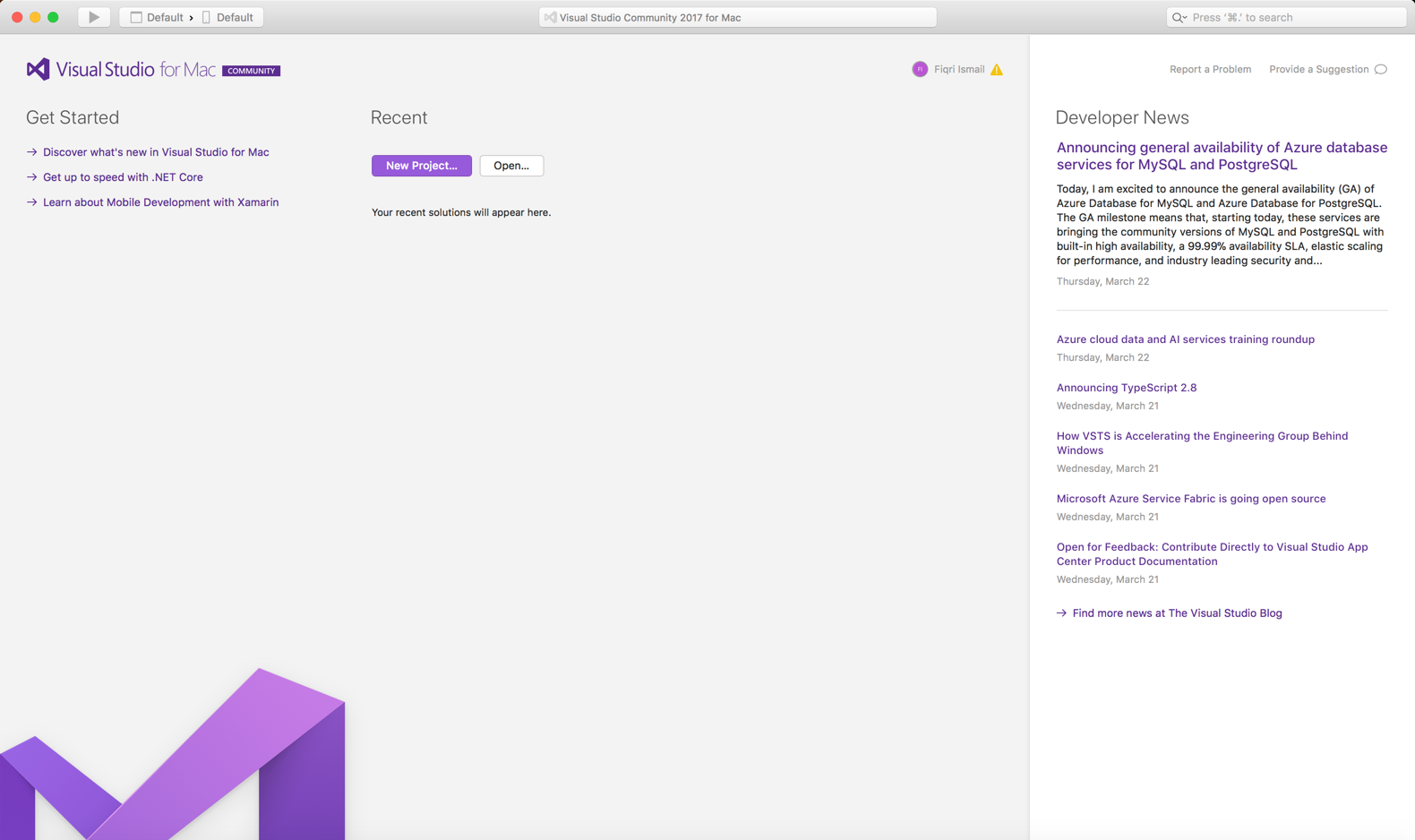
Visual Studio
- Click on the
New Projectbutton. - In the
Choose a template for your projectdialog box, scroll down till you reach theothersection.
- Select
Miscellaneousand, underGeneric, selectBlank Solution:
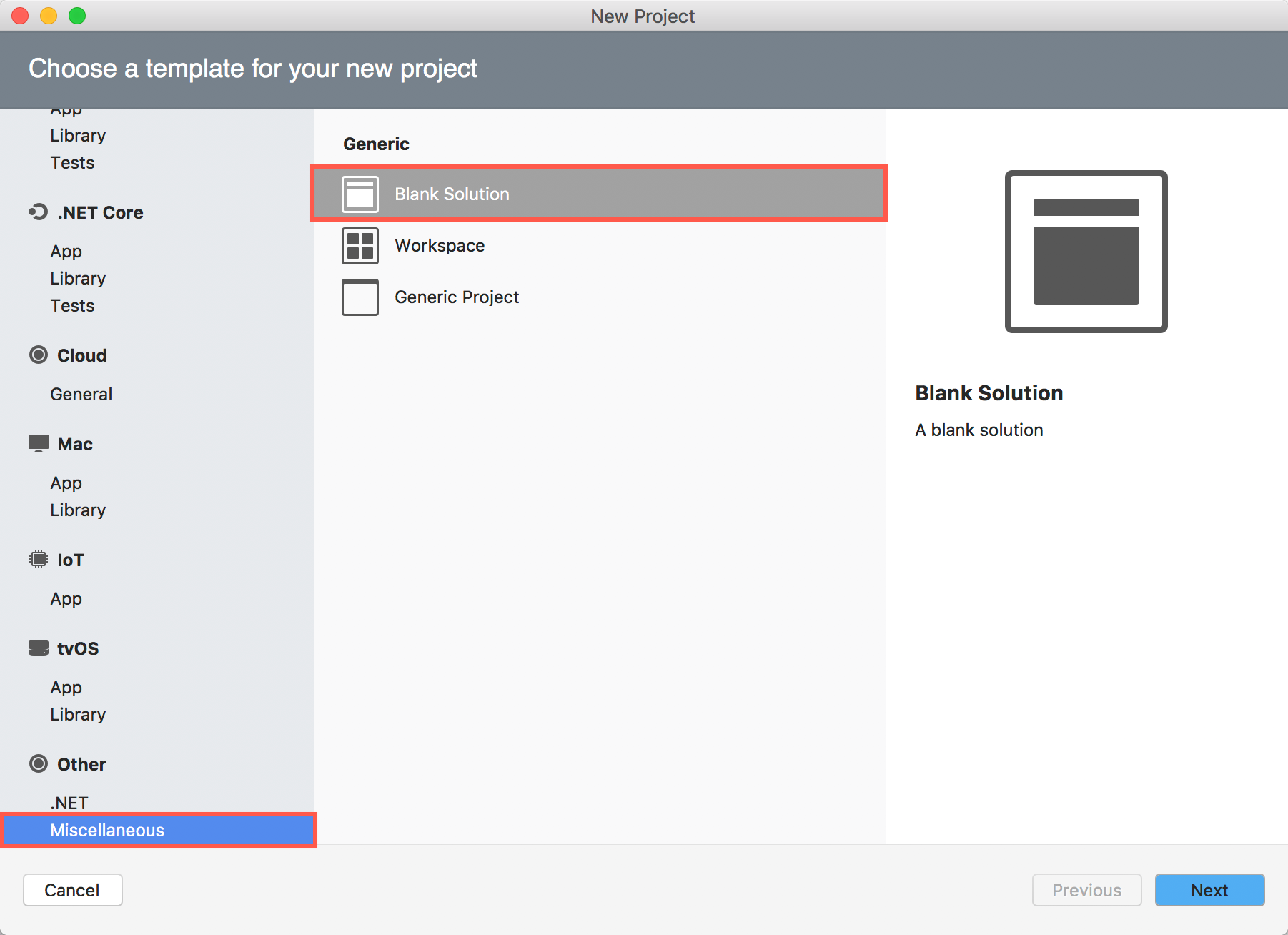
- Now, click the
Nextbutton.
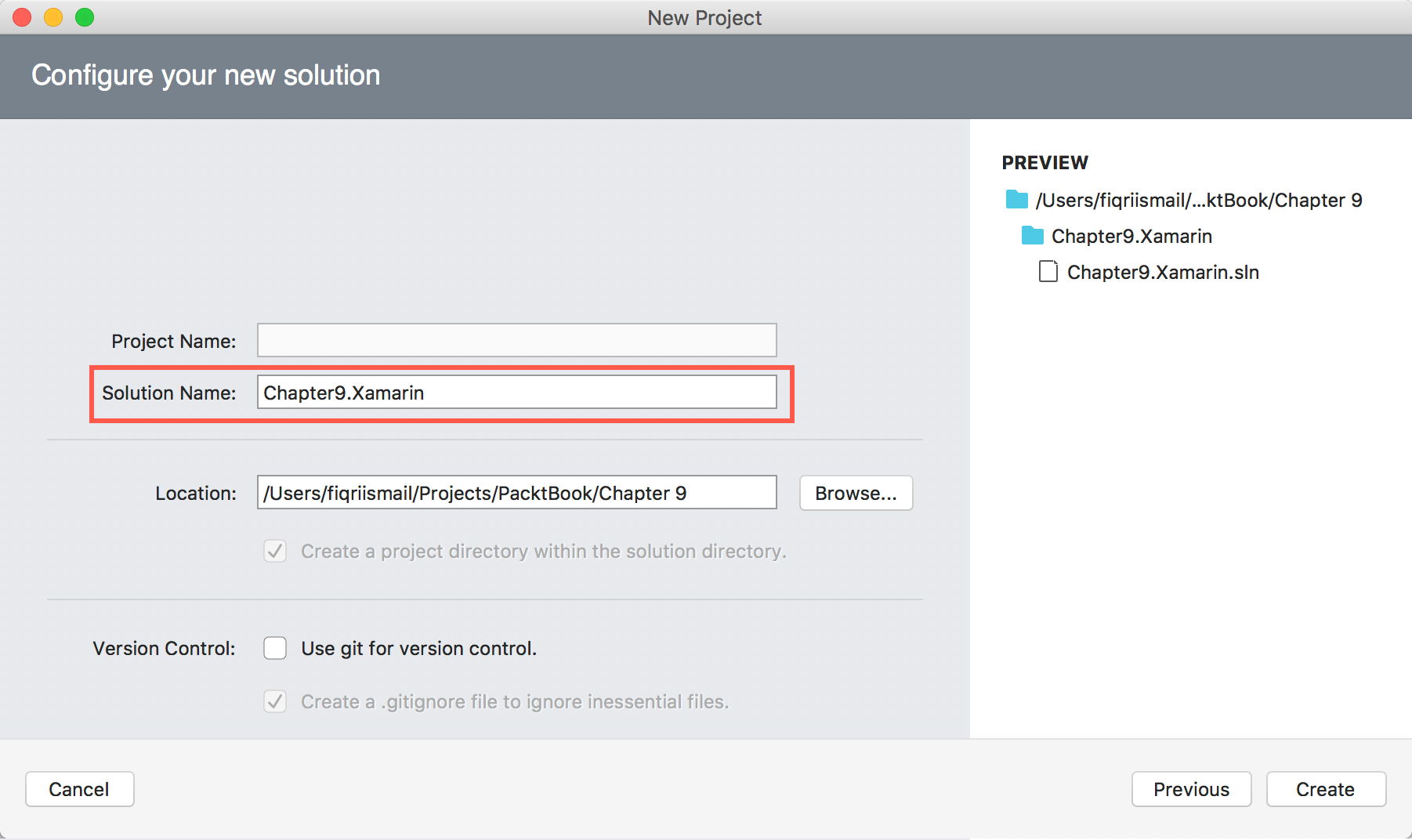
- In the
Solution Name:textbox, typeChapter9.Xamarin. Also make sure you have selected a proper location:
- Now, click
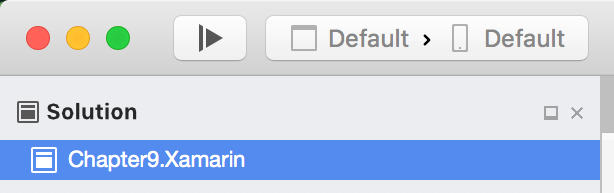
Create. - Now, the
Solution Explorershould look like this:
- Now, control (...