

Creating a .NET Standard 2.0 library
In this recipe, we will be looking at the basics of functional programming using C# inside a .NET Standard 2.0 library.
Getting ready
Let's get ready and open Visual Studio 2017. You should also check to see whether it's updated to the latest version.
How to do it...
- Open Visual Studio 2017.
- Click
File|New|Projectto create a project. - In the
New Projectdialog box, expand theOther Project Typesnode in the left-hand pane and selectVisual Studio Solutions. In the right-hand pane, selectBlank Solution. - In the
Name:textbox, typeChapter4.Functionsand, in theLocation:textbox, select a path from the drop-down box or click on theBrowse...button to locate a path:

- Click
OK. - Now, your
Solution Explorer(Ctrl + Alt + L) should look like this:
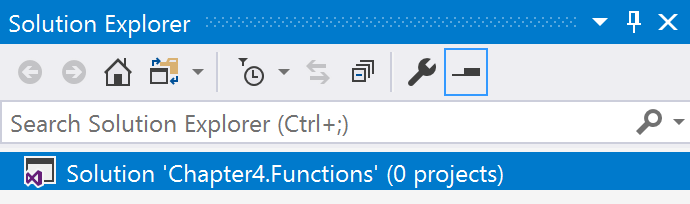
- Now, right-click on the
Chapter4.Functionslabel in theSolution Explorerand selectAdd|New Project. - In the
New Projectdialog box, expand theVisual C#node.
- Select
.NET Standardin the left-hand pane andClass Library...