

Creating a new module
In the previous chapter, we created a new application named Travel Booking Application along with a custom table that inherited a task table named Booking Request. When we created the table, it automatically created new modules for us based on the options we had selected in the create table form. Now let us look at ways to create new modules manually using Studio.
Using Studio
ServiceNow Studio offers a simple way to create new modules with just a few clicks:
- We can open
Studioby clicking on theSystem Applications|Studionavigation link. - When in,
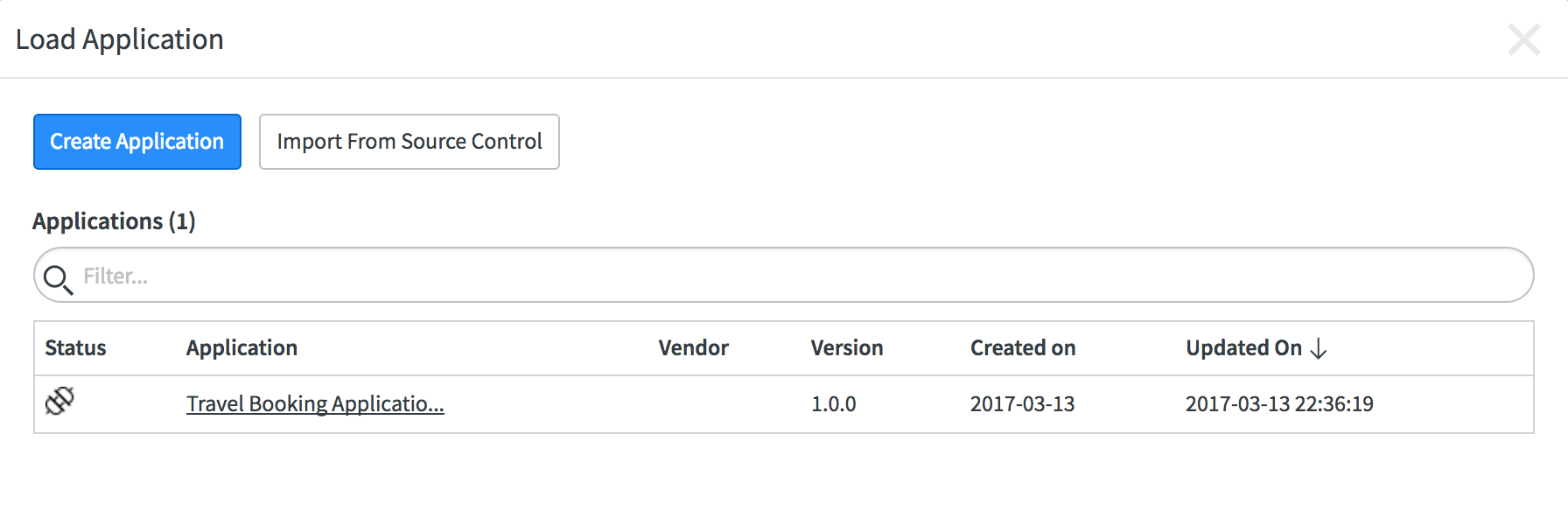
Studiointerface, select the appropriate application you want to work on. In our case, we will select theTravel Booking Application, as shown in the following screenshot:
- Once the application loads, click on the
Create Application Filebutton, shown in the following screenshot, to show theCreate Application Filedialog:

- The
Create Application Filedialog, shown in the following screenshot, is one of the most important interfaces...