


JavaScript Log
The JavaScript Log window along with Field Watcher appears at the bottom of the page when the JavaScript Log and Field Watcher setting, as shown in the following screenshot, is marked as active in the Developer pane of the System Settings page:
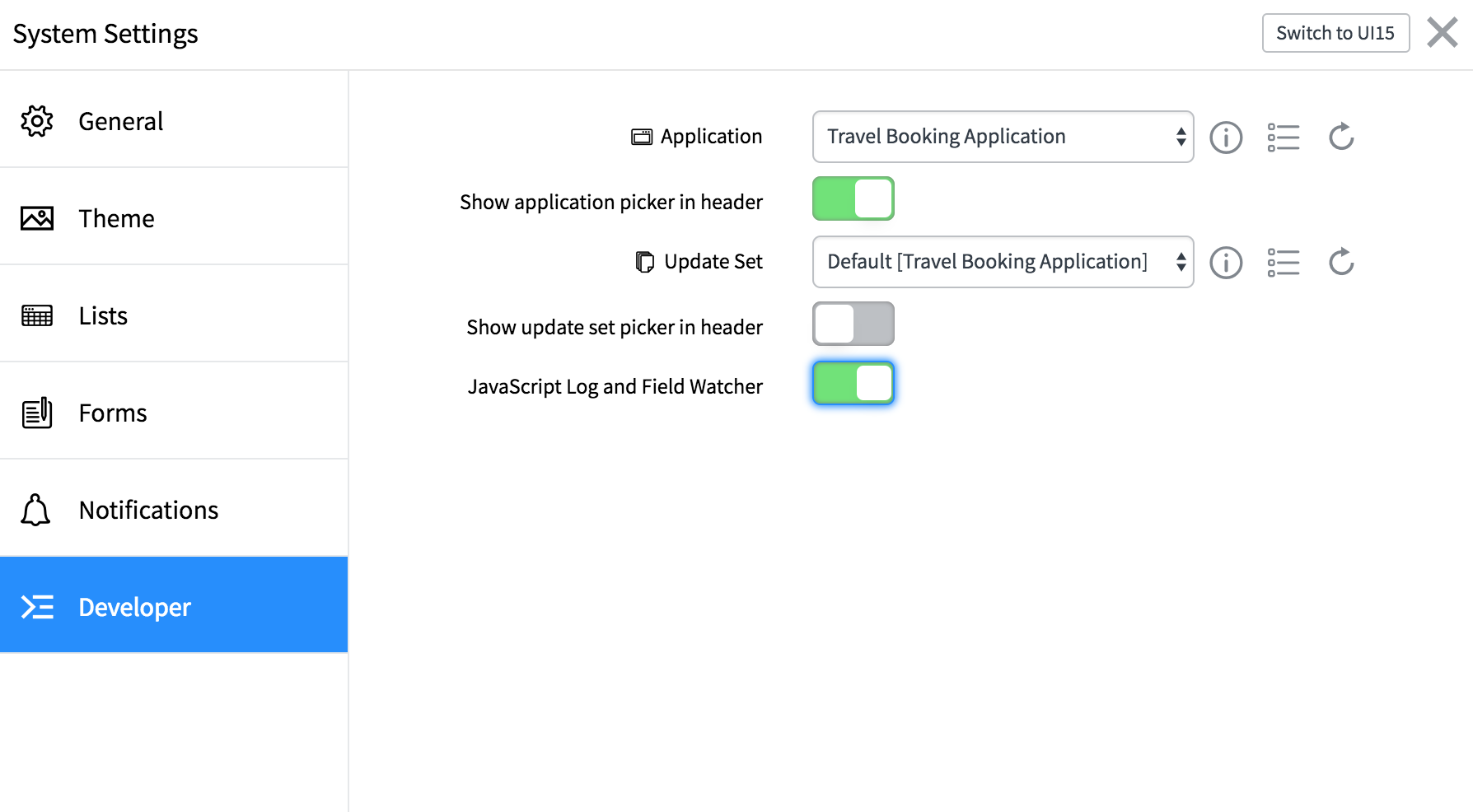
JavaScript Log window interface
The JavaScript Log window will appear at the bottom of the page. It consists of the following controls:
- Resize controls: The size of the
JavaScript Logwindow can be changed to one of the following three predefined settings:SmallMediumLarge
- Clear control: When you click on the clear icon, all the log entries from the console will be cleared.
- Minimize button: The minimize control button can be used to close the
JavaScript LogandField Watcherwindows. To reactivate the windows, we need to mark them as active in theDeveloperpane of theSystem Settingswindow:
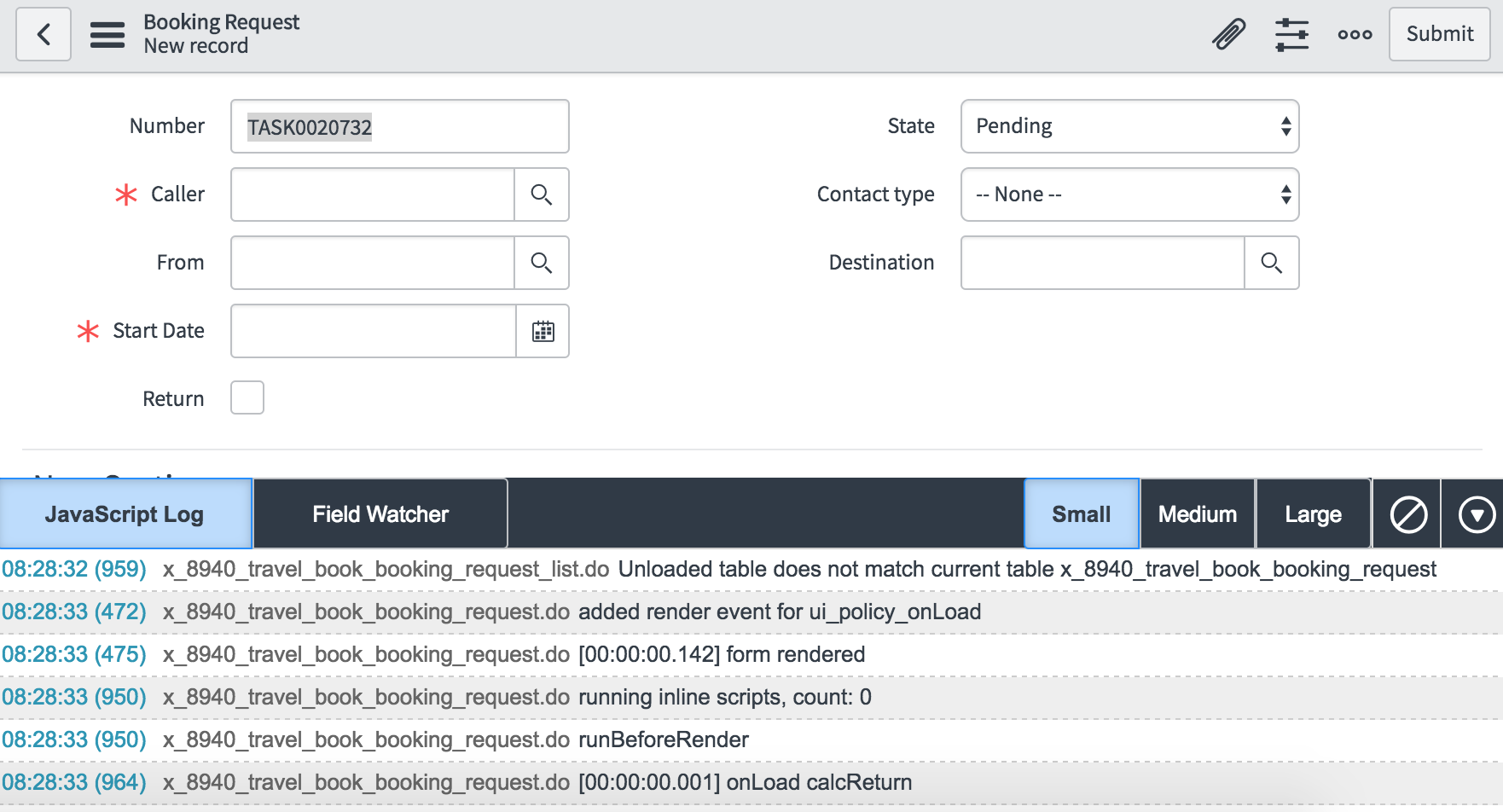
The JavaScript Log window output can be very useful when working with client scripts. When used along with the jslog() global function, it can help...