

Customizing the form display of a node
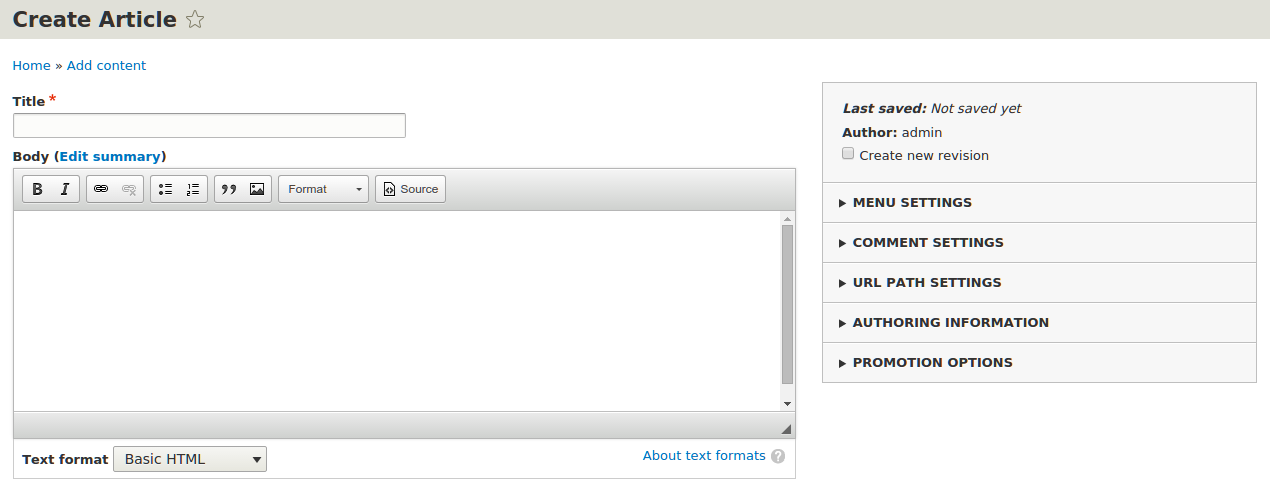
The latest in Drupal 8 is the availability of form display modes. Form modes allow a site administrator to configure different field configurations for each content entity bundle edit form. In the case of nodes, you have the ability to rearrange and alter the display of fields and properties on the node edit form.
In this recipe, we'll modify the default form for creating the Article content type that comes with the standard installation profile:
How to do it...
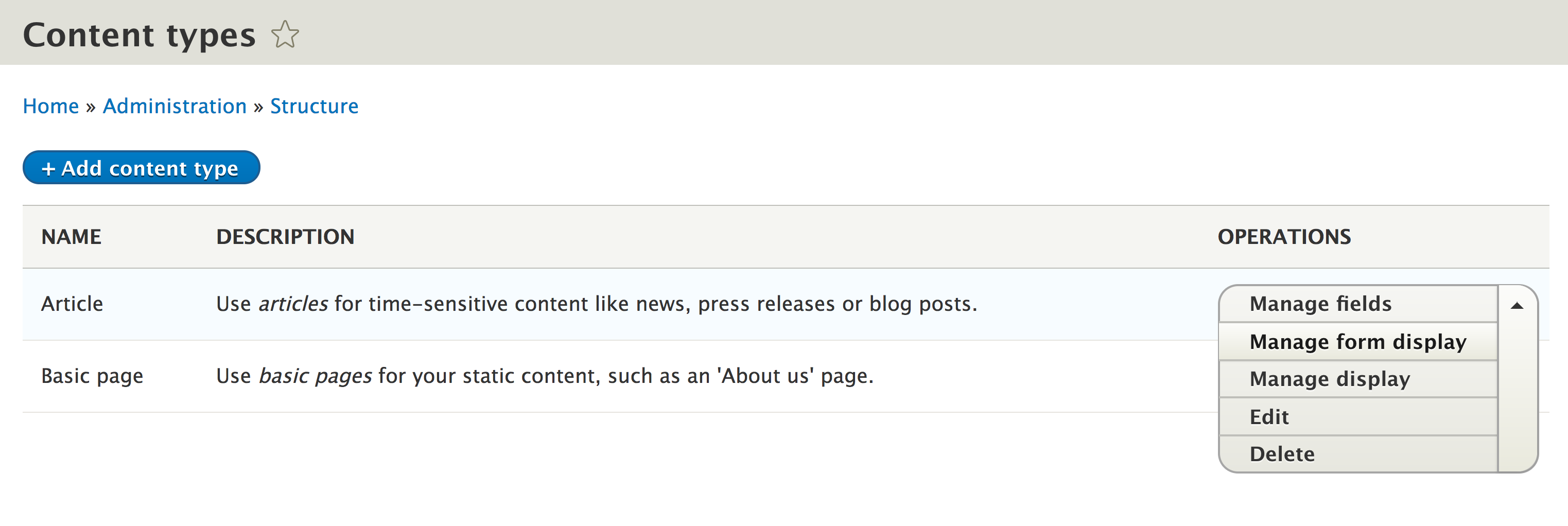
- To customize the form display mode, go to
Structureand thenContent Types. - We will modify the
Articlecontent type's form. Click on the expand theOPERATIONSdropdown and selectManage form display.
- First, we will modify the
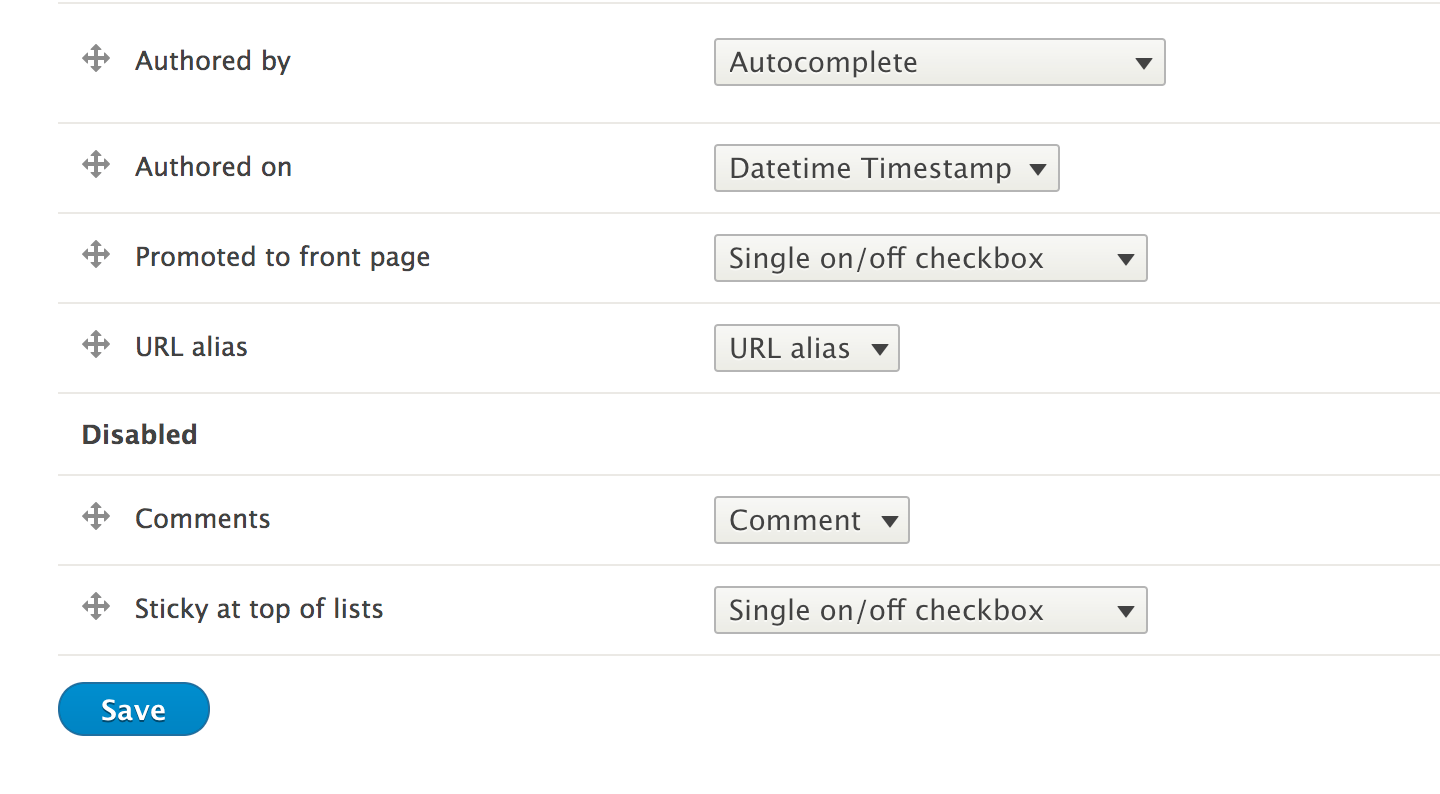
Commentsfield. Click on the drag icon to the left and drag the row into theDisabledsection. Follow the same steps for thesticky at top of listsfield:
- Click on the settings cog for the
Bodyfield. Enter in a placeholder for the field, such asEnter your article text here...