

Configuring NGINX for Joomla
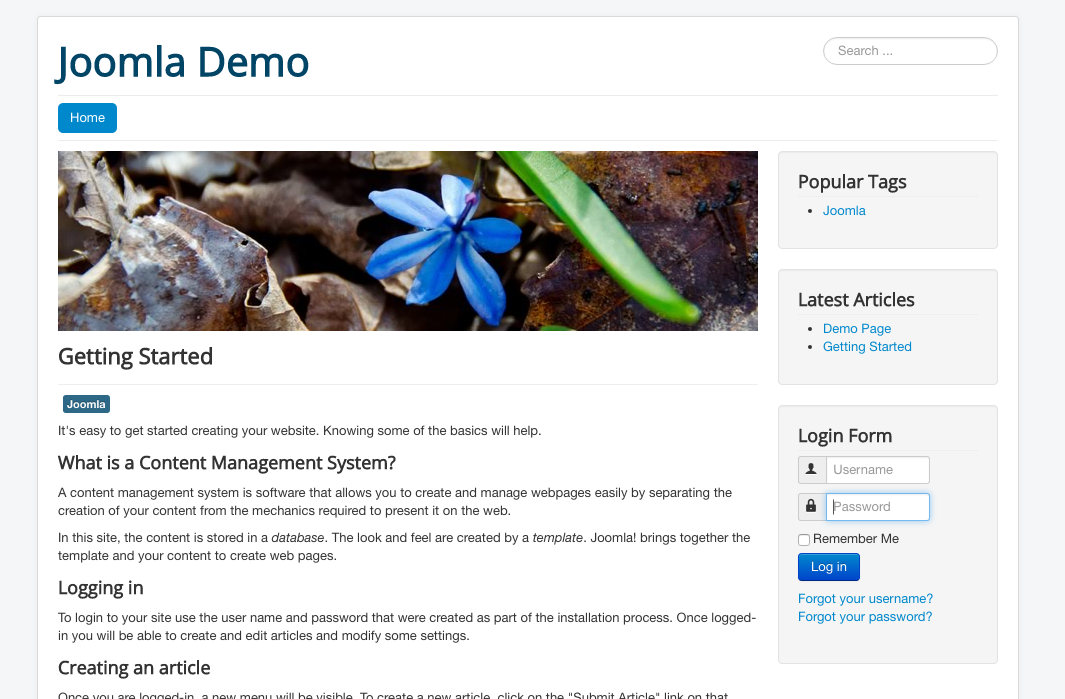
With the recent release of version 3.5, Joomla is still one of the most popular CMS platforms in the world. This latest release features full PHP 7 support, drag-and-drop images, and more:
Getting ready
This assumes you have a working Joomla installation and have located the files at /var/www/html/. If you need an installation guide, try the official documentation available at https://docs.joomla.org/J3.x:Installing_Joomla.
How to do it...
To use Joomla with NGINX, we need a simple NGINX configuration file. This is a very basic PHP-FPM configuration with no changes required:
server {
    listen       80;
    server_name  joomla.nginxcookbook.com;

    access_log  /var/log/nginx/joomla.access.log  combined;
    index index.php;

    root   /var/www/html/;

    location / {
        try_files $uri $uri/ /index.php?$args;
    }

    location ~ \.php$ {
        fastcgi_pass unix:/var/run/php7.0-fpm.sock;
        fastcgi_index index.php;
        fastcgi_param...