Search icon CANCEL
Subscription
0
Cart icon
Your Cart (0 item)
Close icon
You have no products in your basket yet
Save more on your purchases! discount-offer-chevron-icon
Savings automatically calculated. No voucher code required.
Arrow left icon
Explore Products
Best Sellers
New Releases
Books
Videos
Audiobooks
Learning Hub
Newsletter Hub
Free Learning
Arrow right icon
timer SALE ENDS IN
0 Days
:
00 Hours
:
00 Minutes
:
00 Seconds
$9.99 | ALL EBOOKS & VIDEOS
Save more on purchases! Buy 2 and save 10%, Buy 3 and save 15%, Buy 5 and save 20%
Python for Finance
Python for Finance

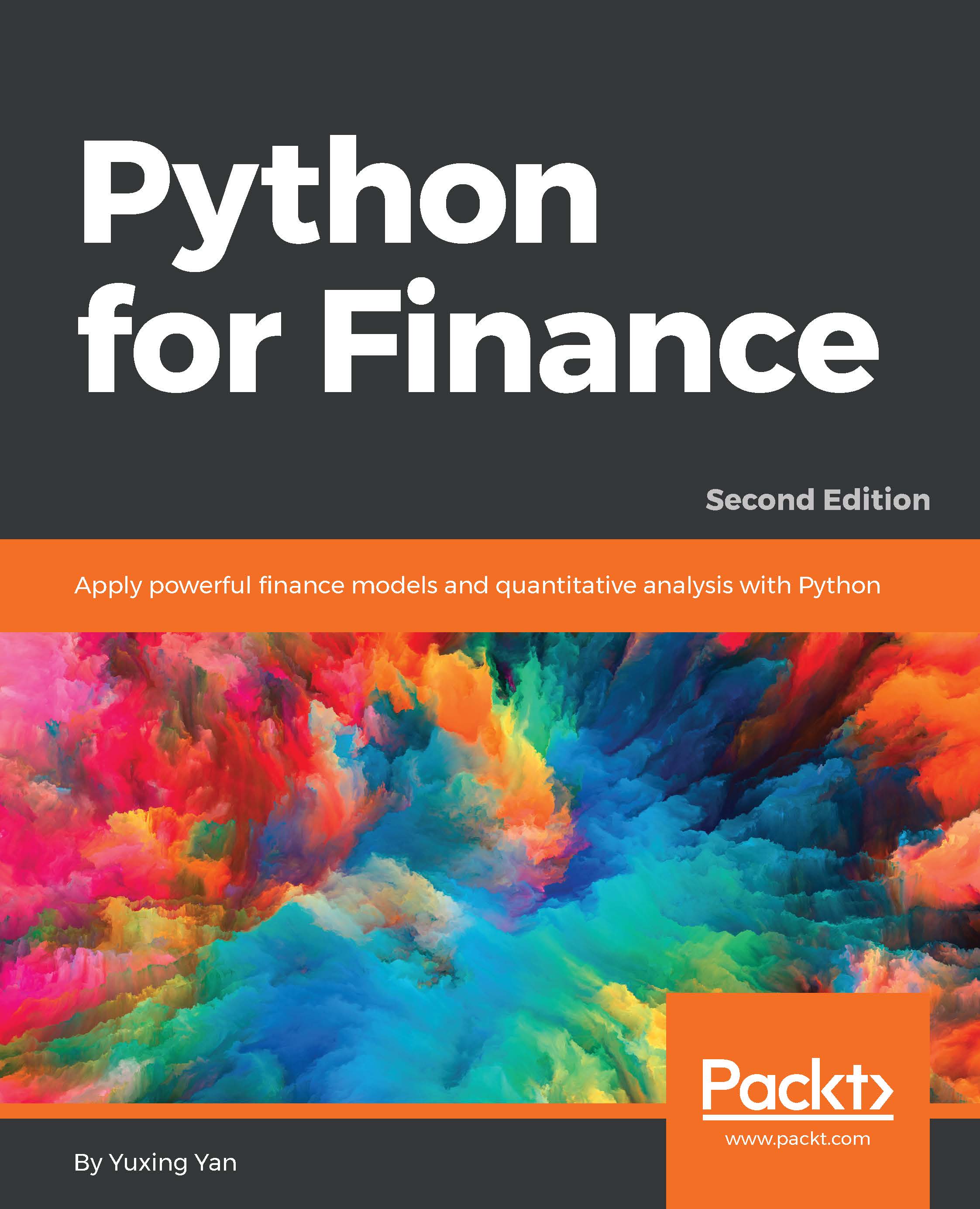
Python for Finance: Apply powerful finance models and quantitative analysis with Python , Second Edition

eBook
$9.99 $43.99
Paperback
$54.99
Subscription
Free Trial
Renews at $12.99p/m

What do you get with eBook?

Product feature icon Instant access to your Digital eBook purchase
Product feature icon Download this book in EPUB and PDF formats
Product feature icon Access this title in our online reader with advanced features
Product feature icon DRM FREE - Read whenever, wherever and however you want
OR
Modal Close icon
Payment Processing...
tick Completed

Billing Address

Table of content icon View table of contents Preview book icon Preview Book

Python for Finance

Chapter 2. Introduction to Python Modules

In this chapter, we will discuss the most important issues related to Python modules, which are packages written by experts or any individual to serve a special purpose. In this book, we will use about a dozen modules in total. Thus, knowledge related to modules is critical in our understanding of Python and its application to finance. In particular, in this chapter, we will cover the following topics:

  • Introduction to Python modules

  • Introduction to NumPy

  • Introduction to SciPy

  • Introduction to matplotlib

  • Introduction to statsmodels

  • Introduction to pandas

  • Python modules related to finance

  • Introduction to the pandas_reader module

  • Two financial calculators written in Python

  • How to install a Python module

  • Module dependency

What is a Python module?


A module is a package or group of programs that is written by an expert, user, or even a beginner who is usually very good in a specific area, to serve a specific purpose.

For example, a Python module called quant is for quantitative financial analysis. quant combines two modules of SciPy and DomainModel. The module contains a domain model that has exchanges, symbols, markets, and historical prices, among other things. Modules are very important in Python. In this book, we will discuss about a dozen modules implicitly or explicitly. In particular, we will explain five modules in detail: NumPy, SciPy, matplotlib, statsmodels, and Pandas.

Note

As of November 16, 2016, there are 92,872 Python modules (packages) with different areas available according to the Python Package Index.

For the financial and insurance industries, there are 384 modules currently available.

Assume that we want to estimate the square root of 3 by using the sqrt() function. However, after issuing the...

Introduction to NumPy


In the following examples, the np.size() function from NumPy shows the number of data items of an array, and the np.std() function is used to calculate standard deviation:

>>>import numpy as np
>>>x= np.array([[1,2,3],[3,4,6]])     # 2 by 3 matrix
>>>np.size(x)                         # number of data items
6
>>>np.size(x,1)                       # show number of columns
3
>>>np.std(x)
1.5723301886761005
>>>np.std(x,1)
Array([ 0.81649658, 1.24721913]
>>>total=x.sum()                      # attention to the format
>>>z=np.random.rand(50)               #50 random obs from [0.0, 1)
>>>y=np.random.normal(size=100)       # from standard normal
>>>r=np.array(range(0,100),float)/100 # from 0, .01,to .99

Compared with a Python array, a NumPy array is a contiguous piece of memory that is passed directly to LAPACK, which is a software library for numerical linear algebra under the hood, so...

Introduction to SciPy


The following are a few examples based on the functions enclosed in the SciPy module. The sp.npv() function estimates the present values for a given set of cash flows with the first cash flow happening at time zero. The first input value is the discount rate, and the second input is an array of all cash flows.

The following is one example. Note that the sp.npv() function is different from the Excel npv() function. We will explain why this is so in Chapter 3, Time Value of Money:

>>>import scipy as sp
>>>cashflows=[-100,50,40,20,10,50]
>>>x=sp.npv(0.1,cashflows)
>>>round(x,2)
>>>31.41

The sp.pmt() function is used to answer the following question.

What is the monthly cash flow to pay off a mortgage of $250,000 over 30 years with an annual percentage rate (APR) of 4.5 percent, compounded monthly? The following code shows the answer:

>>>payment=sp.pmt(0.045/12,30*12,250000)
>>>round(payment,2)
-1266.71

Based on the...

Introduction to matplotlib


Graphs and other visual representations have become more important in explaining many complex financial concepts, trading strategies, and formulas.

In this section, we discuss the matplotlib module, which is used to create various types of graphs. In addition, the module will be used intensively in Chapter 10, Options and Futures, when we discuss the famous Black-Scholes-Merton option model and various trading strategies. The matplotlib module is designed to produce publication-quality figures and graphs. The matplotlib module depends on NumPy and SciPy, which were discussed in the previous sections. To save generated graphs, there are several output formats available, such as PDF, Postscript, SVG, and PNG.

How to install matplotlib

If Python was installed by using the Anaconda super package, then matplotlib is preinstalled already. After launching Spyder, type the following line to test. If there is no error, it means that we have imported/uploaded the module successfully...

Introduction to statsmodels


statsmodels is a powerful Python package for many types of statistical analysis. Again, if Python was installed via Anaconda, then the module was installed at the same time. In statistics, ordinary least square (OLS) regression is a method for estimating the unknown parameters in a linear regression model. It minimizes the sum of squared vertical distances between the observed values and the values predicted by the linear approximation. The OLS method is used extensively in finance. Assume that we have the following equation, where y is an n by 1 vector (array), and x is an n by (m+1) matrix, a return matrix (n by m), plus a vector that contains 1 only. n is the number of observations, and m is the number of independent variables:

In the following program, after generating the x and y vectors, we run an OLS regression (a linear regression). The x and y are artificial data. The last line prints the parameters only (the intercept is 1.28571420 and the slope is 0...

Introduction to pandas


The pandas module is a powerful tool used to process various types of data, including economics, financial, and accounting data. If Python was installed on your machine via Anaconda, then the pandas module was installed already. If you issue the following command without any error, it indicates that the pandas module was installed:

>>>import pandas as pd

In the following example, we generate two time series starting from January 1, 2013. The names of those two time series (columns) are A and B:

import numpy as np
import pandas as pd
dates=pd.date_range('20160101',periods=5)
np.random.seed(12345)
x=pd.DataFrame(np.random.rand(5,2),index=dates,columns=('A','B'))

First, we import both NumPy and pandas modules. The pd.date_range() function is used to generate an index array. The x variable is a pandas DataFrame with dates as its index. Later in this chapter, we will discuss the pd.DataFrame() function. The columns() function defines the names of those columns. Because...

Python modules related to finance


Since this book is applying Python to finance, the modules (packages) related to finance will be our first priority.

The following table presents about a dozen Python modules or submodules related to finance:

Name

Description

Numpy.lib.financial

Many functions for corporate finance and financial management.

pandas_datareader

Retrieves data from Google, Yahoo! Finance, FRED, Fama-French factors.

googlefinance

Python module to get real-time (no delay) stock data from Google Finance API.

yahoo-finance

Python module to get stock data from Yahoo! Finance.

Python_finance

Download and analyze Yahoo! Finance data and develop trading strategies.

tstockquote

Retrieves stock quote data from Yahoo! Finance.

finance

Financial risk calculations. Optimized for ease of use through class construction and operator overload.

quant

Enterprise architecture for quantitative analysis in finance.

tradingmachine

A backtester for financial...

Introduction to the pandas_reader module


Via this module, users can download various economics and financial via Yahoo! Finance, Google Finance, Federal Reserve Economics Data (FRED), and Fama-French factors.

Assume that the pandas_reader module is installed. For detail on how to install this module, see the How to install a Python module section. First, let's look at the simplest example, just two lines to get IBM's trading data; see the following:

import pandas_datareader.data as web
df=web.get_data_google("ibm")

We could use a dot head and dot tail to show part of the results; see the following code:

>>> df.head()
>>> 
                  Open        High         Low       Close   Volume  
Date                                                                  
2010-01-04  131.179993  132.970001  130.850006  132.449997  6155300   
2010-01-05  131.679993  131.850006  130.100006  130.850006  6841400   
2010-01-06  130.679993  131.490005  129.809998  130.000000  5605300   
2010...

Two financial calculators


In the next chapter, many basic financial concepts and formulas will be introduced and discussed. Usually, when taking corporate finance or financial management, students rely on either Excel or a financial calculator to conduct their estimations. Since Python is the computational tool, a financial calculator written in Python would definitely enhance our understanding of both finance and Python.

Here is the first financial calculator, written in Python, from Numpy.lib.financial; see the following code:

>>> import numpy.lib.financial as fin
>>> dir(fin)
['__all__', '__builtins__', '__cached__', '__doc__', '__file__', '__loader__', '__name__', '__package__', '__spec__', '_convert_when', '_g_div_gp', '_rbl', '_when_to_num', 'absolute_import', 'division', 'fv', 'ipmt', 'irr', 'mirr', 'np', 'nper', 'npv', 'pmt', 'ppmt', 'print_function', 'pv', 'rate']
>>>

The functions that will be used and discussed in Chapter 3, Time Value of Money, include...

How to install a Python module


If Python was installed via Anaconda, there is a good chance that many of the modules discussed in this book have been installed together with Python. If Python was installed independently, users could use PyPi to install or update.

For example, we are interested in installing NumPy. On Windows, we have the following code:

python -m pip install -U pip numpy

If Python.exe is on the path, we could open a DOS window first, then issue the preceding line. If Python.exe is not on the path, we open a DOS window, then move to the location of the Python.exe file; for an example, see the following screenshot:

For a Mac, we have the following codes. Sometimes, after running the preceding command, you might receive the following message asking for an update of PiP:

The command line to update pip is given here:

python –m pip install –upgrade pip

See the result shown in the following screenshot:

To install NumPy independently, on Linux or OS X, we issue the following command:

pip...

Module dependency


At the very beginning of this book, we argued that one of the advantages of using Python is that it is a rich source of hundreds of special packages called modules.

To avoid duplicated efforts and to save time in developing new modules, later modules choose to use functions developed on early modules; that is, they depend on early modules.

The advantage is obvious because developers can save lots of time and effort when building and testing a new module. However, one disadvantage is that installation becomes difficult.

There are two competing approaches:

  • The first approach is to bundle everything together and make sure that all parts play together nicely, thus avoiding the pain of installing n packages independently. This is wonderful, assuming that it works. A potential issue is that the updating of individual modules might not be reflected in the super package.

  • The second approach is to use minimal dependencies. It causes fewer headaches for the package maintainer, but for...

Exercises


  1. Do we have to install NumPy independently if our Python was installed via Anaconda?

  2. What are the advantages of using a super package to install many modules simultaneously?

  3. How do you find all the functions contained in NumPy or SciPy?

  4. How many ways are there to import a specific function contained in SciPy?

  5. What is wrong with the following operation?

    >>>x=[1,2,3]
    >>>x.sum()
  6. How can we print all the data items for a given array?

  7. What is wrong with the following lines of code?

    >>>import np
    >>>x=np.array([True,false,true,false],bool)
  8. Find out the meaning of skewtest included in the stats submodule (SciPy), and give an example of using this function.

  9. What is the difference between an arithmetic mean and a geometric mean?

  10. Debug the following lines of code, which are used to estimate a geometric mean for a given set of returns:

    >>>import scipy as sp
    >>>ret=np.array([0.05,0.11,-0.03])
    >>>pow(np.prod(ret+1),1/len(ret))-1
  11. Write a Python...

Summary


In this chapter, we have discussed one of the most important properties of Python: modules. A module is a package written by an expert or any individual to serve a special purpose. The knowledge related to modules is essential in our understanding of Python and its application to finance. In particular, we have introduced and discussed the most important modules, such as NumPy, SciPy, matplotlib, statsmodels, pandas, and pandas_reader. In addition, we have briefly mentioned module dependency and other issues. Two financial calculators written in Python were also presented. In Chapter 3, Time Value of Money, we will discuss many basic concepts associated with finance, such as the present value of one future cash flow, present value of perpetuity, present value of growing perpetuity, present value of annuity, and formulas related to future values. In addition, we will discuss definitions of Net Present Value (NPV), Internal Rate of Return (IRR), and Payback period. After that, several...

Left arrow icon Right arrow icon

Key benefits

  • *Understand the fundamentals of Python data structures and work with time-series data
  • *Implement key concepts in quantitative finance using popular Python libraries such as NumPy, SciPy, and matplotlib
  • *A step-by-step tutorial packed with many Python programs that will help you learn how to apply Python to finance

Description

This book uses Python as its computational tool. Since Python is free, any school or organization can download and use it. This book is organized according to various finance subjects. In other words, the first edition focuses more on Python, while the second edition is truly trying to apply Python to finance. The book starts by explaining topics exclusively related to Python. Then we deal with critical parts of Python, explaining concepts such as time value of money stock and bond evaluations, capital asset pricing model, multi-factor models, time series analysis, portfolio theory, options and futures. This book will help us to learn or review the basics of quantitative finance and apply Python to solve various problems, such as estimating IBM’s market risk, running a Fama-French 3-factor, 5-factor, or Fama-French-Carhart 4 factor model, estimating the VaR of a 5-stock portfolio, estimating the optimal portfolio, and constructing the efficient frontier for a 20-stock portfolio with real-world stock, and with Monte Carlo Simulation. Later, we will also learn how to replicate the famous Black-Scholes-Merton option model and how to price exotic options such as the average price call option.

Who is this book for?

This book assumes that the readers have some basic knowledge related to Python. However, he/she has no knowledge of quantitative finance. In addition, he/she has no knowledge about financial data.

What you will learn

  • *Become acquainted with Python in the first two chapters
  • * Run CAPM, Fama-French 3-factor, and Fama-French-Carhart 4-factor models
  • *Learn how to price a call, put, and several exotic options
  • *Understand Monte Carlo simulation, how to write a Python program to
  • replicate the Black-Scholes-Merton options model, and how to price a few
  • exotic options
  • *Understand the concept of volatility and how to test the hypothesis that
  • volatility changes over the years
  • *Understand the ARCH and GARCH processes and how to write related
  • Python programs

Product Details

Country selected
Publication date, Length, Edition, Language, ISBN-13
Publication date : Jun 30, 2017
Length: 586 pages
Edition : 2nd
Language : English
ISBN-13 : 9781787125025
Category :
Languages :
Concepts :

What do you get with eBook?

Product feature icon Instant access to your Digital eBook purchase
Product feature icon Download this book in EPUB and PDF formats
Product feature icon Access this title in our online reader with advanced features
Product feature icon DRM FREE - Read whenever, wherever and however you want
OR
Modal Close icon
Payment Processing...
tick Completed

Billing Address

Product Details

Publication date : Jun 30, 2017
Length: 586 pages
Edition : 2nd
Language : English
ISBN-13 : 9781787125025
Category :
Languages :
Concepts :

Packt Subscriptions

See our plans and pricing
Modal Close icon
$12.99 billed monthly
Feature tick icon Unlimited access to Packt's library of 6,500+ practical books and videos
Feature tick icon Constantly refreshed with 50+ new titles a month
Feature tick icon Exclusive Early access to books as they're written
Feature tick icon Solve problems while you work with advanced search and reference features
Feature tick icon Offline reading on the mobile app
Feature tick icon Simple pricing, no contract
$129.99 billed annually
Feature tick icon Unlimited access to Packt's library of 6,500+ practical books and videos
Feature tick icon Constantly refreshed with 50+ new titles a month
Feature tick icon Exclusive Early access to books as they're written
Feature tick icon Solve problems while you work with advanced search and reference features
Feature tick icon Offline reading on the mobile app
Feature tick icon Choose a DRM-free eBook or Video every month to keep
Feature tick icon PLUS own as many other DRM-free eBooks or Videos as you like for just $5 each
Feature tick icon Exclusive print discounts
$179.99 billed in 18 months
Feature tick icon Unlimited access to Packt's library of 6,500+ practical books and videos
Feature tick icon Constantly refreshed with 50+ new titles a month
Feature tick icon Exclusive Early access to books as they're written
Feature tick icon Solve problems while you work with advanced search and reference features
Feature tick icon Offline reading on the mobile app
Feature tick icon Choose a DRM-free eBook or Video every month to keep
Feature tick icon PLUS own as many other DRM-free eBooks or Videos as you like for just $5 each
Feature tick icon Exclusive print discounts

Frequently bought together


Stars icon
Total $ 188.97
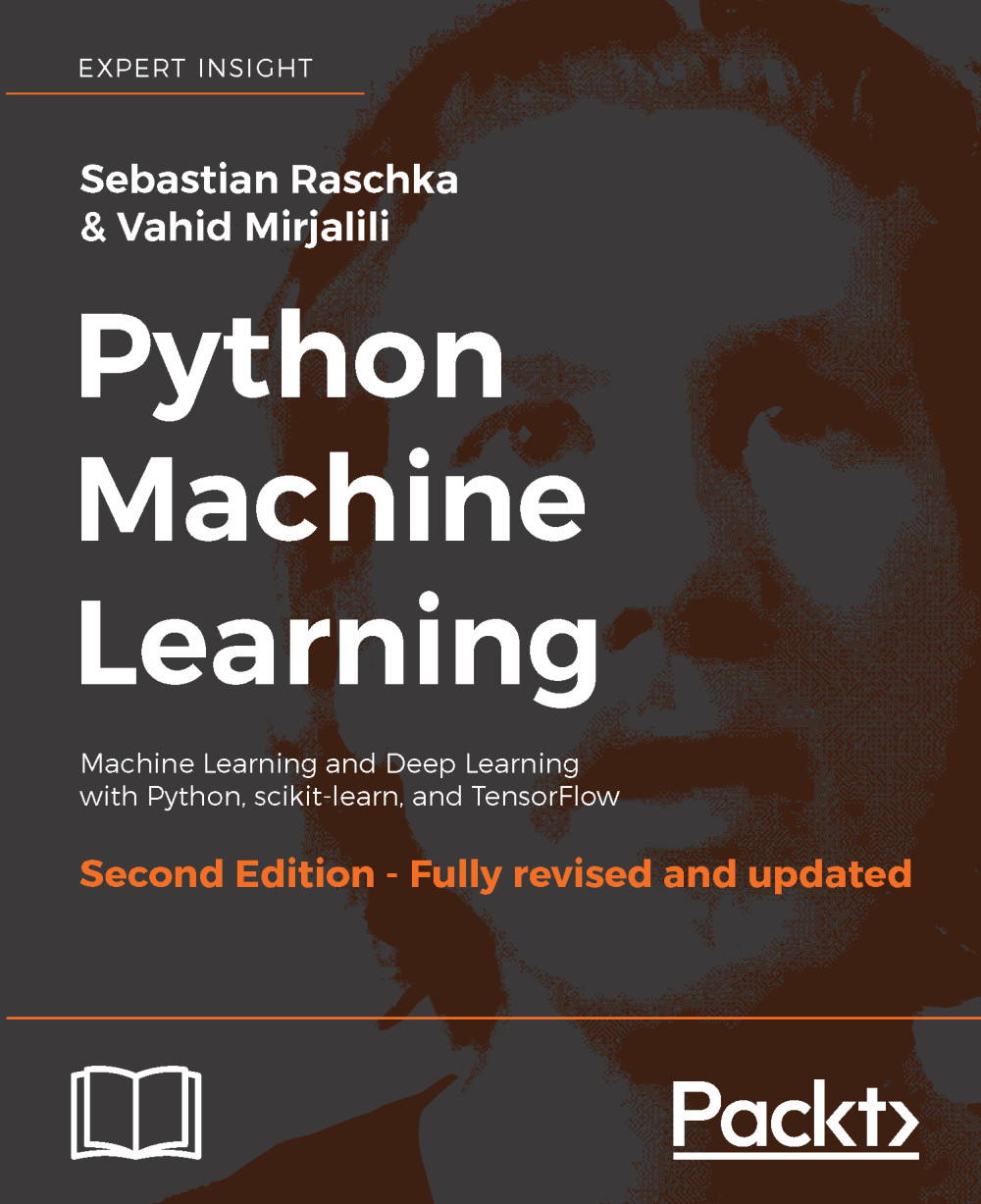
Python Machine Learning, Second Edition
$43.99
Python for Finance
$54.99
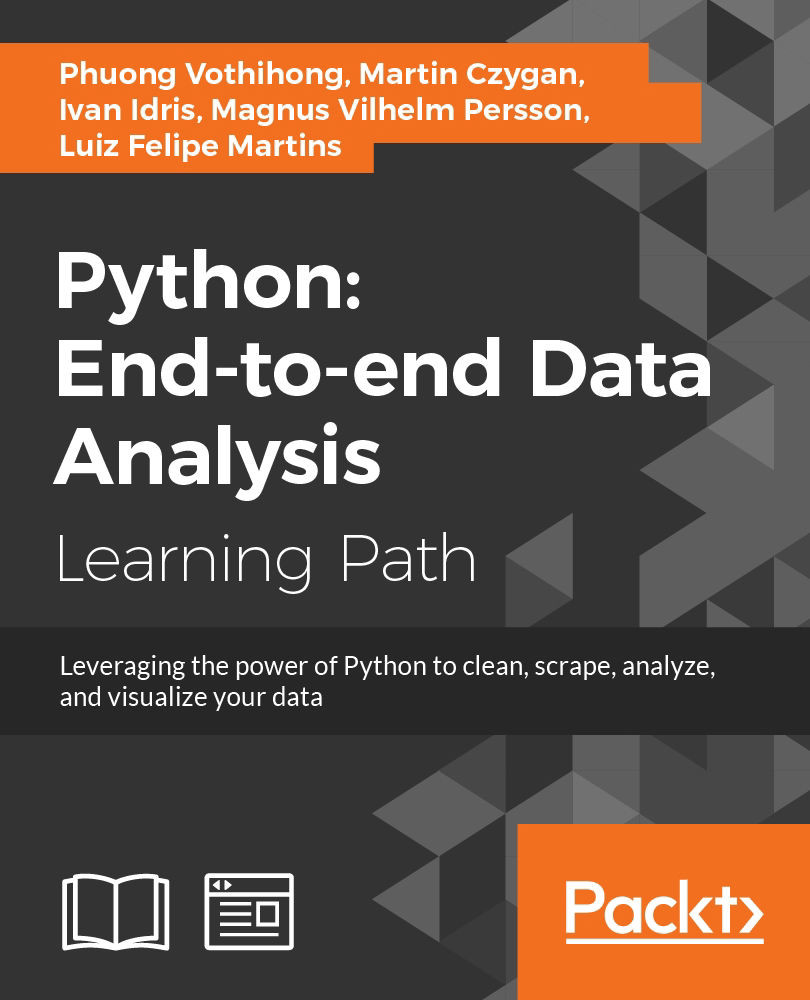
Python: End-to-end Data Analysis
$89.99
Total $ 188.97 Stars icon

Table of Contents

15 Chapters
Python Basics Chevron down icon Chevron up icon
Introduction to Python Modules Chevron down icon Chevron up icon
Time Value of Money Chevron down icon Chevron up icon
Sources of Data Chevron down icon Chevron up icon
Bond and Stock Valuation Chevron down icon Chevron up icon
Capital Asset Pricing Model Chevron down icon Chevron up icon
Multifactor Models and Performance Measures Chevron down icon Chevron up icon
Time-Series Analysis Chevron down icon Chevron up icon
Portfolio Theory Chevron down icon Chevron up icon
Options and Futures Chevron down icon Chevron up icon
Value at Risk Chevron down icon Chevron up icon
Monte Carlo Simulation Chevron down icon Chevron up icon
Credit Risk Analysis Chevron down icon Chevron up icon
Exotic Options Chevron down icon Chevron up icon
Volatility, Implied Volatility, ARCH, and GARCH Chevron down icon Chevron up icon

Customer reviews

Top Reviews
Rating distribution
Full star icon Full star icon Full star icon Half star icon Empty star icon 3.4
(32 Ratings)
5 star 37.5%
4 star 15.6%
3 star 15.6%
2 star 15.6%
1 star 15.6%
Filter icon Filter
Top Reviews

Filter reviews by


bruce Todd puls Jun 17, 2016
Full star icon Full star icon Full star icon Full star icon Full star icon 5
I love this book, well written.
Amazon Verified review Amazon
Flat World Feb 10, 2020
Full star icon Full star icon Full star icon Full star icon Full star icon 5
Step by step in a clear way. Finance topic is appealing to me.
Amazon Verified review Amazon
Luis Cuellar Jun 02, 2014
Full star icon Full star icon Full star icon Full star icon Full star icon 5
I am a systems engineer but have not program for a long time, and I am very interested in finance so I have been studying finance for the past months.For me this book is perfect, it teaches you python witch to me is a very powerful language witch you can learn fast and do very sophisticated things. and it teaches it with a very specific focus witch is applying it to Financial problems.The examples of the book are very well done, and helps ground your financial knowledge by programming the examples.The book takes you from installing the language to complicated graphical and mathematical solutions. The examples are well written and to the point.The only negative I find is the book assumes you know finance, so it is a programming book more that a financial book. But for me that was just fine.
Amazon Verified review Amazon
Seth May 16, 2014
Full star icon Full star icon Full star icon Full star icon Full star icon 5
I'm not in the financial field at all and have no interest in finances or economics, but I'm an avid fan of Python and love to see the many things people to do with it.While this book does demonstrate how useful functional programming can be for the world of economics, its reach is far broader than just that. There are terms and concepts throughout the book that completely elude me; I have no clue what the Black-Scholes-Merton option model or heteroskedasticity [sic] are, and the book doesn't bother explaining them, but the really good stuff is in the way that Python is used to gather and process data.NumPy is used in countless Python applications, and I'd been meaning to learn more about it. It's covered in this book with some detail and some sample code showing how to use it. Calculating arrays of numbers and then graphing it all with matplotlib is all covered. The author does amazing things with graphs; the fact that every illustration in the book is generated by Python is a testament to how much practical examples and code it contains. Heck, the book even demonstrates how to estimate the value of pi using Monte Carlos simulations, which I didn't even know was possible (but then, never having heard of a Monte Carlos simulation, that's not surprising). It's just mind-blowing at times.My one complaint is that the book does nothing to account for the fact that Python also runs on Linux; all examples are squarely from a C-prompt. It's easy enough to translate but it's a little annoying that it barely makes mention that Python is cross-platform and assumes that the reader is running a non-free OS. This does nothing to de-value the impressive examples and code in the book, however, and I highly recommend this book to anyone using Python for serious amounts of number crunching, or anyone working on getting better at Python in general. A really good read, a great intro to some really important Python modules.
Amazon Verified review Amazon
SuJo May 12, 2014
Full star icon Full star icon Full star icon Full star icon Full star icon 5
While I am not a python expert and I'm learning various uses for the language, I do use other languages such as C++, PHP, and Javascript. I am not really into Finance so I decided to get this book and do a review on it, later in the book and I mean at the near end there is a algorithm for highs and lows, and the author say's let's pull data from Dell but still uses the IBM tag, it was something that just made me chuckle, but some others out there may not find it funny. The book walks you over getting everything setup and creating a nice working environment, I found this section extremely well written and everything worked as intended.To simply dismiss this book because the author uses a 3rd party library is rather critical, why should you re-invent the wheel to get something done, using something tested, tried, and true is not an issue for me and allows me to embrace new concepts. The author may not have detailed every line of code that you are working with but this isn't a learn Python step-by-step book, it is however using python with finance and the models employed in the book are well written and worked perfectly, as described on the publisher site: "This book is a hands-on guide with easy-to-follow examples to help you learn about option theory, quantitative finance, financial modeling, and time series using Python." I was very satisfied with this, new into the stock market and wondering what all the jumble means is difficult, but having formulas or tweaking items based on my financial needs is well worth it.Publisher Link: [...]
Amazon Verified review Amazon
Get free access to Packt library with over 7500+ books and video courses for 7 days!
Start Free Trial

FAQs

How do I buy and download an eBook? Chevron down icon Chevron up icon

Where there is an eBook version of a title available, you can buy it from the book details for that title. Add either the standalone eBook or the eBook and print book bundle to your shopping cart. Your eBook will show in your cart as a product on its own. After completing checkout and payment in the normal way, you will receive your receipt on the screen containing a link to a personalised PDF download file. This link will remain active for 30 days. You can download backup copies of the file by logging in to your account at any time.

If you already have Adobe reader installed, then clicking on the link will download and open the PDF file directly. If you don't, then save the PDF file on your machine and download the Reader to view it.

Please Note: Packt eBooks are non-returnable and non-refundable.

Packt eBook and Licensing When you buy an eBook from Packt Publishing, completing your purchase means you accept the terms of our licence agreement. Please read the full text of the agreement. In it we have tried to balance the need for the ebook to be usable for you the reader with our needs to protect the rights of us as Publishers and of our authors. In summary, the agreement says:

  • You may make copies of your eBook for your own use onto any machine
  • You may not pass copies of the eBook on to anyone else
How can I make a purchase on your website? Chevron down icon Chevron up icon

If you want to purchase a video course, eBook or Bundle (Print+eBook) please follow below steps:

  1. Register on our website using your email address and the password.
  2. Search for the title by name or ISBN using the search option.
  3. Select the title you want to purchase.
  4. Choose the format you wish to purchase the title in; if you order the Print Book, you get a free eBook copy of the same title. 
  5. Proceed with the checkout process (payment to be made using Credit Card, Debit Cart, or PayPal)
Where can I access support around an eBook? Chevron down icon Chevron up icon
  • If you experience a problem with using or installing Adobe Reader, the contact Adobe directly.
  • To view the errata for the book, see www.packtpub.com/support and view the pages for the title you have.
  • To view your account details or to download a new copy of the book go to www.packtpub.com/account
  • To contact us directly if a problem is not resolved, use www.packtpub.com/contact-us
What eBook formats do Packt support? Chevron down icon Chevron up icon

Our eBooks are currently available in a variety of formats such as PDF and ePubs. In the future, this may well change with trends and development in technology, but please note that our PDFs are not Adobe eBook Reader format, which has greater restrictions on security.

You will need to use Adobe Reader v9 or later in order to read Packt's PDF eBooks.

What are the benefits of eBooks? Chevron down icon Chevron up icon
  • You can get the information you need immediately
  • You can easily take them with you on a laptop
  • You can download them an unlimited number of times
  • You can print them out
  • They are copy-paste enabled
  • They are searchable
  • There is no password protection
  • They are lower price than print
  • They save resources and space
What is an eBook? Chevron down icon Chevron up icon

Packt eBooks are a complete electronic version of the print edition, available in PDF and ePub formats. Every piece of content down to the page numbering is the same. Because we save the costs of printing and shipping the book to you, we are able to offer eBooks at a lower cost than print editions.

When you have purchased an eBook, simply login to your account and click on the link in Your Download Area. We recommend you saving the file to your hard drive before opening it.

For optimal viewing of our eBooks, we recommend you download and install the free Adobe Reader version 9.

Modal Close icon
Modal Close icon