Search icon CANCEL
Subscription
0
Cart icon
Your Cart (0 item)
Close icon
You have no products in your basket yet
Save more on your purchases! discount-offer-chevron-icon
Savings automatically calculated. No voucher code required.
Arrow left icon
Explore Products
Best Sellers
New Releases
Books
Videos
Audiobooks
Learning Hub
Newsletter Hub
Free Learning
Arrow right icon
timer SALE ENDS IN
0 Days
:
00 Hours
:
00 Minutes
:
00 Seconds
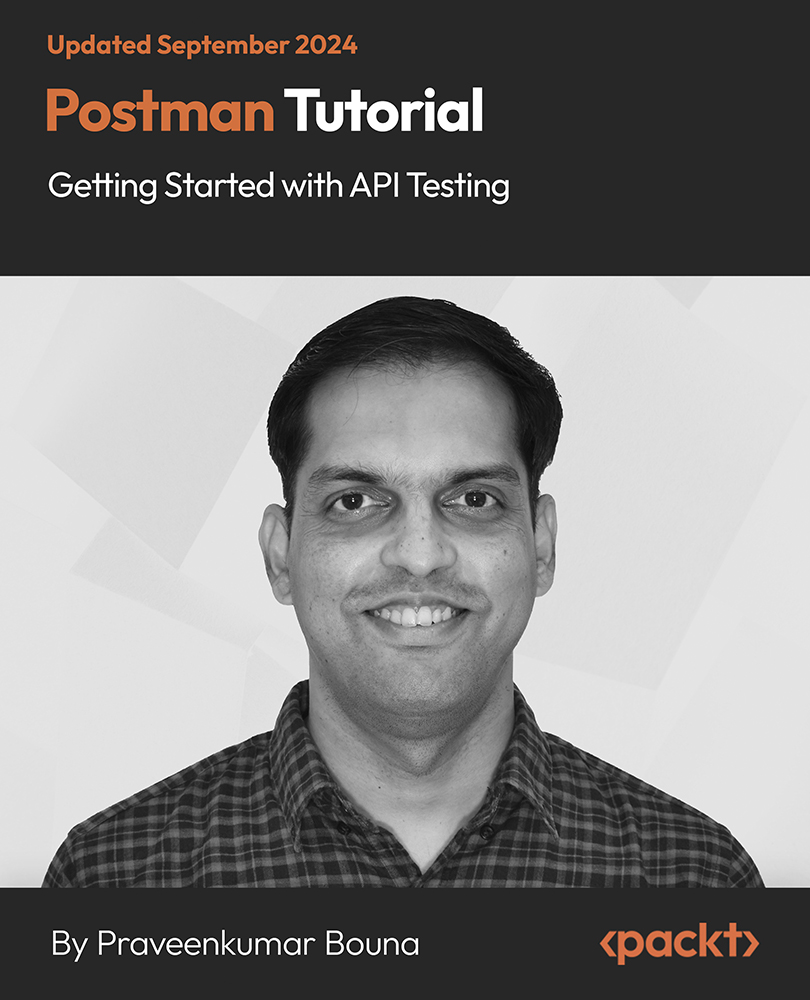
Postman Tutorial: Getting Started with API Testing

Postman Tutorial: Getting Started with API Testing

Testing REST API Using Postman with Requests, Collections, Environments, Workspaces, and so on

$9.99 $60.99
By Praveenkumar Bouna
Time 3hrs 29mins
Published in Mar 2022
Product Type Video
Edition 1st Edition
Postman Tutorial: Getting Started with API Testing

Packt Subscriptions

See our plans and pricing
Modal Close icon
$12.99 billed monthly
Feature tick icon Unlimited access to Packt's library of 6,500+ practical books and videos
Feature tick icon Constantly refreshed with 50+ new titles a month
Feature tick icon Exclusive Early access to books as they're written
Feature tick icon Solve problems while you work with advanced search and reference features
Feature tick icon Offline reading on the mobile app
Feature tick icon Simple pricing, no contract
$129.99 billed annually
Feature tick icon Unlimited access to Packt's library of 6,500+ practical books and videos
Feature tick icon Constantly refreshed with 50+ new titles a month
Feature tick icon Exclusive Early access to books as they're written
Feature tick icon Solve problems while you work with advanced search and reference features
Feature tick icon Offline reading on the mobile app
Feature tick icon Choose a DRM-free eBook or Video every month to keep
Feature tick icon PLUS own as many other DRM-free eBooks or Videos as you like for just $5 each
Feature tick icon Exclusive print discounts
$179.99 billed in 18 months
Feature tick icon Unlimited access to Packt's library of 6,500+ practical books and videos
Feature tick icon Constantly refreshed with 50+ new titles a month
Feature tick icon Exclusive Early access to books as they're written
Feature tick icon Solve problems while you work with advanced search and reference features
Feature tick icon Offline reading on the mobile app
Feature tick icon Choose a DRM-free eBook or Video every month to keep
Feature tick icon PLUS own as many other DRM-free eBooks or Videos as you like for just $5 each
Feature tick icon Exclusive print discounts

What do you get with a video?

Product feature icon Download this video in MP4 format
Product feature icon DRM FREE - Read whenever, wherever and however you want
Download code icon Download Code

Key benefits

Master sending HTTP requests that include authorization, header presets, code snippets, Postman console, and so on
Learn to import and export Postman API elements to increase your productivity while testing APIs
Get an overview of sending HTTP requests in Postman and learn about sending GET, PUT, POST, and DELETE requests

Description

Postman has become the go-to tool for API developers across various industries, playing a crucial role in API testing. Notably, giants like Twitter and Shopify rely on Postman for efficient API management, bolstering their product portfolios and maintaining their leadership positions within their respective sectors. In this comprehensive course, you will delve into Postman’s desktop and web applications, gaining proficiency in sending fundamental HTTP requests such as GET, PUT, POST, DELETE, and more for API testing. The course will empower you to master advanced techniques such as incorporating authorization, header presets, code snippets, and utilizing the Postman console. Additionally, you will explore the concept of collections in Postman, harness the power of Postman environments for variable grouping, and gain insights into Postman workspaces. Importing requests and managing API elements will also be covered extensively. By course completion, you will possess a strong foundation in Postman and its feature set, equipping you with valuable knowledge for seamless REST API testing. You will emerge with the confidence to immediately apply the Postman concepts acquired throughout the course.

Who is this book for?

This course is for web developers who work with APIs on the frontend or backend. You may be either consuming or exposing APIs. Basic knowledge of API usage and JSON will be good to have. No prior experience on Postman is required.

What you will learn

Category:
Concepts:
Tools:

Frequently bought together


Stars icon
Total $ 111.97 162.97 51.00 saved
Postman Tutorial: Getting Started with API Testing
$9.99 $60.99
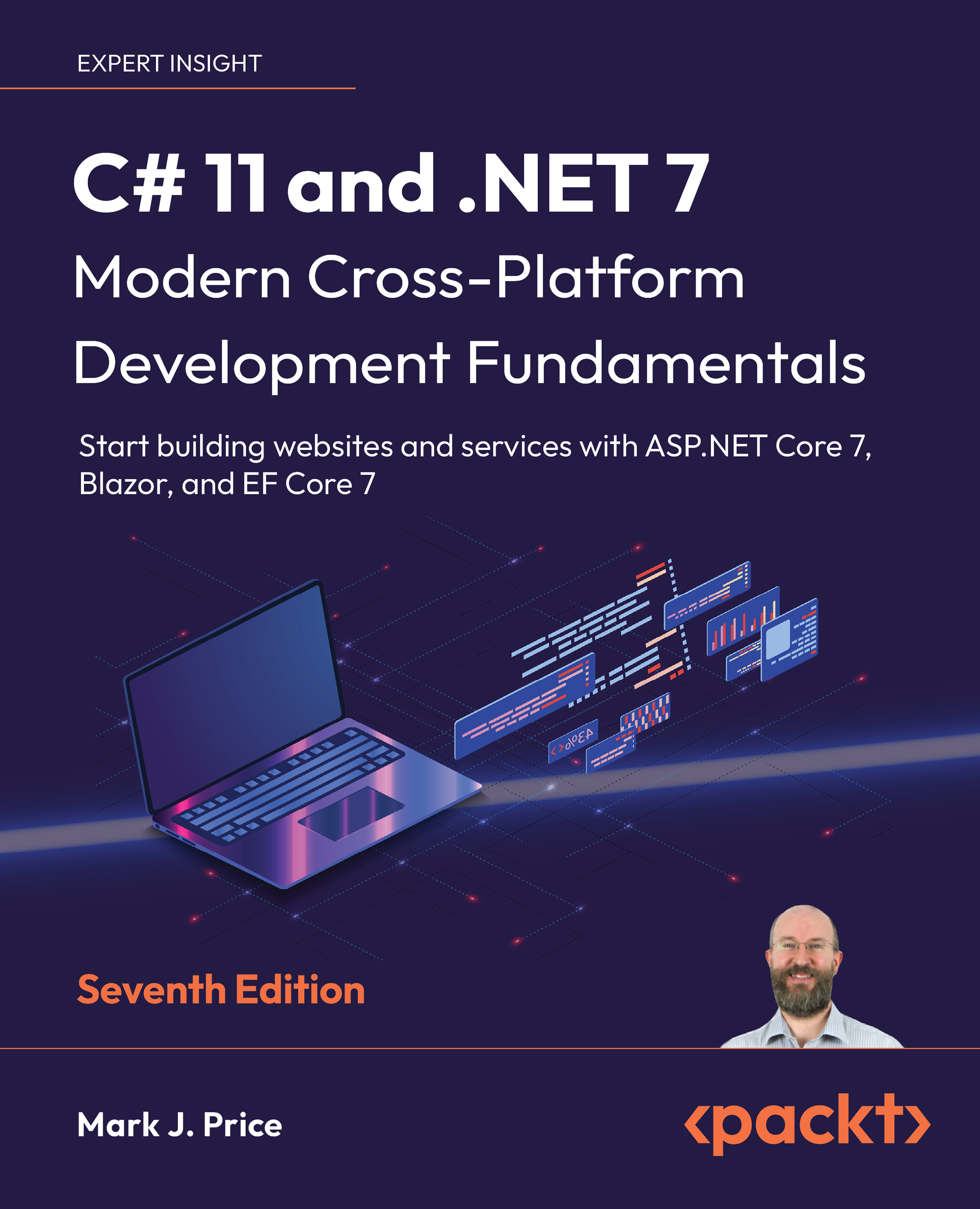
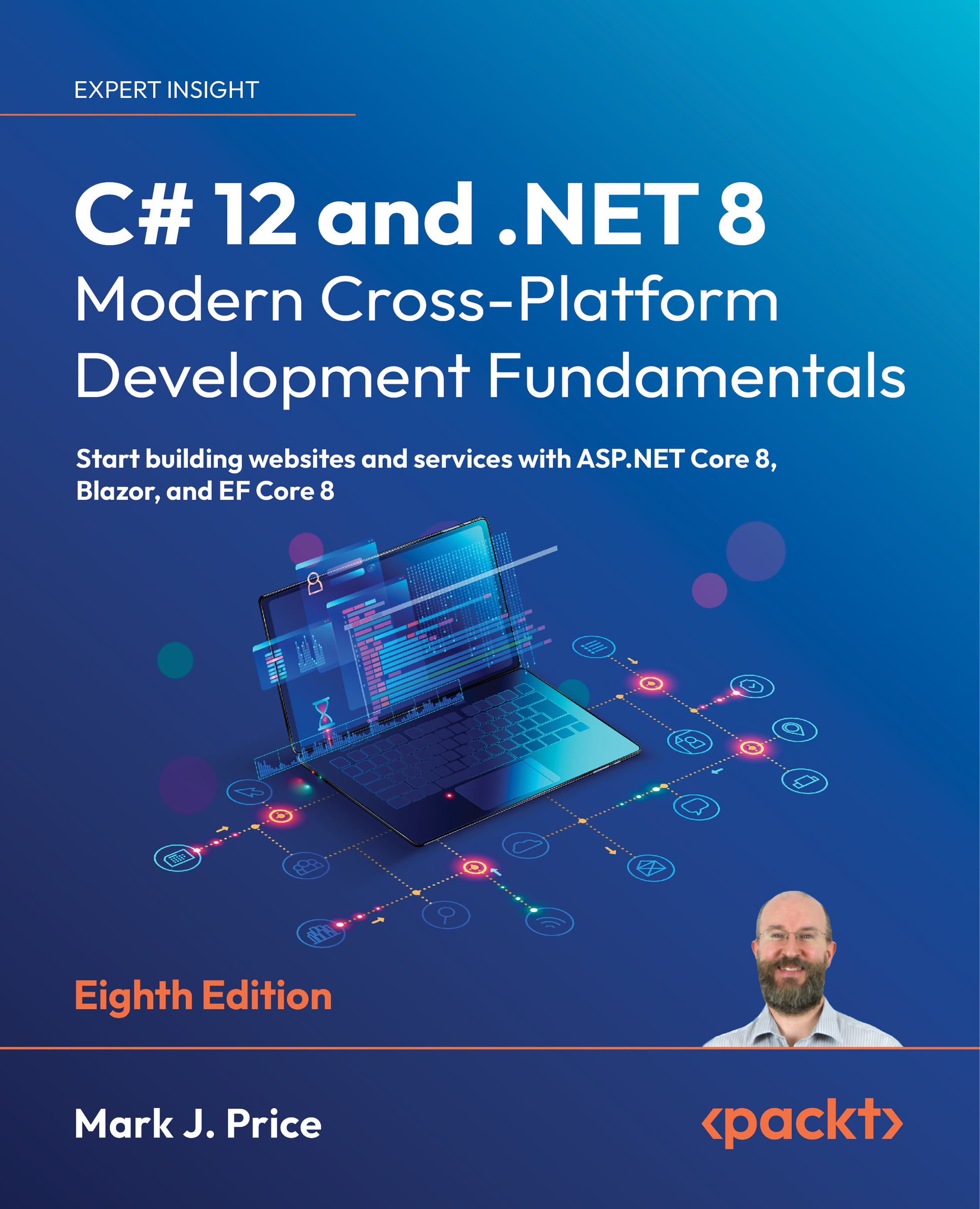
C# 11 and .NET 7 – Modern Cross-Platform Development Fundamentals
$49.99
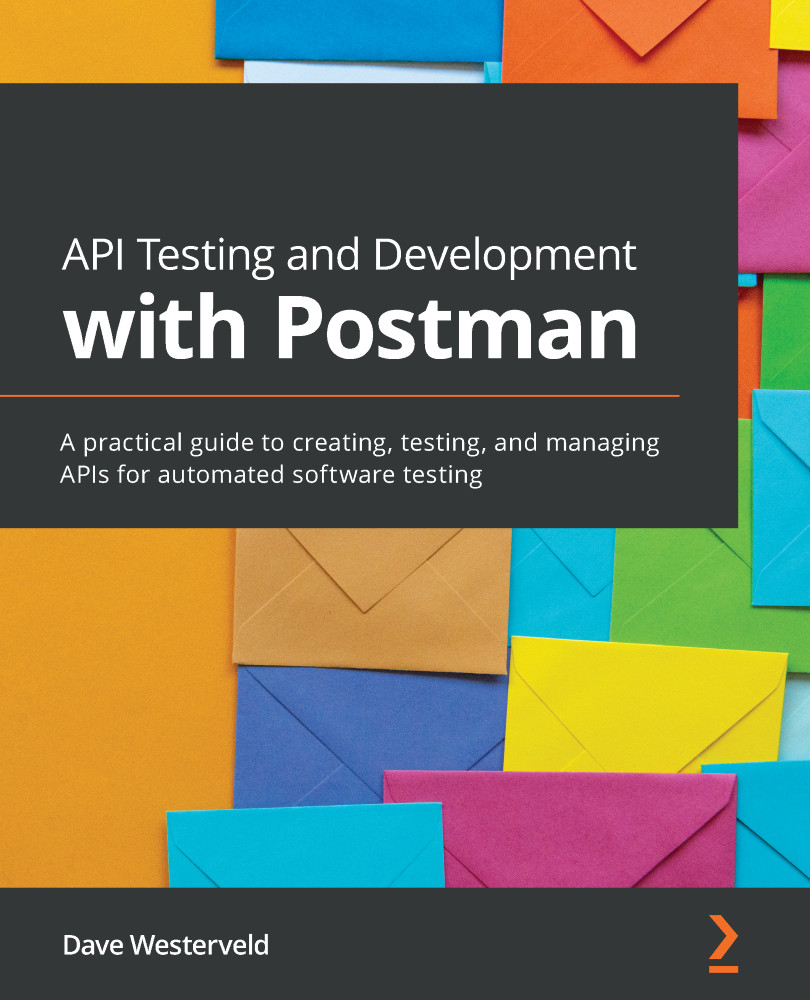
API Testing and Development with Postman
$51.99
Total $ 111.97 162.97 51.00 saved Stars icon
Get free access to Packt library with over 7500+ books and video courses for 7 days!
Start Free Trial

FAQs

How can I download a video package for offline viewing? Chevron down icon Chevron up icon
  1. Login to your account at Packtpub.com.
  2. Click on "My Account" and then click on the "My Videos" tab to access your videos.
  3. Click on the "Download Now" link to start your video download.
How can I extract my video file? Chevron down icon Chevron up icon

All modern operating systems ship with ZIP file extraction built in. If you'd prefer to use a dedicated compression application, we've tested WinRAR / 7-Zip for Windows, Zipeg / iZip / UnRarX for Mac and 7-Zip / PeaZip for Linux. These applications support all extension files.

How can I get help and support around my video package? Chevron down icon Chevron up icon

If your video course doesn't give you what you were expecting, either because of functionality problems or because the content isn't up to scratch, please mail [email protected] with details of the problem. In addition, so that we can best provide the support you need, please include the following information for our support team.

  1. Video
  2. Format watched (HTML, MP4, streaming)
  3. Chapter or section that issue relates to (if relevant)
  4. System being played on
  5. Browser used (if relevant)
  6. Details of support
Why can’t I download my video package? Chevron down icon Chevron up icon

In the even that you are having issues downloading your video package then please follow these instructions:

  1. Disable all your browser plugins and extensions: Some security and download manager extensions can cause issues during the download.
  2. Download the video course using a different browser: We've tested downloads operate correctly in current versions of Chrome, Firefox, Internet Explorer, and Safari.
Modal Close icon
Modal Close icon