

Dialog boxes
Dialog boxes are the most simple and common interaction a user interface can provide. Asking for one simple input, such as a number, text, or yes/no, handles many needs of interaction with a user in simple applications.
tkinter comes with dialogs for most cases, but it might be hard to spot them all if you don't already know the library. As a pointer, all dialog boxes provided by tkinter share a very similar signature, so it's easy to make a dialog function that allows us to show them all:
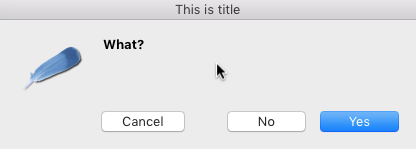
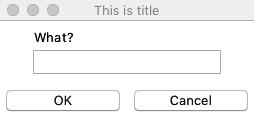
The dialog box will look as shown:
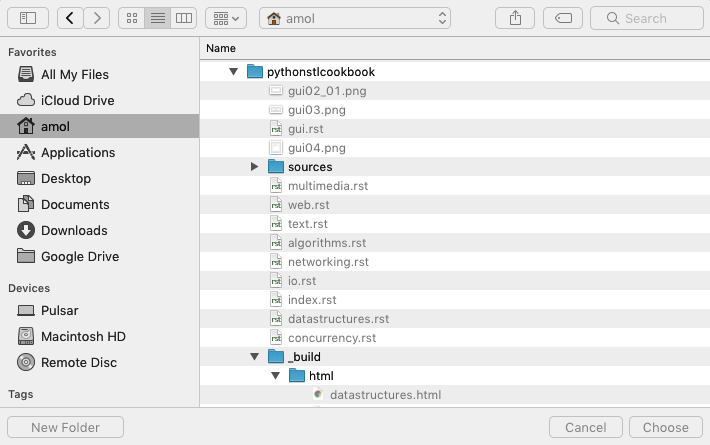
The window to open a file appears as shown in the following screenshot:
How to do it...
We can create a dialog function to hide the minor differences between dialog types and call the appropriate dialog depending on the kind of request:
from tkinter import messagebox
from tkinter import simpledialog
from tkinter import filedialog

def dialog(ask, title, message=None, **kwargs):
    for widget in (messagebox, simpledialog, filedialog):
        show = getattr...