Search icon CANCEL
Subscription
0
Cart icon
Your Cart (0 item)
Close icon
You have no products in your basket yet
Arrow left icon
Explore Products
Best Sellers
New Releases
Books
Videos
Audiobooks
Learning Hub
Newsletter Hub
Free Learning
Arrow right icon
timer SALE ENDS IN
0 Days
:
00 Hours
:
00 Minutes
:
00 Seconds
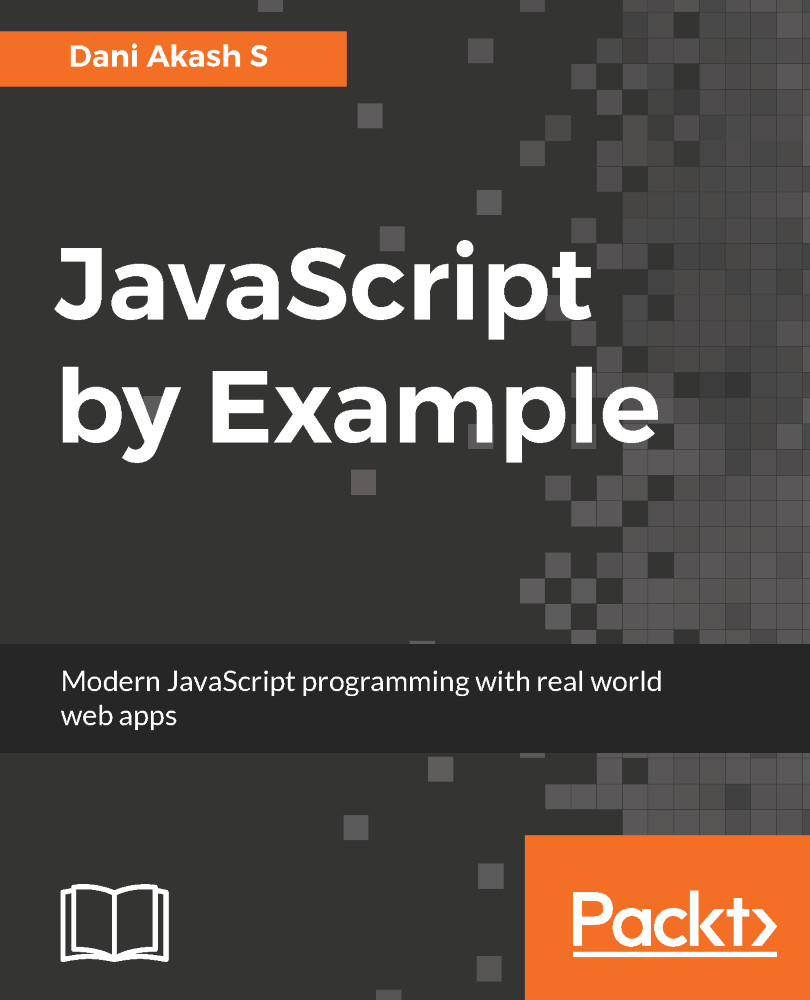
JavaScript by Example

JavaScript by Example

Learn modern web development with real-world applications

zł25.2 zł125.99
By Akash S
Full star icon Full star icon Full star icon Half star icon Empty star icon 3.1 (7 Ratings)
Pages 298
Published in Aug 2017
Product Type eBook
Edition 1st Edition
JavaScript by Example

Packt Subscriptions

See our plans and pricing
Modal Close icon
$12.99 billed monthly
Feature tick icon Unlimited access to Packt's library of 6,500+ practical books and videos
Feature tick icon Constantly refreshed with 50+ new titles a month
Feature tick icon Exclusive Early access to books as they're written
Feature tick icon Solve problems while you work with advanced search and reference features
Feature tick icon Offline reading on the mobile app
Feature tick icon Simple pricing, no contract
$129.99 billed annually
Feature tick icon Unlimited access to Packt's library of 6,500+ practical books and videos
Feature tick icon Constantly refreshed with 50+ new titles a month
Feature tick icon Exclusive Early access to books as they're written
Feature tick icon Solve problems while you work with advanced search and reference features
Feature tick icon Offline reading on the mobile app
Feature tick icon Choose a DRM-free eBook or Video every month to keep
Feature tick icon PLUS own as many other DRM-free eBooks or Videos as you like for just zł20 each
Feature tick icon Exclusive print discounts
$179.99 billed in 18 months
Feature tick icon Unlimited access to Packt's library of 6,500+ practical books and videos
Feature tick icon Constantly refreshed with 50+ new titles a month
Feature tick icon Exclusive Early access to books as they're written
Feature tick icon Solve problems while you work with advanced search and reference features
Feature tick icon Offline reading on the mobile app
Feature tick icon Choose a DRM-free eBook or Video every month to keep
Feature tick icon PLUS own as many other DRM-free eBooks or Videos as you like for just zł20 each
Feature tick icon Exclusive print discounts

What do you get with eBook?

Product feature icon Instant access to your Digital eBook purchase
Product feature icon Download this book in EPUB and PDF formats
Product feature icon Access this title in our online reader with advanced features
Product feature icon DRM FREE - Read whenever, wherever and however you want
Table of content icon View table of contents Preview book icon Preview Book

JavaScript by Example

Chapter 2. Building a Meme Creator

As the chapter name suggests, we are going to build a fun application in this chapter--a Meme Creator. Everyone loves memes! But that's not the only reason we are building a Meme Creator. We are going to explore a few new things that are going to change the way you build web applications. Let's see what's in store:

  • Introduction to CSS3 flexbox. A new way to create responsive layouts on the web.
  • Using the Webpack module bundler to convert all your dependencies and code to static assets.
  • Using HTML5 canvas for drawing graphics on the fly with JavaScript.
  • Creating a solid production build that is fully optimized, minified, and versioned.

Previously, you successfully built a ToDo List app while learning the new ES6 features of JavaScript. At the end of the chapter, you learned how to use Node and npm for web development. We have covered only the basics. We are yet to realize the full potential of using npm in our project. That's why, in this project, we are going...

Initial project setup


Create a new folder for our Meme Creator application. Open up the folder in VSCode or any other text editor you are using for this project. Navigate to the folder in your terminal and run npm init. Just as we did in the previous chapter, fill in all the details asked for in the terminal, then hit Enter on Windows or return on Mac, and you will have your package.json file in the project root.

From the code files you downloaded for this book, open up the starter files folder for Chapter 2. You will see an index.html file. Copy and paste it into your new project folder. That's all for the starter files provided with this chapter, because there is not going to be a default CSS file. We are going to build the UI from scratch!

Create the files and folders we are going to use in this chapter. The folder structure should be as follows:

.
├── index.html
├── package.json
└── src
    ├── css
    │   └── styles.css
    └── js
         ├── general.js
         └── memes.js

For now, leave...

Webpack module bundler


It's finally time to set up our fully-featured development environment. You'll probably be wondering what Webpack is and what's it got to do with a development environment. Or perhaps, you are familiar with tools such as gulp or grunt and are wondering how Webpack is different from them.

If you have used gulp or grunt before, they are task runners. They execute a specific set of tasks to compile, transform, and minify your code. There is also a tool called Browserify, which lets you use require() in browsers. Usually, a development environment with gulp/grunt involves executing various commands using different sets of tools, such as Babel, Browserify, and so on, in a specific order to generate our desired output code. But Webpack is different. Unlike task runners, Webpack doesn't run a set of commands to build the code. Instead, it acts as a module bundler.

Webpack goes through your JavaScript code and looks for import, require, and so on to find files dependent on it...

Building the Meme Creator


We just built a nice little development environment using Webpack. It's time to put it into action. If you have done the production optimizations, make sure you have created the .env file in the project root folder and your NODE_ENV environment variable inside that file is not production. Simply set the value of NODE_ENV=dev while we are working on the application. We are going to build the Meme Creator now. Make sure you have included the memes.js and memes.css files (if you used ExtractTextPlugin) from the dist directory in your index.html file.

Open up the memes.js file in your text editor and keep webpack-dev-server running (npm run watch). Our first step is to create a reference to all the required DOM elements in variables in our class. We can then use the references to modify the elements later, from inside the class. Also, whenever we are creating a reference to DOM elements, it is good to have the variable names start with $. This way, we can easily know...

Summary


Good work! You have built a Meme Creator that will now convert your images into memes. More importantly, you have a great development environment that will make app development with JavaScript even easier. Let's review the things you have learned in this chapter:

  • A short introduction to the flexbox layout system in CSS
  • An introduction to JavaScript modules
  • Module bundling with Webpack
  • Production optimizations to improve performance for users
  • Using HTML5 canvas with JavaScript to draw graphics on a website

We learned quite a lot in this chapter. Especially about Webpack. It might seem a little overwhelming, but it is very useful in the long run. In the next chapter, we are going to see how to write modular code and reuse it across the application, which is now possible due to Webpack.

Left arrow icon Right arrow icon
Download code icon Download Code

Key Benefits

Learn JavaScript from scratch by building clones of popular web applications
Understand the core concepts and techniques surrounding JavaScript with this power-packed hands-on guide
Explore modern JavaScript frameworks and libraries such as Node, React and Webpack

What You Will Learn

Who Is This Book For?

The target audience for this book is developers with little or basic knowledge of working with JavaScript. If you are an emerging web developer with experience in building static web pages using HTML and CSS, this book will teach you to add JavaScript elements to make your website interactive and dynamic.

Book Description

JavaScript is the programming language that all web developers need to learn. The first item on our JavaScript to-do list is building g a To-do list app, which you'll have done by the end of the first chapter. You'll explore DOM manipulation with JavaScript and work with event listeners. You'll work with images and text to build a Meme creator. You will also learn about ES (ECMAScript) classes, and will be introduced to layouts using the CSS3 Flexbox. You'll also develop a responsive Event Registration form that allows users to register for your upcoming event and use charts and graphics to display registration data. You will then build a weather application, which will show you different ways perform AJAX requests and work with dynamic, external data. WebRTC enables real-time communication in a web browser; you'll learn how to use it when you build a real-time video-call and chat application later in the book. Towards the end of the book, you will meet React, Facebook's JavaScript library for building user interfaces. You'll throw together a blog with React, and get a feel for why this kind of JavaScript framework is used to build large-scale applications. To make your blog more maintainable and scalable, you'll use Redux to manage data across React components.

Category:
Languages:
Concepts:

Frequently bought together


Stars icon
Total 553.97
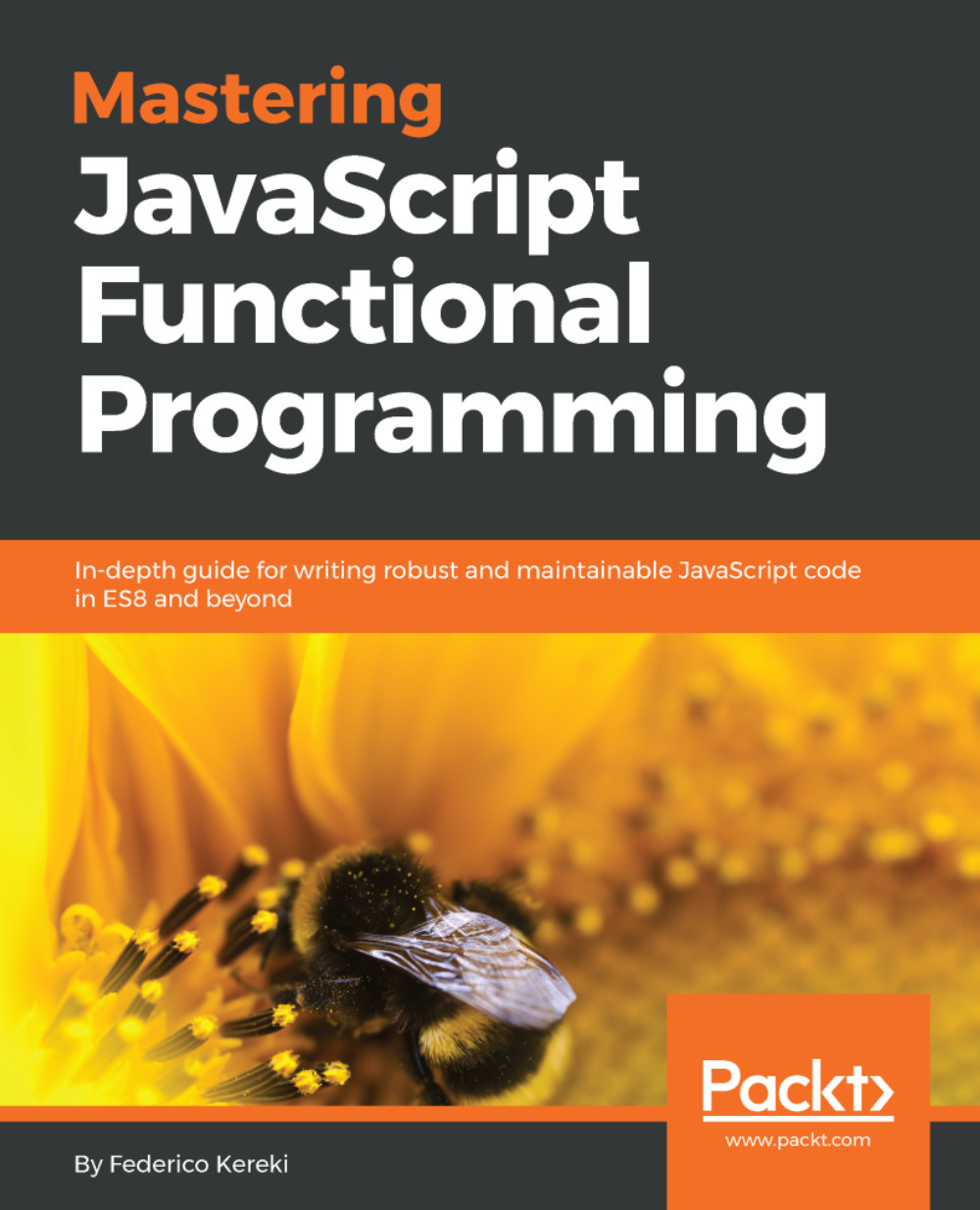
Mastering JavaScript Functional Programming
zł197.99
JavaScript by Example
zł157.99
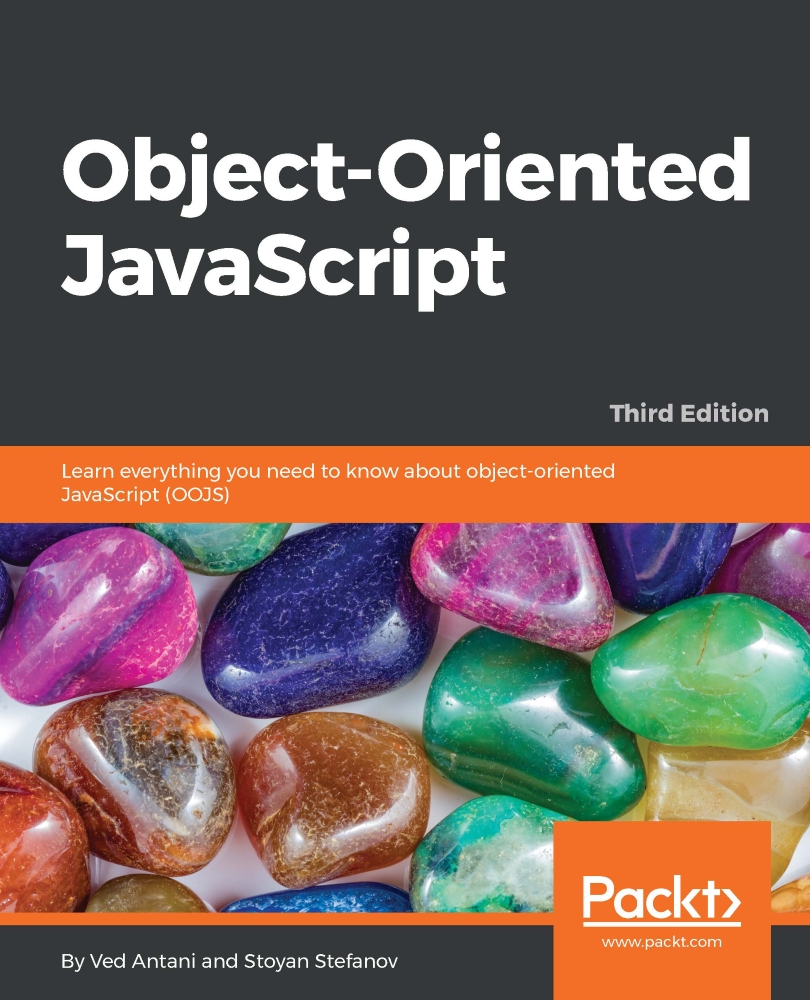
Object-Oriented JavaScript
zł197.99
Total 553.97 Stars icon

Table of Contents

(7 Chapters)
Building a ToDo List Chevron down icon Chevron up icon
Building a Meme Creator Chevron down icon Chevron up icon
Event Registration App Chevron down icon Chevron up icon
Real-Time Video Call App with WebRTC Chevron down icon Chevron up icon
Developing a Weather Widget Chevron down icon Chevron up icon
Building a Blog with React Chevron down icon Chevron up icon
Redux Chevron down icon Chevron up icon

Customer reviews

Top Reviews
Rating distribution
Full star icon Full star icon Full star icon Half star icon Empty star icon 3.1
(7 Ratings)
5 star 14.3%
4 star 28.6%
3 star 28.6%
2 star 14.3%
1 star 14.3%
Filter icon Filter
Top Reviews

Filter reviews by


JaredT Jul 17, 2018
Full star icon Full star icon Full star icon Full star icon Full star icon 5
Really good book for beginners.
Amazon Verified review Amazon
Lopamudra Aug 30, 2018
Full star icon Full star icon Full star icon Full star icon Empty star icon 4
Very good book to learn.es6 with examples.
Amazon Verified review Amazon
Sarika s. Mar 01, 2020
Full star icon Full star icon Full star icon Full star icon Empty star icon 4
Helpful,briefly defined
Amazon Verified review Amazon
Irfan Khan Jul 06, 2018
Full star icon Full star icon Full star icon Empty star icon Empty star icon 3
this book is not for beginners.. it's for node n some advance languages
Amazon Verified review Amazon
RBV Apr 03, 2018
Full star icon Full star icon Full star icon Empty star icon Empty star icon 3
Seems to me to be yet another technical book that hasn't been properly edited or tested with users before publishing.I started with Chapter 01's examples. But I very quickly became confused by the muddling together of explanations about the new syntax in JavaScript ES6 with code samples that may, or may not, have been intended to be copied into the example's JS file.A good technical editor would have spotted this straightaway. Testing the examples with users would have made the areas of confusion apparent. At which point they could have been clarified. Instead we have yet another book that's great only if you already know what the book was intended to teach you.Once again a potentially useful technical book cut off at the knees by poor editing. It's bad enough that readers are disserved by sloppy editing. It's even worse that authors who know something are disserved by their publisher's lackadaisical technical editing...
Amazon Verified review Amazon
Get free access to Packt library with over 7500+ books and video courses for 7 days!
Start Free Trial

FAQs

How do I buy and download an eBook? Chevron down icon Chevron up icon

Where there is an eBook version of a title available, you can buy it from the book details for that title. Add either the standalone eBook or the eBook and print book bundle to your shopping cart. Your eBook will show in your cart as a product on its own. After completing checkout and payment in the normal way, you will receive your receipt on the screen containing a link to a personalised PDF download file. This link will remain active for 30 days. You can download backup copies of the file by logging in to your account at any time.

If you already have Adobe reader installed, then clicking on the link will download and open the PDF file directly. If you don't, then save the PDF file on your machine and download the Reader to view it.

Please Note: Packt eBooks are non-returnable and non-refundable.

Packt eBook and Licensing When you buy an eBook from Packt Publishing, completing your purchase means you accept the terms of our licence agreement. Please read the full text of the agreement. In it we have tried to balance the need for the ebook to be usable for you the reader with our needs to protect the rights of us as Publishers and of our authors. In summary, the agreement says:

  • You may make copies of your eBook for your own use onto any machine
  • You may not pass copies of the eBook on to anyone else
How can I make a purchase on your website? Chevron down icon Chevron up icon

If you want to purchase a video course, eBook or Bundle (Print+eBook) please follow below steps:

  1. Register on our website using your email address and the password.
  2. Search for the title by name or ISBN using the search option.
  3. Select the title you want to purchase.
  4. Choose the format you wish to purchase the title in; if you order the Print Book, you get a free eBook copy of the same title. 
  5. Proceed with the checkout process (payment to be made using Credit Card, Debit Cart, or PayPal)
Where can I access support around an eBook? Chevron down icon Chevron up icon
  • If you experience a problem with using or installing Adobe Reader, the contact Adobe directly.
  • To view the errata for the book, see www.packtpub.com/support and view the pages for the title you have.
  • To view your account details or to download a new copy of the book go to www.packtpub.com/account
  • To contact us directly if a problem is not resolved, use www.packtpub.com/contact-us
What eBook formats do Packt support? Chevron down icon Chevron up icon

Our eBooks are currently available in a variety of formats such as PDF and ePubs. In the future, this may well change with trends and development in technology, but please note that our PDFs are not Adobe eBook Reader format, which has greater restrictions on security.

You will need to use Adobe Reader v9 or later in order to read Packt's PDF eBooks.

What are the benefits of eBooks? Chevron down icon Chevron up icon
  • You can get the information you need immediately
  • You can easily take them with you on a laptop
  • You can download them an unlimited number of times
  • You can print them out
  • They are copy-paste enabled
  • They are searchable
  • There is no password protection
  • They are lower price than print
  • They save resources and space
What is an eBook? Chevron down icon Chevron up icon

Packt eBooks are a complete electronic version of the print edition, available in PDF and ePub formats. Every piece of content down to the page numbering is the same. Because we save the costs of printing and shipping the book to you, we are able to offer eBooks at a lower cost than print editions.

When you have purchased an eBook, simply login to your account and click on the link in Your Download Area. We recommend you saving the file to your hard drive before opening it.

For optimal viewing of our eBooks, we recommend you download and install the free Adobe Reader version 9.

Modal Close icon
Modal Close icon