Search icon CANCEL
Subscription
0
Cart icon
Your Cart (0 item)
Close icon
You have no products in your basket yet
Arrow left icon
Explore Products
Best Sellers
New Releases
Books
Videos
Audiobooks
Learning Hub
Newsletter Hub
Free Learning
Arrow right icon
timer SALE ENDS IN
0 Days
:
00 Hours
:
00 Minutes
:
00 Seconds
Arrow up icon
GO TO TOP
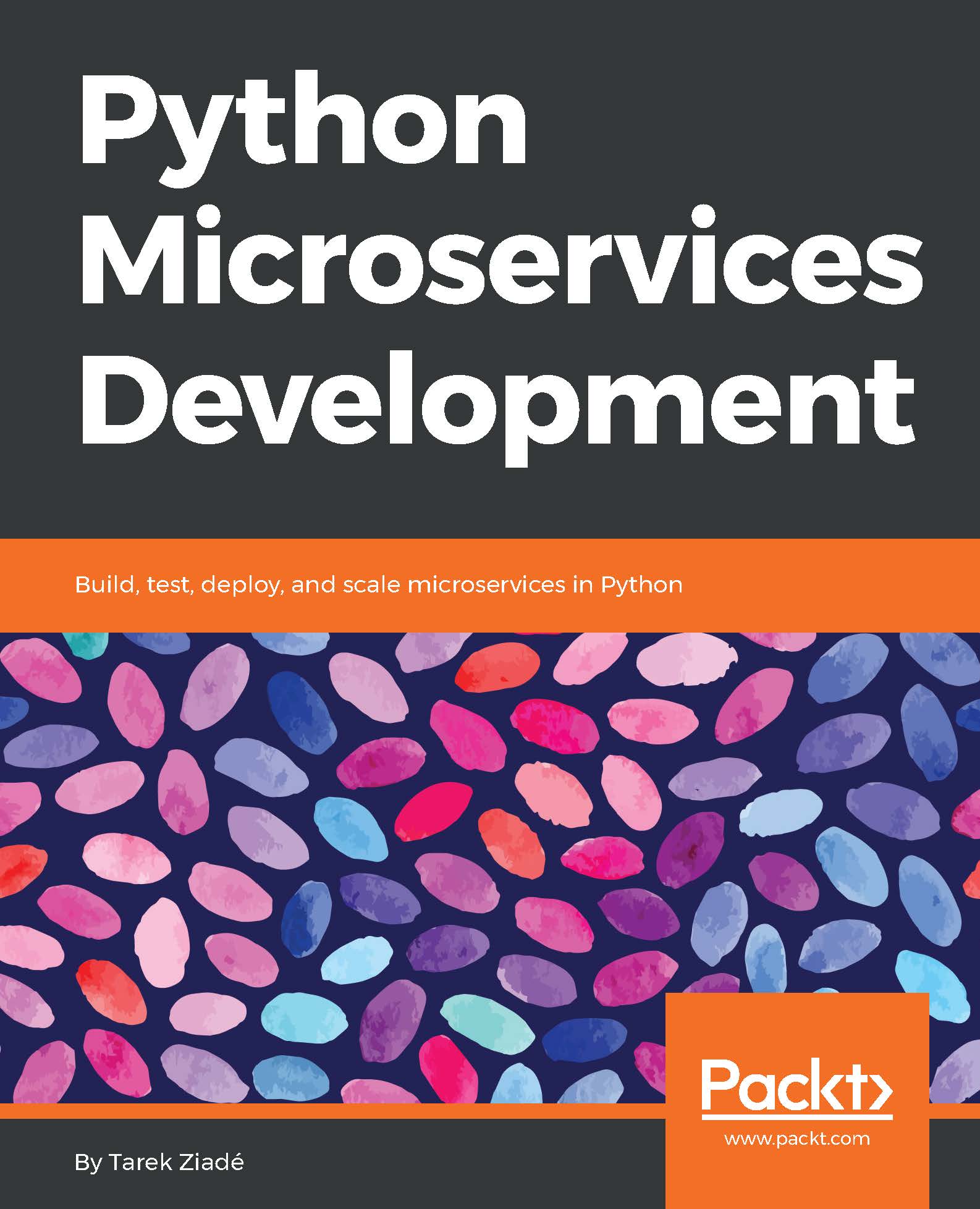
Python Microservices Development

You're reading from   Python Microservices Development Build, test, deploy, and scale microservices in Python

Arrow left icon
Product type Paperback
Published in Jul 2017
Publisher Packt
ISBN-13 9781785881114
Length 340 pages
Edition 1st Edition
Languages
Tools
Arrow right icon
Author (1):
Arrow left icon
Tarek Ziadé Tarek Ziadé
Author Profile Icon Tarek Ziadé
Tarek Ziadé
Arrow right icon
View More author details
Toc

Table of Contents (20) Chapters Close

Title Page
Credits
About the Author
About the Reviewer
www.PacktPub.com
Customer Feedback
Preface
Introduction
1. Understanding Microservices FREE CHAPTER 2. Discovering Flask 3. Coding, Testing, and Documenting - the Virtuous Cycle 4. Designing Runnerly 5. Interacting with Other Services 6. Monitoring Your Services 7. Securing Your Services 8. Bringing It All Together 9. Packaging and Running Runnerly 10. Containerized Services 11. Deploying on AWS 12. What Next?

Docker 101


Running a container in Docker is done by executing a series of commands which starts a group of processes, which the tool isolates from the rest of the system.

Docker can be used to run a single process, but in practice we want to run a full Linux distribution. Not to worry, everything needed to run a full Linux inside Docker is already available.

Every existing Linux distribution out there provides a base image, which lets you run the distribution in Docker. The typical way you use images is by creating a Dockerfile (https://docs.docker.com/engine/reference/builder/), where you point the base image you want to use, and add some extra commands to be run to create the container.

The following is a basic example of a Docker file:

FROM ubuntu 
RUN apt-get update && apt-get install -y python 
CMD ["bash"]

A Dockerfile is a text file with a set of instructions. Each line starts with the instruction in uppercase, followed by its arguments.

In our example, there are these three instructions...

lock icon The rest of the chapter is locked
CONTINUE READING
83
Tech Concepts
36
Programming languages
73
Tech Tools
Icon Unlimited access to the largest independent learning library in tech of over 8,000 expert-authored tech books and videos.
Icon Innovative learning tools, including AI book assistants, code context explainers, and text-to-speech.
Icon 50+ new titles added per month and exclusive early access to books as they are being written.
Python Microservices Development
Register for a free Packt account to unlock a world of extra content!
A free Packt account unlocks extra newsletters, articles, discounted offers, and much more. Start advancing your knowledge today.
Unlock this book and the full library FREE for 7 days
Get unlimited access to 7000+ expert-authored eBooks and videos courses covering every tech area you can think of
Renews at $15.99/month. Cancel anytime
Visually different images
Modal Close icon
Modal Close icon