



























































Using a motion capture sequence with a pre-rigged model
To demonstrate the use of motion capture data in Mecanim we will continue with the male zombie character that we worked with in Chapter 1, The Zombie Attacks!.
Getting started
We will begin this demonstration with the basic scene we assembled in the first chapter.
Open the scene by navidating to File | Open Scene.
In the scene file dialog that opens up, select
Chapter4_Startfrom thePACKT_Scenesfolder.The scene contains our
zombie_mcharacter and a ground plane, and is lit with the default directional light and skybox.The character already has an animator controller attached to it, though it only has the idle and attack animation sequences that we added in Chapter 1, The Zombie Attacks!.
Move the default camera to a position where it clearly shows the
zombie_mcharacter and the extent of thegroundPlanein front of it: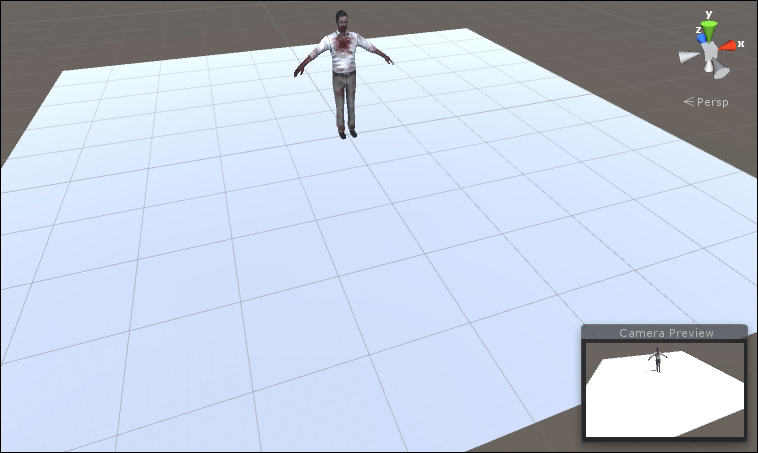
Setting up the scene in this way will make it easier to clearly see our motion sequences.


