Complete installation guide for setting up Python, Selenium, and essential tools like PyCharm
Hands-on experience in automating real-world web applications and handling dynamic elements
In-depth learning of Pytest to build and manage automation frameworks
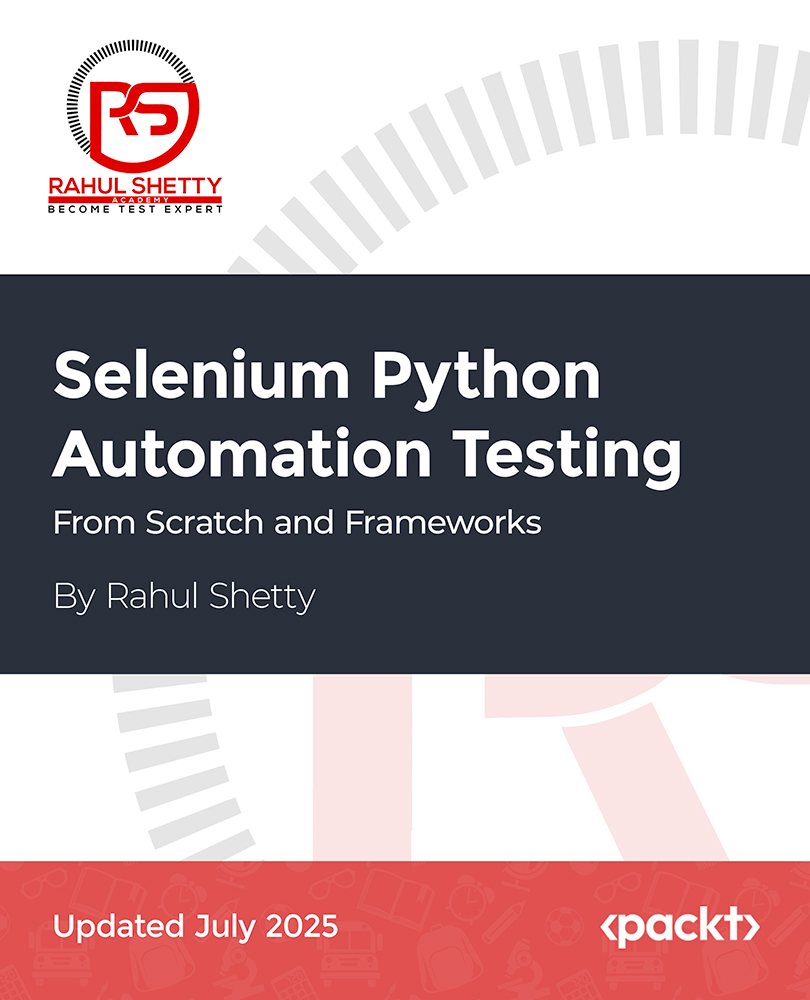
This course provides a step-by-step guide to mastering Selenium Python automation testing, starting with the installation of Python and Selenium. You’ll first learn Python fundamentals such as data types, loops, functions, and object-oriented principles before diving into web automation with Selenium. You will automate tasks like dropdowns, checkboxes, and alert popups while executing browser commands and interacting with web elements.
As you advance, you will explore synchronization, waits, and functional automation techniques. You'll handle advanced scenarios like managing multiple windows, frames, sorting web tables, and using JavaScript executors. With an end-to-end project, you'll apply your knowledge to real-world testing scenarios. The course also includes a guide to working with Pytest for testing frameworks and integrating with Jenkins for continuous integration and delivery.
By the end of this course, you'll be able to write automated tests, develop reusable frameworks, and manage version control using Git. You'll gain both theoretical and hands-on expertise in Selenium automation, preparing you for professional roles in software testing and automation, and giving you the confidence to tackle complex web automation challenges.
This course is perfect for those looking to break into test automation with Selenium and Python, including software testers, developers, or IT professionals. Basic programming knowledge is helpful but not required, as the course covers essential Python fundamentals. Familiarity with web technologies like HTML, CSS, and JavaScript is beneficial.



 United States

 Great Britain
 India
India
 Germany
 France
 Canada
 Russia
 Spain
Spain
 Brazil
 Australia
 South Africa
 Thailand
 Ukraine
 Switzerland
 Slovakia
 Luxembourg
 Hungary
 Romania
 Denmark
 Ireland
 Estonia
 Belgium
 Italy
Italy
 Finland
 Cyprus
 Lithuania
 Latvia
 Malta
Malta
 Netherlands
 Portugal
 Slovenia
 Sweden
 Argentina
 Colombia
 Ecuador
 Indonesia
 Mexico
 New Zealand
 Norway
 South Korea
 Taiwan
 Turkey
 Czechia
 Austria
 Greece
 Isle of Man
 Bulgaria
 Japan
Japan
 Philippines
 Poland
 Singapore
 Egypt
Egypt
 Chile
Chile
 Malaysia