Learn how to develop macOS apps with this easy and user-friendly guide
Explore and use a wide range of Apple software development kits and tools to become a confident macOS programmer
Shift from beginner to experienced programmer, armed with the skills to create a functional app using macOS
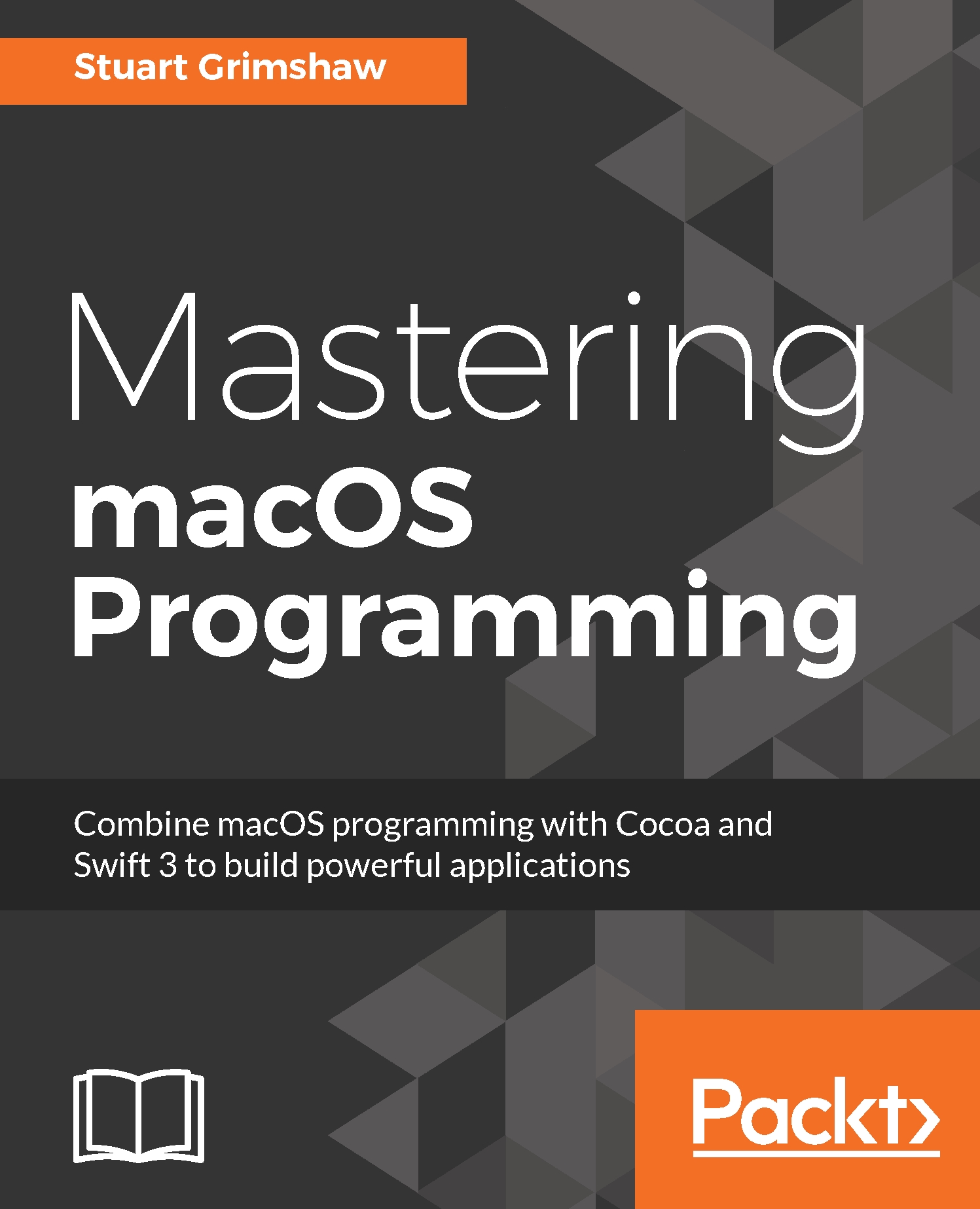
macOS is known for its tight integration across the Apple ecosystem of mac platforms and devices. In this course, you’ll get an in-depth knowledge of working on macOS that enables you to unleash its full potential using Swift to build applications.
The course will show you how to set up your environment easily and create your projects and properly lay out the controls. Discover the principles of programming by using Swift and Xcode, and see how to combine your knowledge into writing macOS programs. Look at the common design patterns that you need to know to plan anything more than a simple project for your desktop applications. You will add different functionality to the app like detecting touches, deleting and adding apps. Add animations to your application and to different layers for making it more dynamic. Finally, you will cover SpriteKit game development using macOS programming to add a small game to your app’s functionality.
By the end of this course, you’ll be well-acquainted with Swift, Cocoa, Apple Scripts, and a plethora of other essential tools. You’ll be ready to tackle advanced software projects on macOS.
All the code files for this course are available on Github at - https://github.com/PacktPublishing/Professional-macOS-Programming-v-
This course was created for beginners or developers on other platforms who want to build their first macOS application. If you’re a Swift or iOS developer that wants to learn how to code for multiple Apple platforms and build an application on macOS, then this is the course you need! Basic familiarity with Swift/Objective-C is assumed.



 United States

 Great Britain
 India
India
 Germany
 France
 Canada
 Russia
 Spain
Spain
 Brazil
 Australia
 South Africa
 Thailand
 Ukraine
 Switzerland
 Slovakia
 Luxembourg
 Hungary
 Romania
 Denmark
 Ireland
 Estonia
 Belgium
 Italy
Italy
 Finland
 Cyprus
 Lithuania
 Latvia
 Malta
Malta
 Netherlands
 Portugal
 Slovenia
 Sweden
 Argentina
 Colombia
 Ecuador
 Indonesia
 Mexico
 New Zealand
 Norway
 South Korea
 Taiwan
 Turkey
 Czechia
 Austria
 Greece
 Isle of Man
 Bulgaria
 Japan
Japan
 Philippines
 Poland
 Singapore
 Egypt
Egypt
 Chile
Chile
 Malaysia