Search icon CANCEL
Subscription
0
Cart icon
Your Cart (0 item)
Close icon
You have no products in your basket yet
Arrow left icon
Explore Products
Best Sellers
New Releases
Books
Videos
Audiobooks
Learning Hub
Newsletter Hub
Free Learning
Arrow right icon
timer SALE ENDS IN
0 Days
:
00 Hours
:
00 Minutes
:
00 Seconds
₹799 | ALL EBOOKS & VIDEOS
Save more on purchases! Buy 2 and save 10%, Buy 3 and save 15%, Buy 5 and save 20%
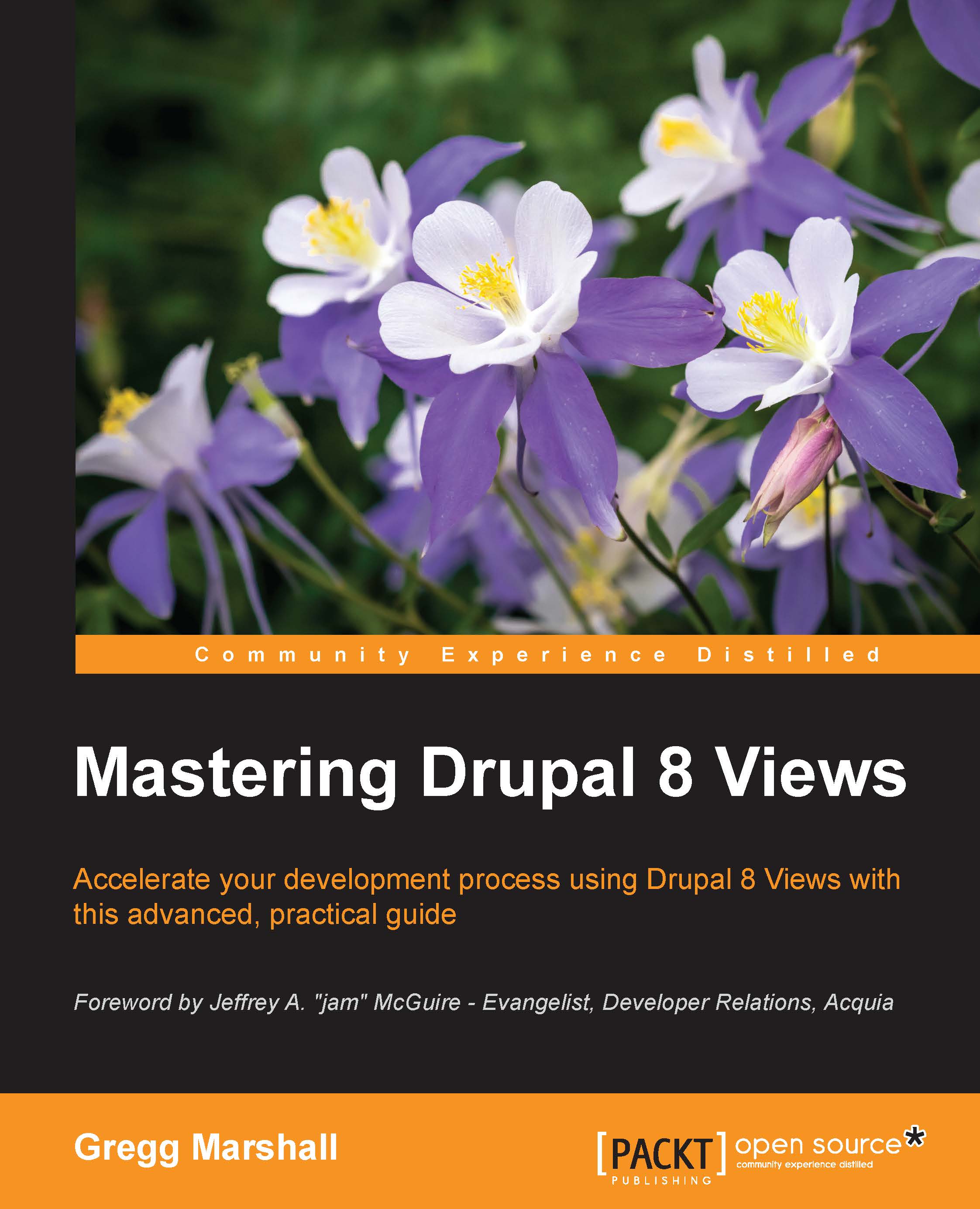
Mastering Drupal 8 Views

Mastering Drupal 8 Views: Build sophisticated displays of your Drupal content, all without programming

eBook
₹700 ₹2919.99
Paperback
₹3649.99
Subscription
Free Trial
Renews at ₹400p/m

What do you get with eBook?

Product feature icon Instant access to your Digital eBook purchase
Product feature icon Download this book in EPUB and PDF formats
Product feature icon Access this title in our online reader with advanced features
Product feature icon DRM FREE - Read whenever, wherever and however you want
OR
Modal Close icon
Payment Processing...
tick Completed

Billing Address

Table of content icon View table of contents Preview book icon Preview Book

Mastering Drupal 8 Views

Chapter 2. Views from Scratch

In this chapter, we'll cover the basics of building Drupal Views. After building a simple listing of available properties, we will look at some Views terminology that defines the components of a view:

  • Views types

  • Displays

  • Display Formats

  • Display Contents

Finally, we'll finish the chapter by building a view from Drupal's watchdog log, which is something new in Drupal 8.

A first try at listing the available properties


"Okay, Jackson, we've modified an existing view. I think it's time to learn how to build my own views in Drupal 8." Lynn gave Jackson a nice scratch knowing she'd be ignoring him for a few hours while she worked her way through this first view on her own.

Starting at the Views listing page (Manage | Structure | Views), Lynn clicked on the Add new view button that is prominently at the top of the Views listing page. "This is a nice change from Drupal 7, where adding a view was just an unformatted link." After the page loaded, Lynn faced an empty form similar to the one here:

The blank Add new view screen

"Okay, this doesn't look too complex. Let's call this view Available Property Listing," said Lynn, as she typed the view name into the first field. Drupal automatically converts the name entered into this field into a machine name for Drupal to use internally.

Tip

Generally, the machine name generated by Drupal is fine, but if you want to change...

The anatomy of a view


Lynn was confused a couple of times as she built her first view of available properties, so she decided that an hour with Jim would be really handy. Calling Jim, she said "Hi Jim, I just built my first view on the development site."

"Congratulations! That's a big step forward," he replied.

"However, I found it really confusing. There are so many options, and the terminology is so different from anything I've worked with before. I wonder whether you would have some time soon to sort of walk me through some of what I saw. I have a feeling if I master some of this terminology, the rest will fall into place."

"Drupal does have its own unique language. Some words don't exist anywhere else, and others have different meanings from what you might be used to hearing. I agree a quick rundown would be handy. Do you have a free hour some evening this week?"

Jim and Lynn decided to meet at a local Starbucks on Tuesday evening while Lynn's son was taking his Kung Fu class. On Tuesday...

Showing the Watchdog logs


That weekend, Lynn finally had time for Jim's homework. She decided that a block showing the five most recent errors would be available for everyone who could log in. At the bottom of this block would be a See more link to go to a page that showed all the page not found errors in a table format.

Adding the Views

Again starting at the Views listing page (Manage | Structure | Views), Lynn clicked on the Add new view button. She then completed the following fields:

  • View name: Page Not Found Errors

  • Description: field checked with text Display URLs of page not found errors from the Drupal Watchdog log

  • VIEW SETTINGS Show: Log entries

  • Sorted by: Newest first

  • PAGE SETTINGS Create a page: field checked

  • Page title: Page Not Found Errors

  • Path: administration/page-not-found-errors

  • PAGE DISPLAY SETTINGS Display format: Table of fields

  • Items to display: 25

  • Use a pager: field checked

  • Create a menu link: field unchecked

  • Include an RSS feed: field unchecked

  • BLOCK SETTINGS Create a block: field...

Summary


In this chapter, Lynn built a simple table of properties for sale, displaying the address and asking price, number of bedrooms, square footage, and neighborhood. Jim explained the various terms that Views uses to define a view: View Type, display, display type, and Display Contents, going through each option for these terms and the possible uses. Finally, Lynn built a view of bad links, adding both a page and a block display using another table Display Format for the page and an unformatted list Display Format for the block.

In the next chapter, we'll extend the properties list to have better sorting and filtering, including a multilevel sort, and use exposed filters to let site visitors customize the information being displayed, making the site interactive instead of full of static content.

Left arrow icon Right arrow icon

Key benefits

  • A practical, step-by-step guide with illustrative examples to give you a clear understanding of Drupal 8 views
  • Get the only book on the market that talks about Drupal 8 views and their importance for developers
  • Get an understanding of how views work and how they help to create modular applications

Description

Learn how to build complex displays of content—all without programming. Views were used on more than 80% of all Drupal 7 sites; now they are part of the Drupal 8 core. While most site builders and site owners are aware of views, they don't understand how to take full advantage of their power to create many amazing pages and blocks. If they use views, they might build 10 different view displays with different filters, without knowing that a contextual filter would require only a single display. Using our sample company, we'll take its existing content and evolve an ever more complex and powerful website for that company, starting with adapting the administration the user sees and moving on to making complex pages of information for site visitors. While the book is written for Drupal 8, the similarities between Views in Drupal 7 and 8 make this a useful reference for Drupal 7 site builders also.

Who is this book for?

This book is for web developers, web designers, and website administrators who use Drupal 8, have some basic knowledge of managing and developing apps with Drupal, and who want to get an advanced, practical knowledge of views and how to leverage them in Drupal 8 applications.

What you will learn

  • * Create displays of content that are automatically updated when you add new content
  • * Show maps and rotating image carousels on your site
  • * Combine content to create composite displays using the same data in different ways
  • * Use fields from more than one content type to create powerful views of multi-table data
  • * Modify the field data being displayed, combining it in different ways or changing the HTML that might be normally generated
  • * Add headers and footers above and below a views display
  • * Make the output of your view look exactly like the designer specifies
  • * Change the order in which a list of content is displayed, limit the content shown to only certain content types or values
  • * Filter content using values passed to the view in the URL, making a single view work different ways

Product Details

Country selected
Publication date, Length, Edition, Language, ISBN-13
Publication date : May 24, 2016
Length: 272 pages
Edition : 1st
Language : English
ISBN-13 : 9781785885396
Concepts :
Tools :

What do you get with eBook?

Product feature icon Instant access to your Digital eBook purchase
Product feature icon Download this book in EPUB and PDF formats
Product feature icon Access this title in our online reader with advanced features
Product feature icon DRM FREE - Read whenever, wherever and however you want
OR
Modal Close icon
Payment Processing...
tick Completed

Billing Address

Product Details

Publication date : May 24, 2016
Length: 272 pages
Edition : 1st
Language : English
ISBN-13 : 9781785885396
Concepts :
Tools :

Packt Subscriptions

See our plans and pricing
Modal Close icon
₹400 billed monthly
Feature tick icon Unlimited access to Packt's library of 6,500+ practical books and videos
Feature tick icon Constantly refreshed with 50+ new titles a month
Feature tick icon Exclusive Early access to books as they're written
Feature tick icon Solve problems while you work with advanced search and reference features
Feature tick icon Offline reading on the mobile app
Feature tick icon Simple pricing, no contract
₹4000 billed annually
Feature tick icon Unlimited access to Packt's library of 6,500+ practical books and videos
Feature tick icon Constantly refreshed with 50+ new titles a month
Feature tick icon Exclusive Early access to books as they're written
Feature tick icon Solve problems while you work with advanced search and reference features
Feature tick icon Offline reading on the mobile app
Feature tick icon Choose a DRM-free eBook or Video every month to keep
Feature tick icon PLUS own as many other DRM-free eBooks or Videos as you like for just ₹400 each
Feature tick icon Exclusive print discounts
₹5000 billed in 18 months
Feature tick icon Unlimited access to Packt's library of 6,500+ practical books and videos
Feature tick icon Constantly refreshed with 50+ new titles a month
Feature tick icon Exclusive Early access to books as they're written
Feature tick icon Solve problems while you work with advanced search and reference features
Feature tick icon Offline reading on the mobile app
Feature tick icon Choose a DRM-free eBook or Video every month to keep
Feature tick icon PLUS own as many other DRM-free eBooks or Videos as you like for just ₹400 each
Feature tick icon Exclusive print discounts

Frequently bought together


Stars icon
Total 7,299.98
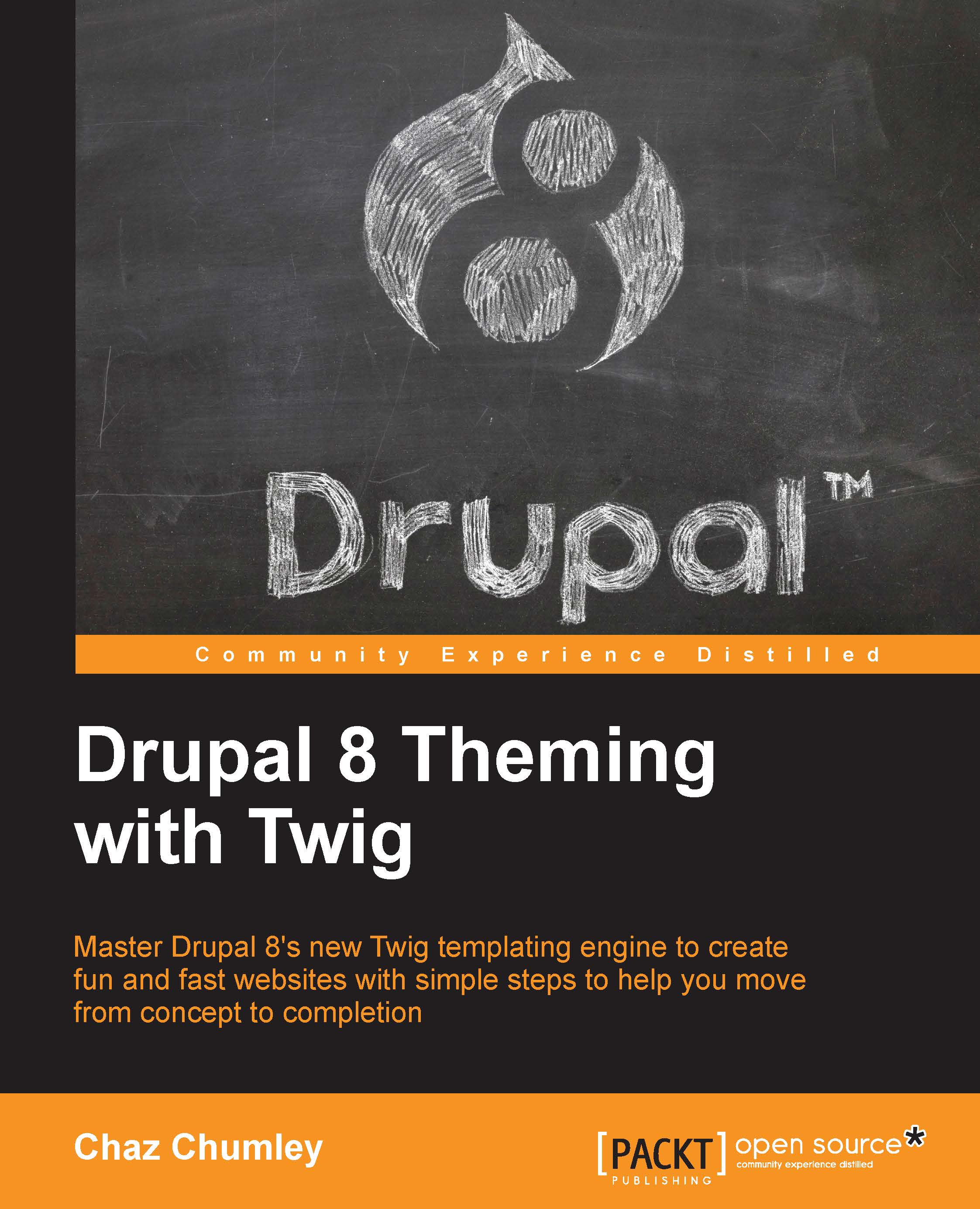
Drupal 8 Theming with Twig
₹3649.99
Mastering Drupal 8 Views
₹3649.99
Total 7,299.98 Stars icon

Table of Contents

10 Chapters
Up and Running with Views Chevron down icon Chevron up icon
Views from Scratch Chevron down icon Chevron up icon
Sorting and Filtering Chevron down icon Chevron up icon
Contextual Filters Chevron down icon Chevron up icon
Relationships Chevron down icon Chevron up icon
Add-on Modules Chevron down icon Chevron up icon
Field Rewrites Chevron down icon Chevron up icon
Customizing Views Chevron down icon Chevron up icon
Advanced View Settings Chevron down icon Chevron up icon
Theming Views Chevron down icon Chevron up icon

Customer reviews

Top Reviews
Rating distribution
Full star icon Full star icon Full star icon Half star icon Empty star icon 3.4
(7 Ratings)
5 star 28.6%
4 star 42.9%
3 star 0%
2 star 0%
1 star 28.6%
Filter icon Filter
Top Reviews

Filter reviews by


Eric Jun 27, 2016
Full star icon Full star icon Full star icon Full star icon Full star icon 5
Mastering Drupal 8 Views takes a different approach to web development books. Most books guide you through a process, step by step, in a very cold mechanical manner. This book differs from that approach completely.The writing style of this book was hard to accept at first. Because, as I previously stated, web development books aren't usually written in conversational language. After the first chapter I realized that the first-person Point of View, tone, and practicality of speech the author uses had me understanding much more about each Views feature than other books on the topic. It was at that point that I realized that the background story was essential in building up the "real world" application of the tasks you are performing. I proceeded to go back and actually read it, rather than skipping it, which I usually do with books like this.After each session with Lynn, the protagonist of the story, you are brought into a room with her Drupal mentor, Jim. Jim brings it home with high level technical details, explaining the most confusing of View settings with practical language and are immediately relatable. I feel as if Jim were a real person, he and I would be friends.The only issues I had with the book were out of the authors control.Writing a book on a product that changes so rapidly, like Drupal 8 does, must have been a difficult process. Gregg makes note of this throughout the book. Noting where there may be discrepancies along the way. The inclusion of these was a blessing and a curse, as many times you aren't sure whether or not a setting will actually exist.Overall, this book is a great master course on Drupal 8 Views. It is a book suitable for beginners, who are just getting started. It also brings a lot to the table for Views masters who are looking to see what has changed when moving to Drupal 8. I'd recommend that anyone interested in learning Views give this a read.
Amazon Verified review Amazon
mada namlig Jul 20, 2016
Full star icon Full star icon Full star icon Full star icon Full star icon 5
Never did I think a skill-building manual could be informative AND engaging. In Mastering Drupal 8 Views, Gregg Marshall tells the story of Lynn, an owner of a realty firm with a Drupal website. She is charged with enhancing her firm's site. Although she has a basic understanding of Views, she sets out to learn everything she can about it.Gregg Marshall brings you along on Lynn's website and skill development journey through Views in an easy-to-follow, relatable tone. He does not assume the reader has any less or more Drupal knowledge than Lynn. The reader will learn Views skill in a very practical sense. For example: the purpose of relationships in Views is X and by using them, Lynn is able to do X on her website and, furthermore, Y and Z, too. Then you'll follow Lynn's path to implementation (pitfalls and all).Gregg does a great job of presenting the lessons in such a way that you can steadily build and refine your skill from the beginning or jump in at a point where you feel confident....eagerly awaiting the sql :)
Amazon Verified review Amazon
Abhaya Sharma Oct 13, 2016
Full star icon Full star icon Full star icon Full star icon Empty star icon 4
Views form a great tool for drupal websites. Gregg Marshall in his book has given a fairly good introduction and deployment of drupal vies as applied to Drupal 8 which has incoporated views in its core structure.Anyone who wants to use drupal for designing web contents has to fully understand the views besides the other tools like taxomomy, blocks, menus and themes. The power of views has been deftly introduced in this book by way of a Drupal developer Lynn who is hosting a realtor site for property listings. The book is not exactly for beginners though someone initiated to learn a bit of Drupal and specifically want to take advantage of Drupal 8 should find this book more than useful. Masrhall has nicely organised his book with introducing views in first three basic chapters and later covered up tasks of contextual filters, relationships and add-on modules to work with views.Overall book has achieved what it was designed to achieve, a subtle and clean way to master views in Drupal 8.I would recommend the book for those who really wish to push their Drupal sites with the power of views. However, the layout of boxes showing views forms is a bit hazy and stressful to the eyes..
Amazon Verified review Amazon
Michael Anello Jun 25, 2016
Full star icon Full star icon Full star icon Full star icon Empty star icon 4
This book is one of the (I can only assume) many Drupal 8-focused books that will be released in the coming months. It is a very good deep dive into many of the hidden corners of the Views module, albeit with an interesting format. Not completely structured like a typical how-to software book, Gregg takes a bit more of a novel approach (pun intended) - he takes the reader on a journey through the Views module through the eyes of Lynn, a small business owner (Lynn's cat and Drupal consultant also have prominent roles). While some readers might find the story-ish elements distracting, they add a certain degree of warmth to the book - something I can only assume a subset of readers will more than appreciate.There are several stand-out chapters of this book, and luckily they're on some of the more difficult Views-related topics including contextual filters, relationships, and field rewrites. For people with questions about these topics, these chapters are more than worth the price of the book.Overall, this is a welcome addition to the Drupal family of books, and one that I can honestly recommend for users that feel like there are aspects of the Views module that are still a mystery to them. The novel-like structure of the book normally doesn't get in the way of the lesson, but for readers who normally doesn't read technical books front-to-back (instead cherry picking only chapters of interest), it might be a bit distracting. While this is properly identified as a Drupal 8 book, much of the content is also valid for Drupal 7, including some of (in my opinion) the strongest chapters.
Amazon Verified review Amazon
Product Review Person Jun 26, 2016
Full star icon Full star icon Full star icon Full star icon Empty star icon 4
Mastering Drupal 8 Views is a top down dissection of Views in core going over what each thing does, and how to do those things. The book takes a non standard approach of using story telling and fiction to bring the reader on a journey where the protaganist "Lynn" learns and uses views for practical purposes.If you find the conventional developer book to be a bit dry and hard to follow, you might really enjoy reading and following the adventure. If you're looking for just dry documentation you may find yourself skipping around and scanning for the meaty bits. Overall Mastering Drupal 8 Views is a comprehensive and well organized learning tool.
Amazon Verified review Amazon
Get free access to Packt library with over 7500+ books and video courses for 7 days!
Start Free Trial

FAQs

How do I buy and download an eBook? Chevron down icon Chevron up icon

Where there is an eBook version of a title available, you can buy it from the book details for that title. Add either the standalone eBook or the eBook and print book bundle to your shopping cart. Your eBook will show in your cart as a product on its own. After completing checkout and payment in the normal way, you will receive your receipt on the screen containing a link to a personalised PDF download file. This link will remain active for 30 days. You can download backup copies of the file by logging in to your account at any time.

If you already have Adobe reader installed, then clicking on the link will download and open the PDF file directly. If you don't, then save the PDF file on your machine and download the Reader to view it.

Please Note: Packt eBooks are non-returnable and non-refundable.

Packt eBook and Licensing When you buy an eBook from Packt Publishing, completing your purchase means you accept the terms of our licence agreement. Please read the full text of the agreement. In it we have tried to balance the need for the ebook to be usable for you the reader with our needs to protect the rights of us as Publishers and of our authors. In summary, the agreement says:

  • You may make copies of your eBook for your own use onto any machine
  • You may not pass copies of the eBook on to anyone else
How can I make a purchase on your website? Chevron down icon Chevron up icon

If you want to purchase a video course, eBook or Bundle (Print+eBook) please follow below steps:

  1. Register on our website using your email address and the password.
  2. Search for the title by name or ISBN using the search option.
  3. Select the title you want to purchase.
  4. Choose the format you wish to purchase the title in; if you order the Print Book, you get a free eBook copy of the same title. 
  5. Proceed with the checkout process (payment to be made using Credit Card, Debit Cart, or PayPal)
Where can I access support around an eBook? Chevron down icon Chevron up icon
  • If you experience a problem with using or installing Adobe Reader, the contact Adobe directly.
  • To view the errata for the book, see www.packtpub.com/support and view the pages for the title you have.
  • To view your account details or to download a new copy of the book go to www.packtpub.com/account
  • To contact us directly if a problem is not resolved, use www.packtpub.com/contact-us
What eBook formats do Packt support? Chevron down icon Chevron up icon

Our eBooks are currently available in a variety of formats such as PDF and ePubs. In the future, this may well change with trends and development in technology, but please note that our PDFs are not Adobe eBook Reader format, which has greater restrictions on security.

You will need to use Adobe Reader v9 or later in order to read Packt's PDF eBooks.

What are the benefits of eBooks? Chevron down icon Chevron up icon
  • You can get the information you need immediately
  • You can easily take them with you on a laptop
  • You can download them an unlimited number of times
  • You can print them out
  • They are copy-paste enabled
  • They are searchable
  • There is no password protection
  • They are lower price than print
  • They save resources and space
What is an eBook? Chevron down icon Chevron up icon

Packt eBooks are a complete electronic version of the print edition, available in PDF and ePub formats. Every piece of content down to the page numbering is the same. Because we save the costs of printing and shipping the book to you, we are able to offer eBooks at a lower cost than print editions.

When you have purchased an eBook, simply login to your account and click on the link in Your Download Area. We recommend you saving the file to your hard drive before opening it.

For optimal viewing of our eBooks, we recommend you download and install the free Adobe Reader version 9.

Modal Close icon
Modal Close icon