

Introducing the Lightning Console
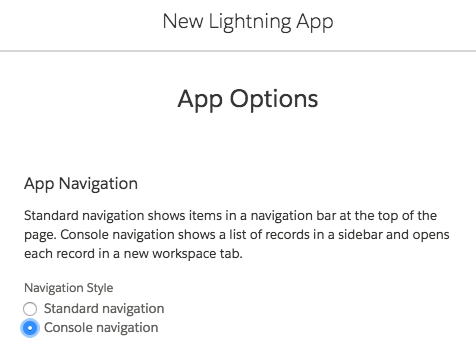
Lightning Console apps provide split views, workspaces, Tabs, and a Utility Bar, which enhance productivity. To create a console app, make sure to select that the app be of console type.
To create an app, go to Setup | App Manager | New Lightning App.
The following screenshot shows the radio button that you need to select to in order to create a Salesforce console application:
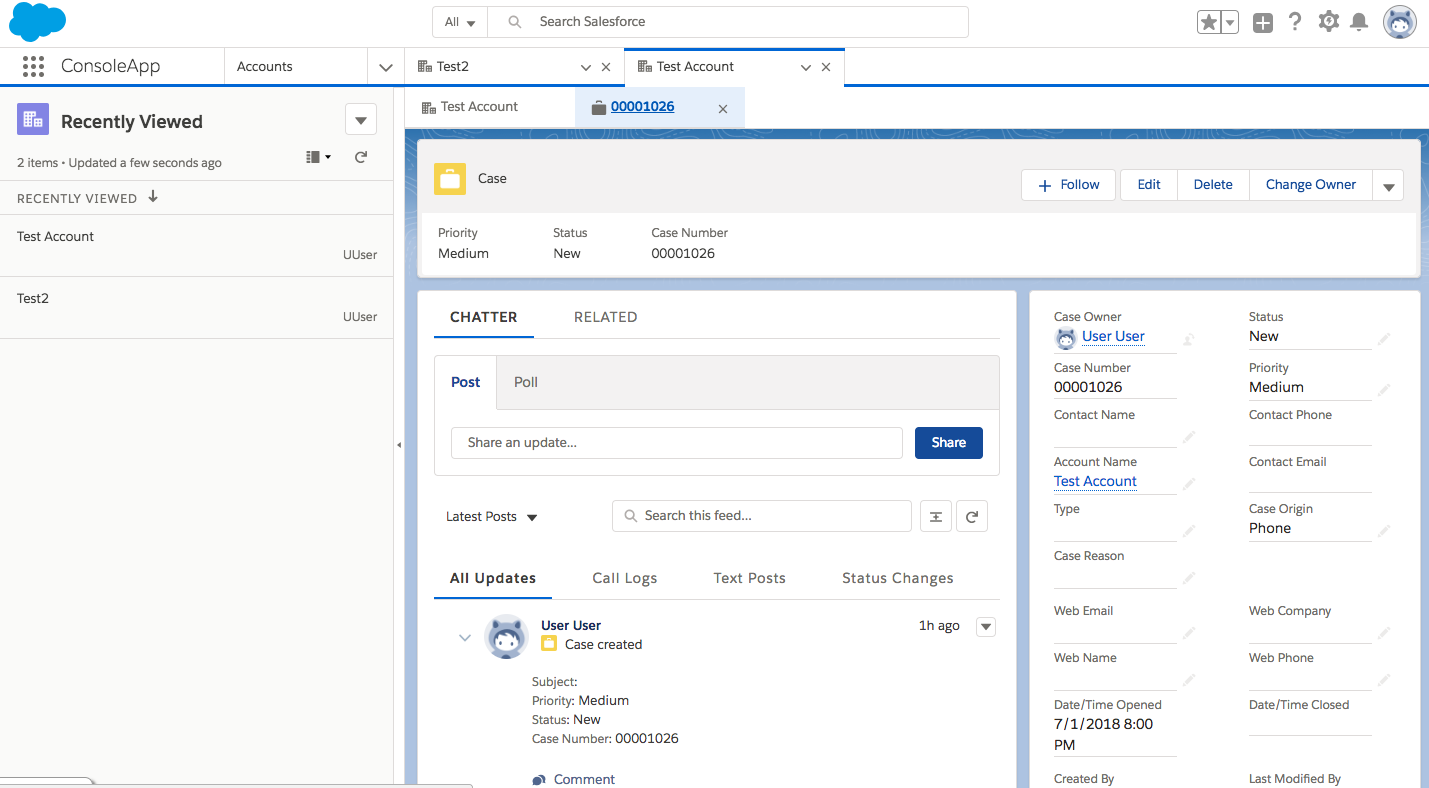
The console app screen resembles something such as the following, with the ability to open Parent Records as subtabs, and further related records can subtab themselves from the Parent tab:
Utility Bar component
The Utility Bar sits in the footer of the screen and provides an extensive set of APIs. To use the Utility Bar, the Lightning Component needs to use a special component named Lightning :utilityBarAPI. The following code shows a sample component code snippet that uses this API component:
<aura:component implements="flexipage:availableForAllPageTypes" access="global" >
<...