Search icon CANCEL
Subscription
0
Cart icon
Your Cart (0 item)
Close icon
You have no products in your basket yet
Arrow left icon
Explore Products
Best Sellers
New Releases
Books
Videos
Audiobooks
Learning Hub
Newsletter Hub
Free Learning
Arrow right icon
timer SALE ENDS IN
0 Days
:
00 Hours
:
00 Minutes
:
00 Seconds
Learn React JS and Web API by Creating a Full Stack Web App

Learn React JS and Web API by Creating a Full Stack Web App

Get hands-on and learn to build a full-stack app using React.js as the frontend and its web API for the backend

₹700 ₹6703.99
By Frahaan Hussain & Vinay Kumar
Time 4hrs 46mins
Published in Aug 2019
Product Type Video
Edition 1st Edition
Learn React JS and Web API by Creating a Full Stack Web App

Packt Subscriptions

See our plans and pricing
Modal Close icon
₹400 billed monthly
Feature tick icon Unlimited access to Packt's library of 6,500+ practical books and videos
Feature tick icon Constantly refreshed with 50+ new titles a month
Feature tick icon Exclusive Early access to books as they're written
Feature tick icon Solve problems while you work with advanced search and reference features
Feature tick icon Offline reading on the mobile app
Feature tick icon Simple pricing, no contract
₹4000 billed annually
Feature tick icon Unlimited access to Packt's library of 6,500+ practical books and videos
Feature tick icon Constantly refreshed with 50+ new titles a month
Feature tick icon Exclusive Early access to books as they're written
Feature tick icon Solve problems while you work with advanced search and reference features
Feature tick icon Offline reading on the mobile app
Feature tick icon Choose a DRM-free eBook or Video every month to keep
Feature tick icon PLUS own as many other DRM-free eBooks or Videos as you like for just ₹400 each
Feature tick icon Exclusive print discounts
₹5000 billed in 18 months
Feature tick icon Unlimited access to Packt's library of 6,500+ practical books and videos
Feature tick icon Constantly refreshed with 50+ new titles a month
Feature tick icon Exclusive Early access to books as they're written
Feature tick icon Solve problems while you work with advanced search and reference features
Feature tick icon Offline reading on the mobile app
Feature tick icon Choose a DRM-free eBook or Video every month to keep
Feature tick icon PLUS own as many other DRM-free eBooks or Videos as you like for just ₹400 each
Feature tick icon Exclusive print discounts

What do you get with a video?

Product feature icon Download this video in MP4 format
Product feature icon DRM FREE - Read whenever, wherever and however you want
Download code icon Download Code

Key benefits

Learn to build a full-stack web app.
Create a web API project
Implement routing for your React applications

Description

In this course, you will learn how to build a web application from scratch. You'll use React.js for the frontend and Microsoft SQL Server as the database; you'll also use the ASP.NET Web API to create APIs. This is not a comprehensive guide to React.js concepts; instead, this course adopts a practical approach as you learn to build a web app using some of the most commonly used React.js controls. Make sure you check out the additional resources section for theoretical/advanced concepts. • Install Angular 8 and create projects • Install Bootstrap and add material designs to your Angular project • Consume API methods (GET, PUT, POST, and DELETE) • Angular routing • Use form fields with drop-downs and date pickers By the end of this course, you will be able to create a simple full-stack app from scratch. All the code and supporting files for this course are available at - https://github.com/PacktPublishing/Learn-React-JS-and-Web-API-by-Creating-a-Full-Stack-Web-App

Who is this book for?

This course is for web developers, .NET developers, Java developers, and UI developers and others who will benefit from this course.

What you will learn

Category:
Languages:
Concepts:
Tools:

Frequently bought together


Stars icon
Total 2,100.00 27,261.97 25,161.97 saved
Learn React JS and Web API by Creating a Full Stack Web App
₹700 ₹6703.99
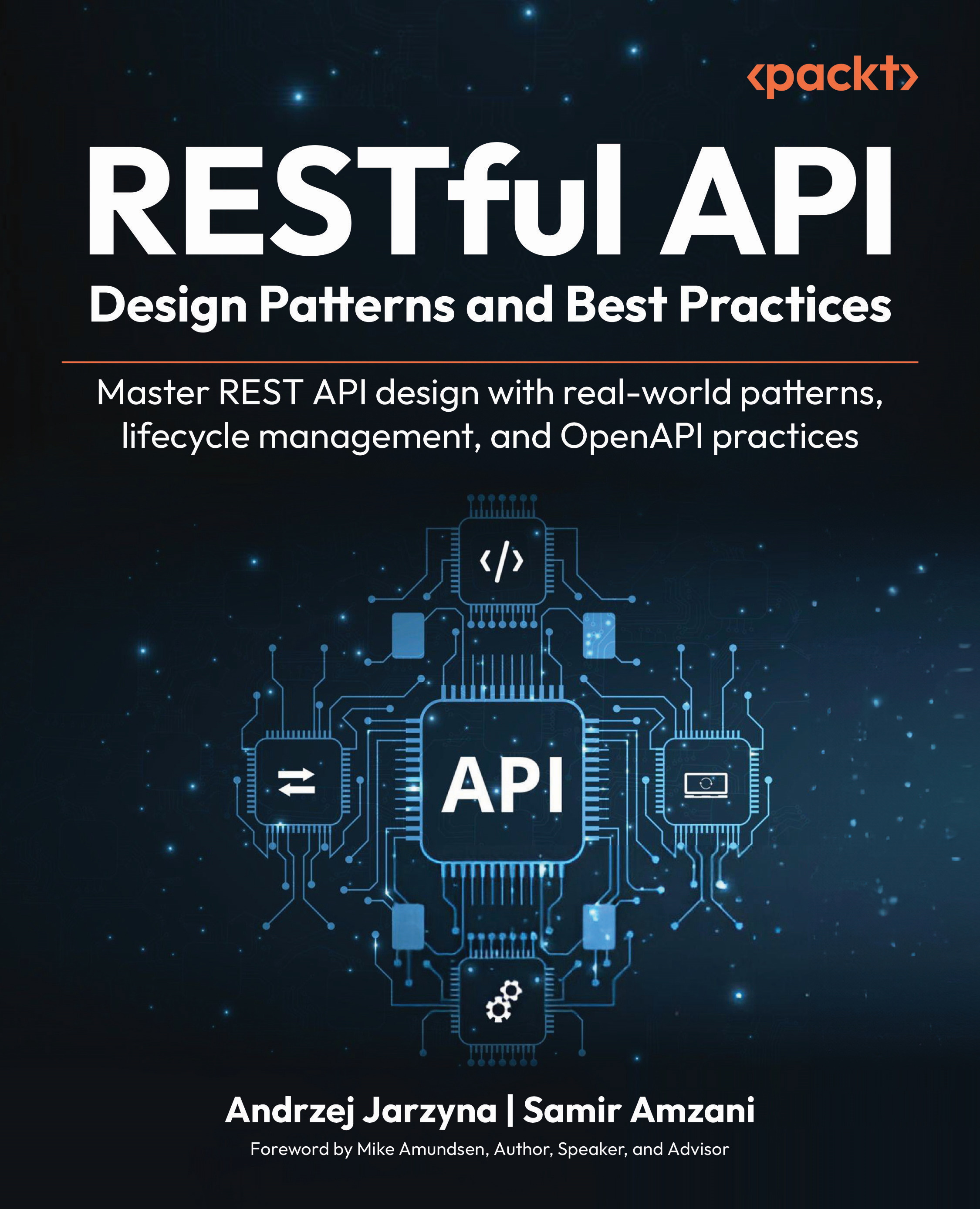
RESTful Web API Design with Node.js 12
₹700 ₹10278.99
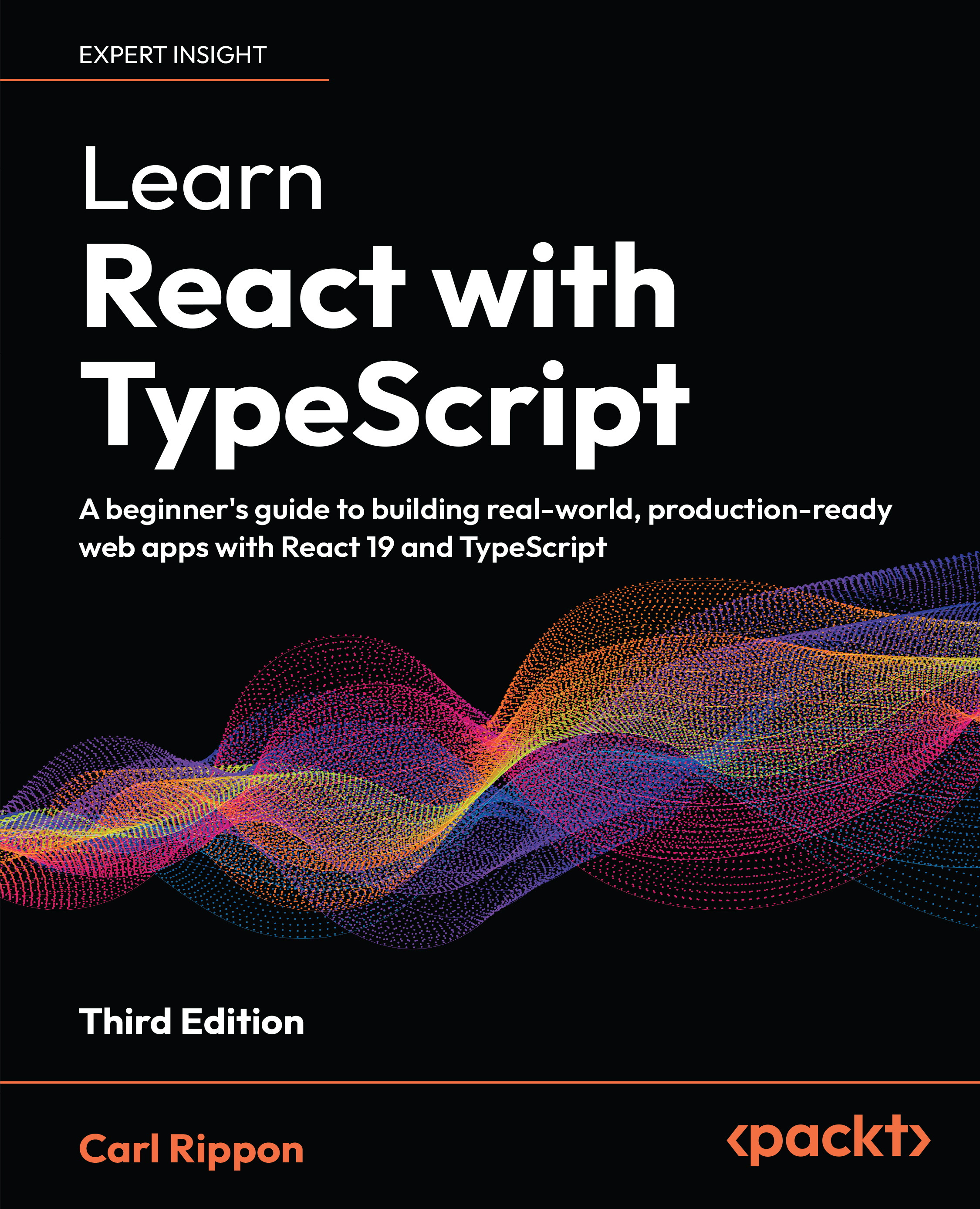
Learning React
₹700 ₹10278.99
Total 2,100.00 27,261.97 25,161.97 saved Stars icon
Get free access to Packt library with over 7500+ books and video courses for 7 days!
Start Free Trial

FAQs

How can I download a video package for offline viewing? Chevron down icon Chevron up icon
  1. Login to your account at Packtpub.com.
  2. Click on "My Account" and then click on the "My Videos" tab to access your videos.
  3. Click on the "Download Now" link to start your video download.
How can I extract my video file? Chevron down icon Chevron up icon

All modern operating systems ship with ZIP file extraction built in. If you'd prefer to use a dedicated compression application, we've tested WinRAR / 7-Zip for Windows, Zipeg / iZip / UnRarX for Mac and 7-Zip / PeaZip for Linux. These applications support all extension files.

How can I get help and support around my video package? Chevron down icon Chevron up icon

If your video course doesn't give you what you were expecting, either because of functionality problems or because the content isn't up to scratch, please mail [email protected] with details of the problem. In addition, so that we can best provide the support you need, please include the following information for our support team.

  1. Video
  2. Format watched (HTML, MP4, streaming)
  3. Chapter or section that issue relates to (if relevant)
  4. System being played on
  5. Browser used (if relevant)
  6. Details of support
Why can’t I download my video package? Chevron down icon Chevron up icon

In the even that you are having issues downloading your video package then please follow these instructions:

  1. Disable all your browser plugins and extensions: Some security and download manager extensions can cause issues during the download.
  2. Download the video course using a different browser: We've tested downloads operate correctly in current versions of Chrome, Firefox, Internet Explorer, and Safari.
Modal Close icon
Modal Close icon