


Dragging and dropping
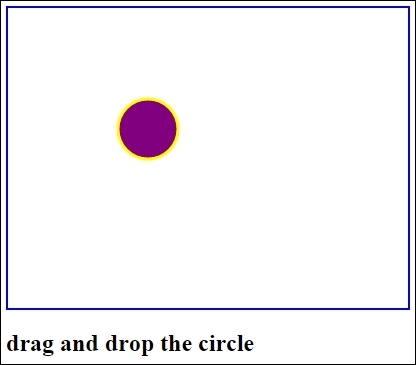
In this recipe, we'll tackle the drag and drop event listeners. Without the Events class or some other lightweight JavaScript library, drag-and-drop operations can be quite cumbersome to develop. We can use mouseover, mousedown, mousemove, mouseup, and mouseout event listener to handle different phases of the drag-and-drop operation. In this recipe, we use mousedown, mouseup, and mousemove. That's what we require for drag and drop. The output is as follows:
How to do it
The recipe is as follows:
The HTML code:
<html>
<head>
<title>Canvas Drag and Drop</title>
<script src="dragdrop.js"></script>
</head>
<body onload=init()>
<section>

<canvas id="MyCanvasArea" width="400" height="300" style="border:2px solid blue;">
    Canvas tag is not supported by your browser
</canvas>
<h1>drag and drop the circle</h1>
</section>
</body>
</html>
The JavaScript code:
var can;
var ctx;
var x ...