Search icon CANCEL
Subscription
0
Cart icon
Your Cart (0 item)
Close icon
You have no products in your basket yet
Arrow left icon
Explore Products
Best Sellers
New Releases
Books
Videos
Audiobooks
Learning Hub
Newsletter Hub
Free Learning
Arrow right icon
timer SALE ENDS IN
0 Days
:
00 Hours
:
00 Minutes
:
00 Seconds
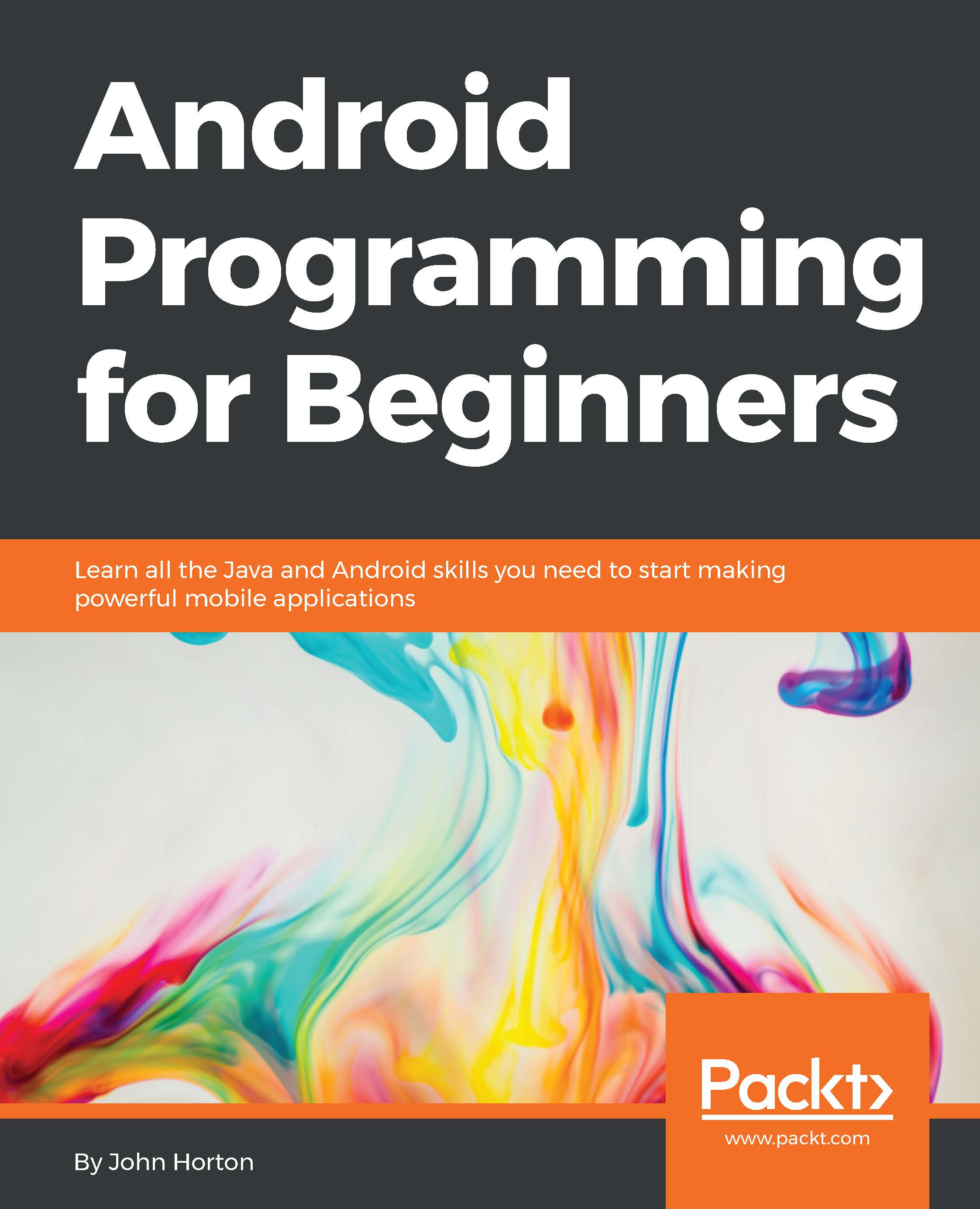
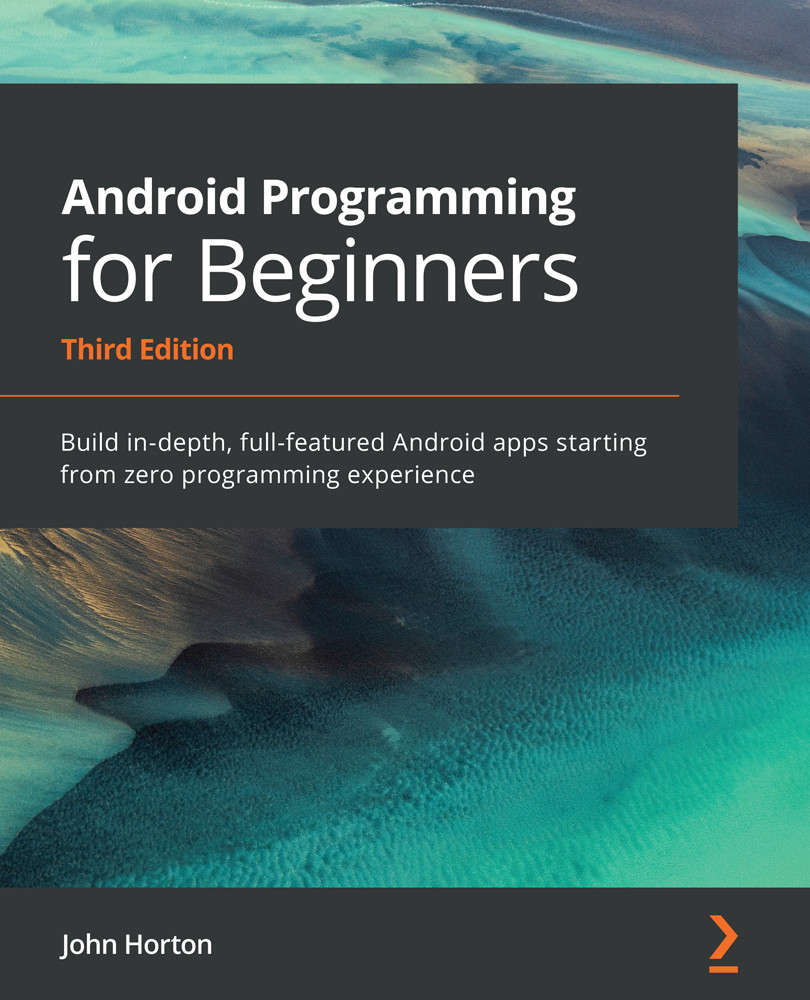
Android Programming for Beginners

Android Programming for Beginners

Learn all the Java and Android skills you need to start making powerful mobile applications

€29.69 €32.99
By John Horton & Mayani
Full star icon Full star icon Full star icon Full star icon Half star icon
4.1 (47 Ratings)
Pages 698
Published in Dec 2015
Product Type eBook
Edition 1st Edition
ISBN 9781785889035
Android Programming for Beginners

Packt Subscriptions

See our plans and pricing
Modal Close icon
€11.99 billed monthly
Feature tick icon Unlimited access to Packt's library of 6,500+ practical books and videos
Feature tick icon Constantly refreshed with 50+ new titles a month
Feature tick icon Exclusive Early access to books as they're written
Feature tick icon Solve problems while you work with advanced search and reference features
Feature tick icon Offline reading on the mobile app
Feature tick icon Simple pricing, no contract
€119.99 billed annually
Feature tick icon Unlimited access to Packt's library of 6,500+ practical books and videos
Feature tick icon Constantly refreshed with 50+ new titles a month
Feature tick icon Exclusive Early access to books as they're written
Feature tick icon Solve problems while you work with advanced search and reference features
Feature tick icon Offline reading on the mobile app
Feature tick icon Choose a DRM-free eBook or Video every month to keep
Feature tick icon PLUS own as many other DRM-free eBooks or Videos as you like for just €5 each
Feature tick icon Exclusive print discounts
€169.99 billed in 18 months
Feature tick icon Unlimited access to Packt's library of 6,500+ practical books and videos
Feature tick icon Constantly refreshed with 50+ new titles a month
Feature tick icon Exclusive Early access to books as they're written
Feature tick icon Solve problems while you work with advanced search and reference features
Feature tick icon Offline reading on the mobile app
Feature tick icon Choose a DRM-free eBook or Video every month to keep
Feature tick icon PLUS own as many other DRM-free eBooks or Videos as you like for just €5 each
Feature tick icon Exclusive print discounts

What do you get with eBook?

Product feature icon Instant access to your Digital eBook purchase
Product feature icon Download this book in EPUB and PDF formats
Product feature icon Access this title in our online reader with advanced features
Product feature icon DRM FREE - Read whenever, wherever and however you want
Table of content icon View table of contents Preview book icon Preview Book

Android Programming for Beginners

Chapter 2. Java – First Contact

We now have a working Android development environment, and we have built and deployed our first app. It is obvious, however, that autogenerated code by Android Studio is not going to make the next top-selling app on Google Play. We need to explore this autogenerated code in order to understand Android and then begin to build on this useful template. With this aim in mind, in this chapter, we will do the following:

  • See how to get technical feedback from our apps

  • Examine the Java code and UI XML code from our first app

  • Get the first taste of using the Android UI designer

  • Write our first Java code

  • Learn a few core Java fundamentals and how they relate to Android

First, let's see how to find out whether things are going wrong.

Examining the log output


In the previous chapter, we mentioned that our app was running in a debug mode so we could monitor it and get feedback when things go wrong. So, where is all this feedback then?

You might have noticed a whole load of scrolling text at the bottom of the Android Studio window. If not, click on the Android tab at the bottom-left corner of the screen and then make sure that the logcat tab is selected as well, as indicated by the areas highlighted in solid red in the next figure (the dashed red areas will be discussed in a moment):

You can drag the window to make it taller, just like you can in most other Windows applications.

This is called the logcat or sometimes, it is referred to as the console. It is our app's way of telling us what is going on underneath what the user sees. If the app crashes, the reason or clues about the reason will appear here. If we need to output debugging information, we can do so here as well.

Tip

If you just cannot work out why your app is crashing...

Improving our app and deploying again


We will take a more thorough and structured look at Android Studio, in particular the visual designer in the next chapter. For now, I thought it would be good to make a small addition to our UI, as well as write our first few lines of Java code.

Tip

You can get the completed code files for this project in the Chapter 2 folder of the download bundle.

In Android, there are often multiple ways to get the same thing done. Here, we will see how we can refer to a method in our Java code directly from the UI designer or XML code. Then, once we have done this, we will jump to the Java code and write our very own methods that our new UI refers to. Not only that, but we will write code within our methods that both gives an output on the logcat/console and uses a really cool Android feature that pops up a message to the user.

Modifying the UI

Here, we will add a couple of buttons to the screen and we will then see a really fast way to make them actually do something...

Meet Java


Take a look at the MyActivity.java tab. Here, we can see the code that we briefly discussed.

Before we write our own methods to correspond with the methods that our buttons are already wired up to call, let's take a look at Java comments. Java comments are really handy when we are learning to code, as well as for experienced developers too.

Java comments

In programming, it is always a good idea to write messages known as code comments and sprinkle them liberally among your code. This is to remind us what on earth we were thinking at the time we wrote the code. To do this, you simply need to append a double forward slash and then type your comment like this:

// This is a comment and it could be useful

In addition to this, we can use comments to comment out a line of code. Suppose we have a line of code that we temporarily want to disable, then we can do so by adding two forward slashes, like this:

// The code below used to send a message
// Log.i("info","our message here");
// But now...

FAQ


  1. Can you remind me what methods are?

    Methods are containers for our code that can be executed (called) from other parts of our code. Methods are contained within a class.

  2. Like the last, I found this chapter really hard. Do I need to reread it?

    No, as long as you've built the app, you have made enough progress to handle the next chapter. All the blanks in our knowledge will be steadily filled in and replaced with glorious moments of realization as the book progresses.

Summary


In this chapter, we achieved quite a bit. We saw and edited our layout XML file using both the UI designer, as well as through tinkering with the raw code. We took a glimpse at our first Java code and even added our own methods in order to output debugging messages to the console, and pop-up Toast messages to the user.

In the next chapter, we will take a complete guided tour of Android Studio to see exactly where different things get done at the same time, to understand how our projects assets, such as files and folders, are structured, and to learn how to manage them. This will prepare us to take a more in-depth look at the UI design in Chapter 4, Designing Layouts and Chapter 5, Real-World Layouts, and build some significant real-world layouts for our apps.

Left arrow icon Right arrow icon
Download code icon Download Code

Key Benefits

*Kick-start your Android programming career, or just have fun publishing apps to the Google Play marketplace
*A first-principles introduction to Java, via Android, which means you’ll be able to start building your own applications from scratch
*Learn by example and build three real-world apps and over 40 mini apps throughout the book

What You Will Learn

Who Is This Book For?

Are you trying to start a career in programming, but haven’t found the right way in? Do you have a great idea for an app, but don’t know how to make it a reality? Or maybe you’re just frustrated that “to learn Android, you must know java.” If so, Android Programming for Beginners is for you. You don’t need any programming experience to follow along with this book, just a computer and a sense of adventure.

Book Description

Android is the most popular OS in the world. There are millions of devices accessing tens of thousands of applications. It is many people's entry point into the world of technology; it is an operating system for everyone. Despite this, the entry-fee to actually make Android applications is usually a computer science degree, or five years’ worth of Java experience. Android Programming for Beginners will be your companion to create Android applications from scratch—whether you’re looking to start your programming career, make an application for work, be reintroduced to mobile development, or are just looking to program for fun. We will introduce you to all the fundamental concepts of programming in an Android context, from the Java basics to working with the Android API. All examples are created from within Android Studio, the official Android development environment that helps supercharge your application development process. After this crash-course, we’ll dive deeper into Android programming and you’ll learn how to create applications with a professional-standard UI through fragments, make location-aware apps with Google Maps integration, and store your user’s data with SQLite. In addition, you’ll see how to make your apps multilingual, capture images from a device’s camera, and work with graphics, sound, and animations too. By the end of this book, you’ll be ready to start building your own custom applications in Android and Java.

Category:
Languages:
Concepts:
Tools:

Frequently bought together


Stars icon
Total 99.97
Android Programming for Beginners
€41.99
Android Studio Cookbook
€32.99
Android 6 Essentials
€24.99
Total 99.97 Stars icon

Table of Contents

(30 Chapters)
The First App Chevron down icon Chevron up icon
Java – First Contact Chevron down icon Chevron up icon
Exploring Android Studio Chevron down icon Chevron up icon
Designing Layouts Chevron down icon Chevron up icon
Real-World Layouts Chevron down icon Chevron up icon
The Life and Times of an Android App Chevron down icon Chevron up icon
Coding in Java Part 1 – Variables, Decisions, and Loops Chevron down icon Chevron up icon
Coding in Java Part 2 – Methods Chevron down icon Chevron up icon
Object-Oriented Programming Chevron down icon Chevron up icon
Everything's a Class Chevron down icon Chevron up icon
Widget Mania Chevron down icon Chevron up icon
Having a Dialogue with the User Chevron down icon Chevron up icon
Handling and Displaying Arrays of Data Chevron down icon Chevron up icon
Handling and Displaying Notes in Note To Self Chevron down icon Chevron up icon
Android Intent and Persistence Chevron down icon Chevron up icon
UI Animations Chevron down icon Chevron up icon
Sound FX and Supporting Different Versions of Android Chevron down icon Chevron up icon
Design Patterns, Fragments, and the Real World Chevron down icon Chevron up icon
Using Multiple Fragments Chevron down icon Chevron up icon
Paging and Swiping Chevron down icon Chevron up icon
Navigation Drawer and Where It's Snap Chevron down icon Chevron up icon
Capturing Images Chevron down icon Chevron up icon
Using SQLite Databases in Our Apps Chevron down icon Chevron up icon
Adding a Database to Where It's Snap Chevron down icon Chevron up icon
Integrating Google Maps and GPS Locations Chevron down icon Chevron up icon
Upgrading SQLite – Adding Locations and Maps Chevron down icon Chevron up icon
Going Local – Hola! Chevron down icon Chevron up icon
Threads, Touches, Drawing, and a Simple Game Chevron down icon Chevron up icon
Publishing Apps Chevron down icon Chevron up icon
Before You Go Chevron down icon Chevron up icon

Customer reviews

Top Reviews
Rating distribution
Full star icon Full star icon Full star icon Full star icon Half star icon
4.1
(47 Ratings)
5 star 55.3%
4 star 23.4%
3 star 4.3%
2 star 12.8%
1 star 4.3%
Filter icon Filter
Top Reviews

Filter reviews by


Siri Jan 07, 2016
Full star icon Full star icon Full star icon Full star icon Full star icon
5
Disclaimer: I received an early copy of this book.Coming from a DB background, I wanted to increase my knowledge base to JAVA and then to Android. With an aspiration to eventually move to mobile development, I stumbled upon John's book - Learning Java by Building Android Games. I simply fell in love with its simplicity and clarity for concepts. To take it up a notch, I spent my holidays delving into this new book - Android Programming for Beginners. If you are looking for good fundamentals on Android subject, I would highly recommend this book. It covers everything from - JAVA, Android Studio, life cyclies, intents and introduces all the key concepts to get you started in app development.
Amazon Verified review Amazon
Perry Nally Feb 19, 2016
Full star icon Full star icon Full star icon Full star icon Full star icon
5
This book, though for beginner programmers that may not be familiar with Java, can be used as a refresher for job interviews or for a personal refresh. I was surprised at how the author took some complex topics and made them understandable to someone how might not know anything about programming. You get to building apps right away. The environment is typical Windows and Android Studio, but if all you have is a Mac you should be fine too if you are intuitive about installing things. If you are really wanting to be a programmer, you're going to have to learn to figure out problems all the time, so following this on a Mac should not be any issue. But if you've really never programmed, then I'd recommend sticking with Windows and following alone exactly.You get to build quite a few apps from the basic setup all the way to publishing the app and marketing it. The meat of the book is really about understanding the Android environment with a programmers mind. Don't worry, it goes over Java language as well with some great analagies that I see would help even the most of noobs. But we were all noobs at some point, and this book is a great start at it. I wish I had this book when I started programming native Android. Highly recommended.
Amazon Verified review Amazon
Jeffrey Thomas Apr 27, 2016
Full star icon Full star icon Full star icon Full star icon Full star icon
5
Awesome price and product
Amazon Verified review Amazon
Amazon Customer Apr 28, 2017
Full star icon Full star icon Full star icon Full star icon Full star icon
5
It was really helpful to understand the app building process. Thanks a lot.
Amazon Verified review Amazon
Brandon Jan 26, 2017
Full star icon Full star icon Full star icon Full star icon Full star icon
5
This book is beyond amazing!
Amazon Verified review Amazon
Get free access to Packt library with over 7500+ books and video courses for 7 days!
Start Free Trial

FAQs

How do I buy and download an eBook? Chevron down icon Chevron up icon

Where there is an eBook version of a title available, you can buy it from the book details for that title. Add either the standalone eBook or the eBook and print book bundle to your shopping cart. Your eBook will show in your cart as a product on its own. After completing checkout and payment in the normal way, you will receive your receipt on the screen containing a link to a personalised PDF download file. This link will remain active for 30 days. You can download backup copies of the file by logging in to your account at any time.

If you already have Adobe reader installed, then clicking on the link will download and open the PDF file directly. If you don't, then save the PDF file on your machine and download the Reader to view it.

Please Note: Packt eBooks are non-returnable and non-refundable.

Packt eBook and Licensing When you buy an eBook from Packt Publishing, completing your purchase means you accept the terms of our licence agreement. Please read the full text of the agreement. In it we have tried to balance the need for the ebook to be usable for you the reader with our needs to protect the rights of us as Publishers and of our authors. In summary, the agreement says:

  • You may make copies of your eBook for your own use onto any machine
  • You may not pass copies of the eBook on to anyone else
How can I make a purchase on your website? Chevron down icon Chevron up icon

If you want to purchase a video course, eBook or Bundle (Print+eBook) please follow below steps:

  1. Register on our website using your email address and the password.
  2. Search for the title by name or ISBN using the search option.
  3. Select the title you want to purchase.
  4. Choose the format you wish to purchase the title in; if you order the Print Book, you get a free eBook copy of the same title. 
  5. Proceed with the checkout process (payment to be made using Credit Card, Debit Cart, or PayPal)
Where can I access support around an eBook? Chevron down icon Chevron up icon
  • If you experience a problem with using or installing Adobe Reader, the contact Adobe directly.
  • To view the errata for the book, see www.packtpub.com/support and view the pages for the title you have.
  • To view your account details or to download a new copy of the book go to www.packtpub.com/account
  • To contact us directly if a problem is not resolved, use www.packtpub.com/contact-us
What eBook formats do Packt support? Chevron down icon Chevron up icon

Our eBooks are currently available in a variety of formats such as PDF and ePubs. In the future, this may well change with trends and development in technology, but please note that our PDFs are not Adobe eBook Reader format, which has greater restrictions on security.

You will need to use Adobe Reader v9 or later in order to read Packt's PDF eBooks.

What are the benefits of eBooks? Chevron down icon Chevron up icon
  • You can get the information you need immediately
  • You can easily take them with you on a laptop
  • You can download them an unlimited number of times
  • You can print them out
  • They are copy-paste enabled
  • They are searchable
  • There is no password protection
  • They are lower price than print
  • They save resources and space
What is an eBook? Chevron down icon Chevron up icon

Packt eBooks are a complete electronic version of the print edition, available in PDF and ePub formats. Every piece of content down to the page numbering is the same. Because we save the costs of printing and shipping the book to you, we are able to offer eBooks at a lower cost than print editions.

When you have purchased an eBook, simply login to your account and click on the link in Your Download Area. We recommend you saving the file to your hard drive before opening it.

For optimal viewing of our eBooks, we recommend you download and install the free Adobe Reader version 9.

Modal Close icon

Loading shipping options...

Unable to load shipping costs. Please try again later.

Estimated Shipping Cost

Deliver to -
Modal Close icon
Modal Close icon