


Keeping your clock in sync with NTP
It's incredibly important for Linux servers to keep their time synchronized, as strange things can happen when a server's clock is wrong. One issue I've run into that's especially problematic is file synchronization utilities, which will exhibit strange behavior when there are time issues. However, Ubuntu servers feature the NTP client and server within the default repositories to help keep your time in sync. If it's not already installed, all you should need to do is install the ntp package:
sudo apt install ntpOnce installed, the ntp daemon will immediately start and will keep your time up to date. To verify, check the status of the ntp daemon with the following command:
systemctl status ntpThe output should show that ntp is running:
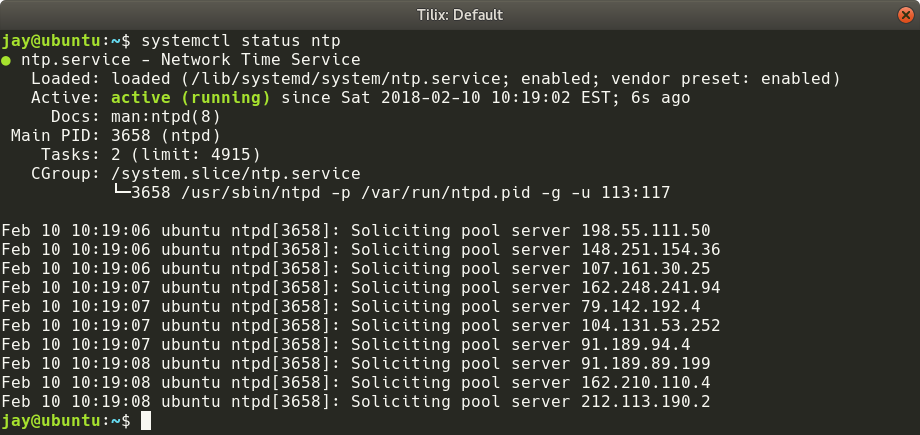
Checking the status of the NTP service
If all you wanted was a working NTP client, then you're actually all set. The default configuration is fine for most. But further explanation will help you understand how this client is...