

Deleting columns
Columns can be deleted from a DataFrame by using the del keyword or the .pop() or .drop() method of the data frame. The behavior of each of these differs slightly:
delwill simply delete theSeriesfrom theDataFrame(in-place)pop()will both delete theSeriesand return theSeriesas a result (also in-place)drop(labels, axis=1)will return a new data frame with the column(s) removed (the originalDataFrameobject is not modified)
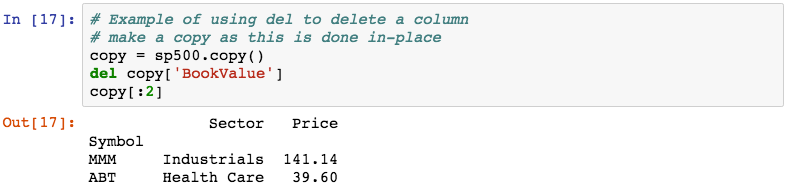
The following demonstrates using del to delete the BookValue column from a copy of the sp500 data:
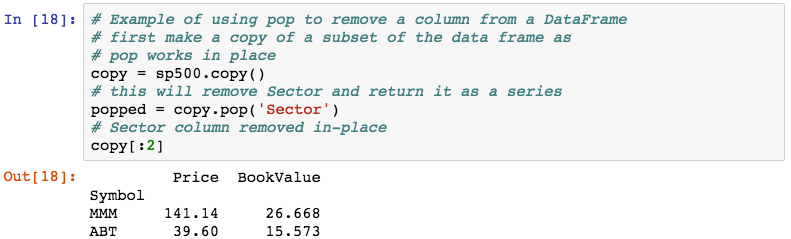
The following uses the .pop() method to remove the Sector column:
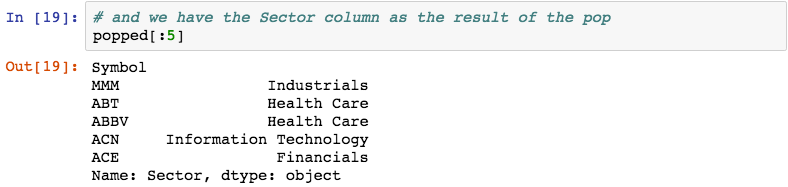
The .pop() method has the benefit that it gives us the popped columns.
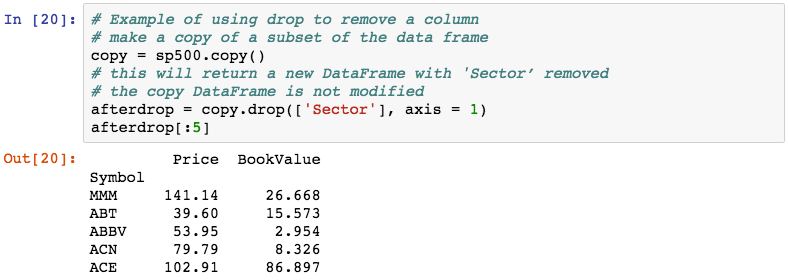
The .drop() method can be used to remove both rows and columns. To use it to remove columns, specify axis=1: